C H A P T E R 3 – C O N F I G U R I N G T H E S O F T W A R E
22
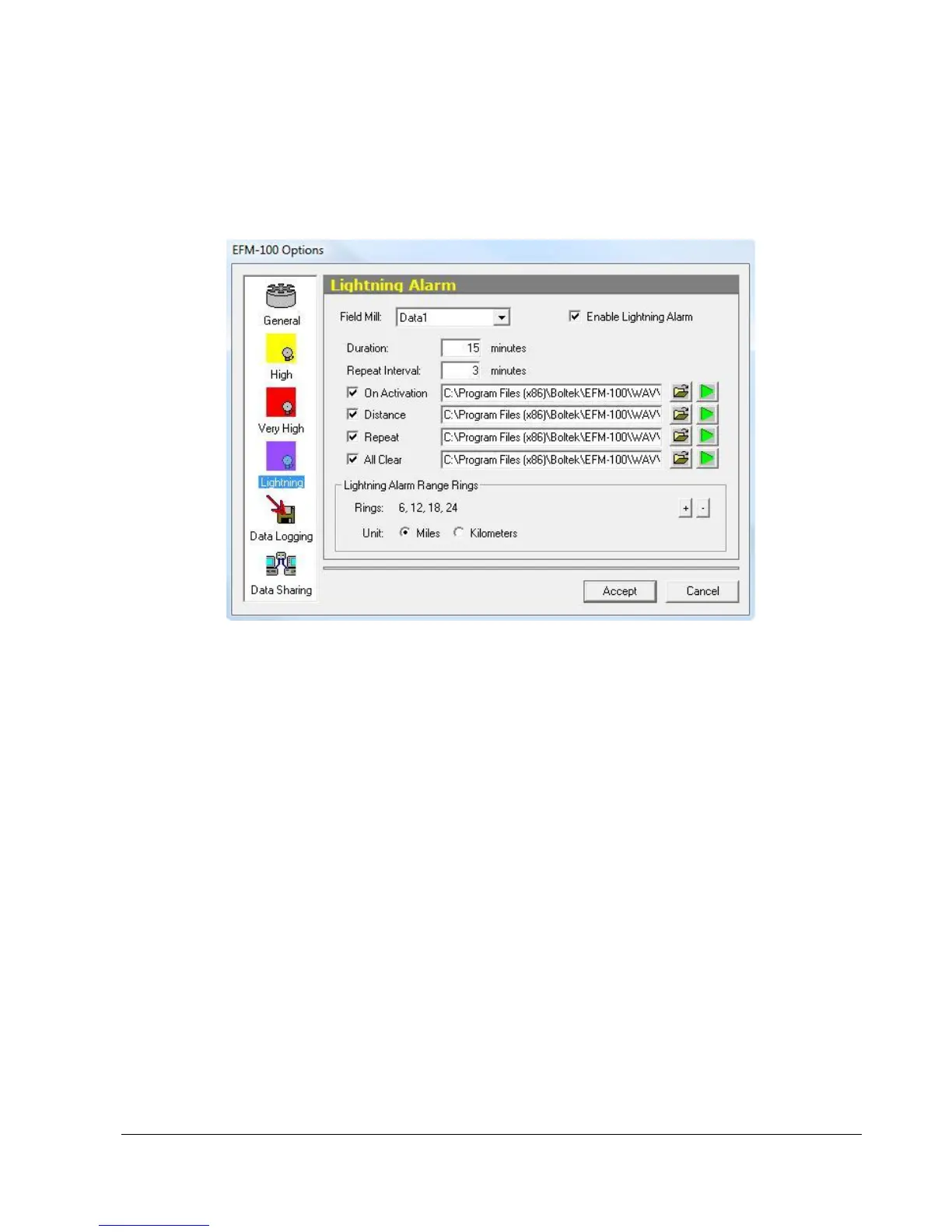
EFM Options: Lightning Alarm
Figure 20: EFM Options – Lightning Alarm
Field Mill Selector
Select the field mill for which you would like to enable or disable alarms.
Enable Lightning Alarm Checkbox
Check this checkbox to enable the Lightning Alarm for the currently selected field mill.
Duration
Lightning Alarm Duration is the length of time the lightning alarm will remain active after a lightning
event is detected. For the Lightning Alarm to clear there must be no lightning events detected for the
period of the lightning alarm duration.
WAV Repeat Interval
Enter the number of minutes between repeats of the WAV sounds.



 To Next Page