EasyManua.ls Logo

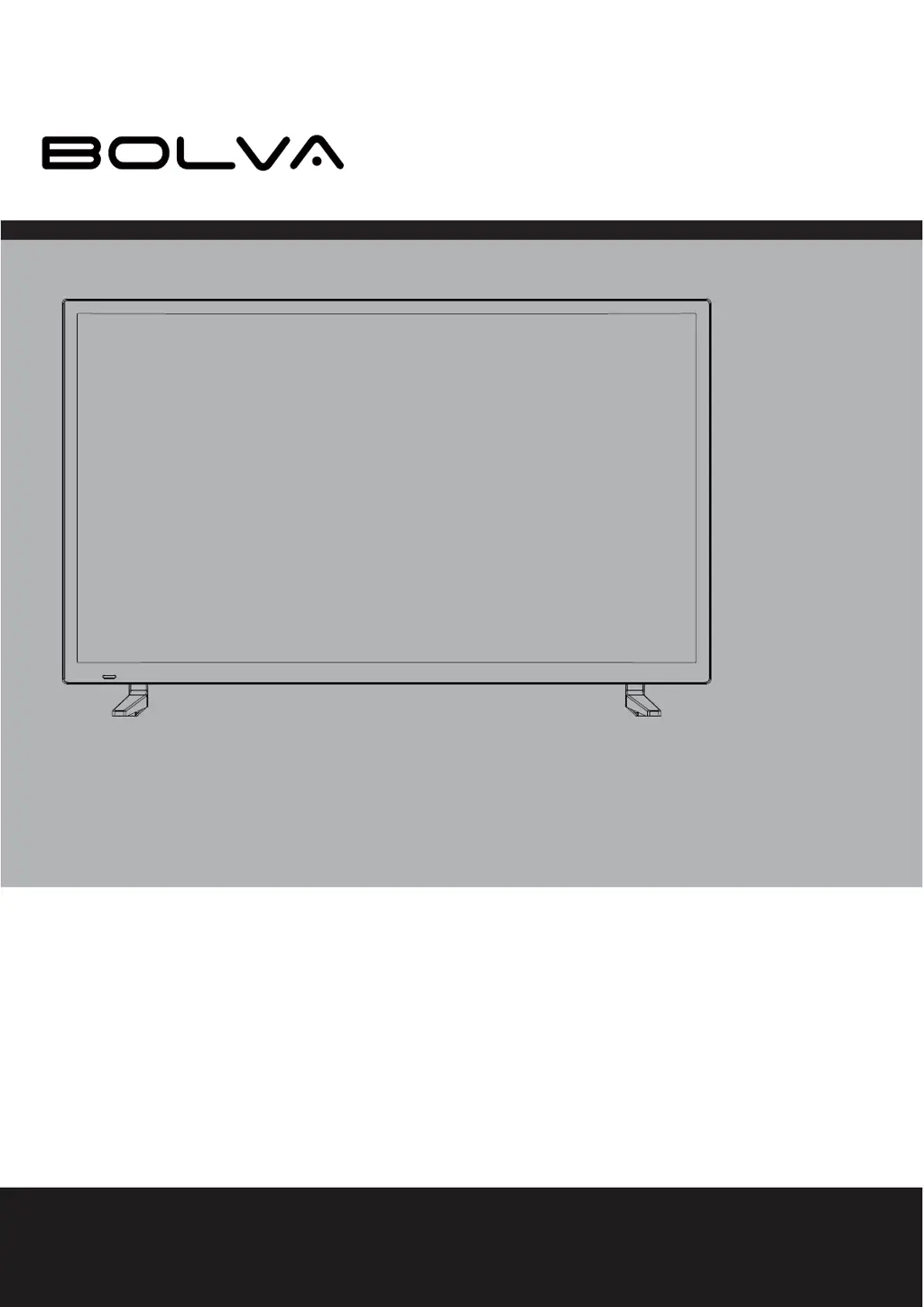
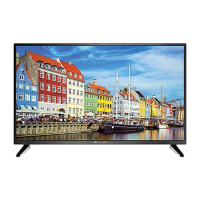
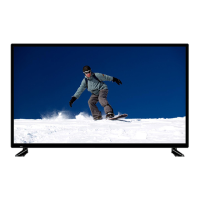
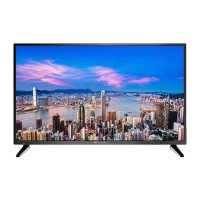
Bolva 40BL00H7-02 - User Manual

Bolva 40BL00H7-02
40 pages
Print Icon
To Next Page IconTo Next Page
Loading...
USER’S MANUAL
40BL00H7-02
40” 4K ULTRA HD TELEVISION
For technical assistance or troubleshooting please call
40BL00H7-02
40” 4K ULTRA HD TELEVISION
40BL00H7-02
1-866-594-5445 or visit www.bolvadigital.com

Questions and Answers

Summary

Important Safety Instructions

General Safety Rules

Foundational safety instructions for operating the apparatus safely and avoiding common hazards.

Specific Usage and Environmental Safety

Guidelines on cleaning, water exposure, ventilation, power sources, and installation environment.

Installation, Servicing, and Grounding Safety

Safety measures for installation, outdoor use, antenna grounding, and professional servicing.

Electrical Safety and Product Care

Precautions for electrical safety, replacement parts, wall mounting, heat, and regulatory information.

Introduction

Whats Included in the Box

Lists all the items provided in the TV package, including the remote, manuals, and accessories.

Wall Mount Information

Provides details on the VESA mounting pattern required for wall-mounting the television.

Installing the Base

Base Assembly Instructions

Step-by-step guide on how to attach the TV base using screws and proper orientation.

Remote Control

Battery Installation

Instructions on how to insert AAA batteries into the remote control handset for operation.

Remote Control Overview

Visual guide to the remote control buttons and their layout for easy identification.

Remote Control Button Functions

Detailed explanation of what each button on the remote control does and its function.

TV Overview

Front and Rear Panel Layout

Identifies the location of essential controls and indicators on the front and rear of the TV.

Rear Panel Connectivity Ports

Details all available input and output ports on the rear of the TV for connecting external devices.

Installation

Connection to HDMI Input

Guides users on connecting digital devices like set-top boxes and game consoles via HDMI.

Connection to Component YPbPr Input

Instructions for connecting devices using component video and audio cables for analog signal transmission.

Connection to Composite Input

Steps for connecting older devices using composite video and audio cables (yellow, red, white).

Connection to Antenna & Cable;Satellite Box

How to connect TV reception sources like antennas and cable/satellite boxes using coaxial cables.

Connection to a Home Theater System

Guidance on connecting the TV to audio receivers or amplifiers for enhanced sound output.

TV Setup

Initial Setup Wizard Guide

Step-by-step instructions for the initial on-screen setup wizard for language and basic configuration.

Air;Cable and Channel Auto Scan

How to configure TV connection type and perform an automatic scan for available broadcast channels.

Menu Adjustments

Picture Setting Adjustments

Options to customize picture quality including brightness, contrast, color, and sharpness.

Audio Setting Adjustments

How to adjust sound modes, bass, treble, balance, and audio output settings.

Date and Time Settings

Configuration options for sleep timer, time zone, daylight saving, and time format.

General Setup Settings

Adjustments for menu language, OSD transparency, input labels, and restoring factory defaults.

Closed Caption Settings

Customization options for closed caption display, including mode, analog, and digital CC settings.

CEC Settings

Control functions for compatible external devices connected via HDMI, like auto power on/off.

USA Parental Control Settings

How to set parental controls for blocking TV and movie programming based on US ratings.

Canadian Parental Control Settings

How to set parental controls based on Canadian TV and movie rating guidelines.

Channel Settings Management

Managing favorite channels, show/hide channels, and labeling channels for easy identification.

TV Settings

TV Provider Changes & Channel Auto Scan

Procedures for updating TV provider information or re-scanning for channels after initial setup.

Aspect Modes

Aspect Mode Selection Guide

Explains different display aspect ratios (Normal, Wide, Zoom, Cinema) for optimal viewing.

USB Modes

USB Media Playback

Instructions for viewing photos and listening to music from connected USB storage devices.

MHL Setting

Connecting MHL-Enabled Devices

Guide on connecting smartphones or tablets using an MHL cable to display content on the TV.

Specifications

Product Specifications Details

Technical specifications of the TV, including display size, resolution, power, and connections.

Troubleshooting

Troubleshooting Common Issues

A guide to diagnosing and resolving common problems like no picture, no sound, or channel reception issues.

Limited One-Year Television Warranty

Warranty Service and Support

Information on warranty coverage, how to obtain service, and contact details for technical support.

Bolva 40BL00H7-02 Specifications

General IconGeneral
BrandBolva
Model40BL00H7-02
CategoryUHD TV
LanguageEnglish

Related product manuals