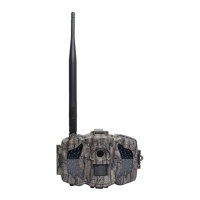
Boly Trail Camera BG310 Series
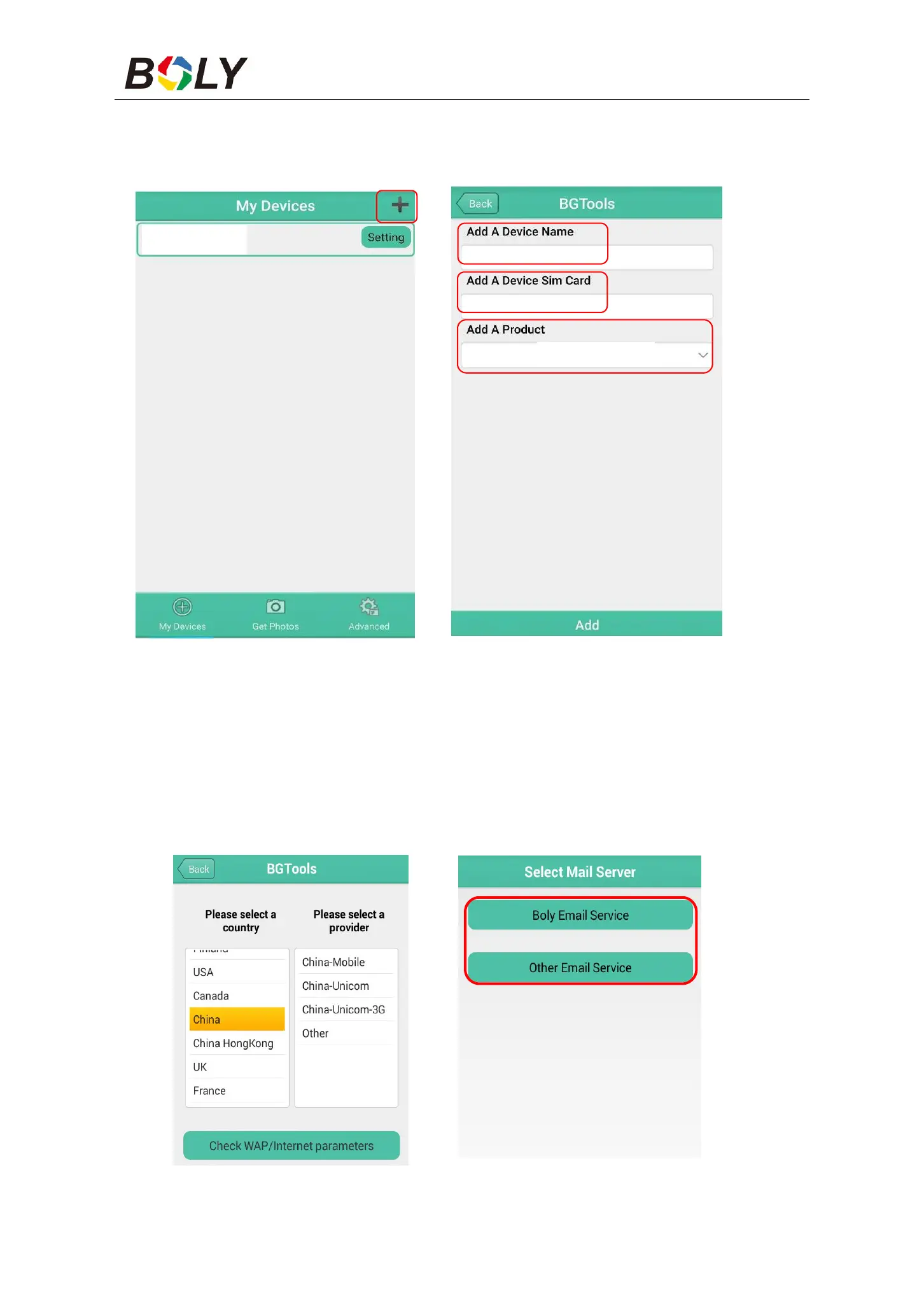
STEP 2: ①Input the model of your camera
②Input your SIM card number which is inserted in your camera
③Select your camera model number, then click “Add” to finalize.
STEP 1 STEP 2
STEP 3: Click “send,” then choose the country and provider that
corresponds with your SIM card (which is inserted in your camera).
After that, choose “Check WAP/Internet Parameters” to check
whether you have all the required parameters filled in. The “User
name and User Password” is your MMS name and password.
STEP 3 STEP 4



 To Next Page