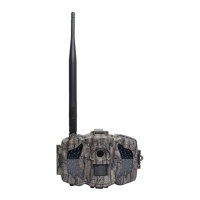
Boly Trail Camera BG310 Series
3. Camera Setup Settings & Display
3.1 Settings Interface & Display
To update the camera settings, turn the camera on to activate the
display screen.
OK/Power: Switch on and off, save parameter settings, enter or
exit playback mode
Menu: Enter or exit Menu
▲/Up: Setting items switching
▼/Down: options parameter switching, manually take a photo or
record a video
When the camera is in the ON Mode, the screen will activate and
display the following:
Indicates the camera recognizes the SIM card.
Indicates the camera or the SIM card do not recognize the
SIM card is not working due to connection/activation issues.
Note: SIM card/Signal strength/Telecom provider only appear in
models with a communication function.



 To Next Page