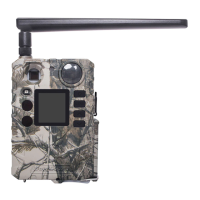
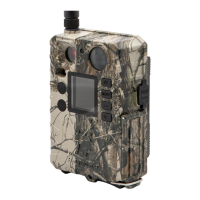
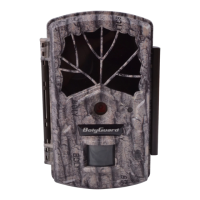
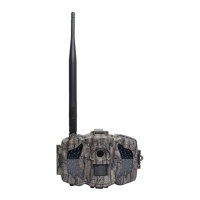
Boly Trail Camera BG310 Series
Language options include: English, Czech, German, French,
Spanish, Swedish, Finnish, Norsk,Dansk,Italian,Russian.
Default: English
There are three camera modes:
Photo: to take a photo
Video: to record a video
Picture + Video: to take a picture with a video clip. This
mode disables the photo burst function.
Default: Photo
Set the date and time of the camera. The date format is
day/month/year and the time format is hour: minute: second.
Choose the image size.
18 MP Day - 14 MP Night
12 MP Day - 10 MP Night
5 MP Day - 5 MP Night
Default: 18 MP Day - 14 MP Night
Choose the number of photos taken after the camera is
triggered: 1 Photo, 2 Photo, or 3 Photo. If Pic+Video is selected,
Photo burst defaults to 1 photo regardless of the entered value.
Default: 1 Photo
Choose the video size: 1280x720 or 640x480.
Default: 1280x720
Choose the duration of the video recording. Valid values extend
from 5-60 seconds in 5 second increments.
Default: 10 seconds
The camera can capture images or videos at a preset time
interval regardless of motion detection. Changing this setting to
a non-zero value turns on Time Lapse mode, and the camera
will take photos at the set interval time. If PIR
Trigger/Sensitivity and Time Lapse options are BOTH OFF,
the camera will not capture any photos or videos.
Default: Off
This setting is for the sensitivity of the PIR sensor. There are
four sensitivity parameters: High, Normal, Low, and Off. It is
recommended to use HIGH sensitivity in areas with little
environmental interference and warmer, humid climates. Use
LOW sensitivity for areas that have a lot of interference. The



 To Next Page