TROUBLESHOOTING
FREQUENTLY ASKED QUESTIONS
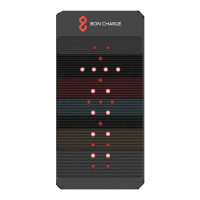
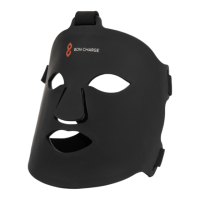
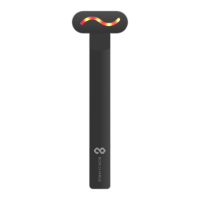
My Mini Red Light Therapy Device won’t turn on
• Ensure your Mini Red Light Therapy Device is fully charged. Click the
battery life button and if this does not light up green then your Mini Red
Light Therapy Device needs charging
• Plug the charger cable into the top of your Mini Red Light Therapy
Device and the other end into either your computer or USB plug adapter
and then into the mains. Switch on your computer or the mains power to
begin charging your Mini Red Light Therapy Device
• Ensure you are using the charging cable supplied with your Mini Red
Light Therapy Device
• If your Mini Red Light Therapy Device still won’t turn on please
contact
BON CHARGE at hello@boncharge.com for further assistance
My Mini Red Light Therapy Device won’t charge
• Ensure you are using the charging cable supplied with your Mini Red
Light Therapy Device
• Ensure your laptop or computer has power on and plugged into the
mains
• Ensure at least 2 hours of charge time
• If your Mini Red Light Therapy Device still won’t charge please contact
BON CHARGE at hello@boncharge.com for further assistance
How should I use my Mini Red Light Therapy Device?
We highly recommend using your Mini Red Light Therapy Device for
ten minute sessions about 3 inches to 1 foot away from your target
area
Do I need to wear eye protection?
Protective goggles are recommended to be worn when using red light.
These are available at BON CHARGE. We do not recommend looking
directly into the LED lights.
Why does it appear that the Near Infrared lights aren’t working?
Near Infrared light is an invisible frequency of light which our eyes
cannot detect. You can tell if these lights are working as we have
added a dim light in the LED bulbs to show they are functioning



 To Next Page