What’s in the Box?
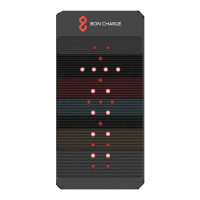
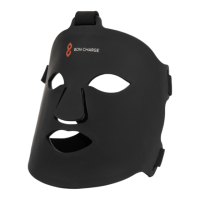
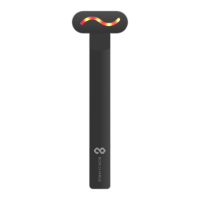
1x Mini Red Light Therapy Device 1x USB Charger
1x Travel Case
Step 1
Step 2
NIR
R
NIR
R
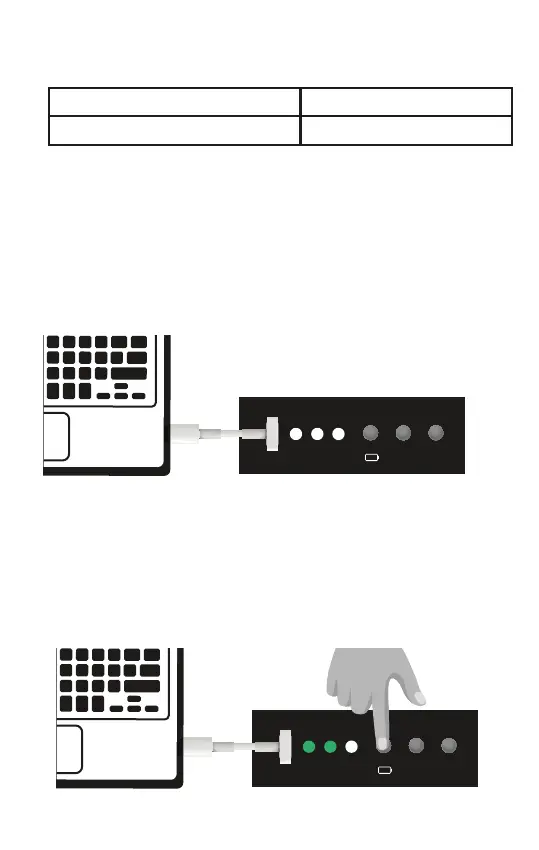
Remove the Mini Red Light Therapy Device from the box along with the
USB charger. Plug the charger cable into the top of your Mini Red Light
Therapy Device and the other end into either your computer or USB
plug adaptor and then into the mains. Switch on your computer or the
mains power to begin charging your Mini Red Light Therapy Device.
To check charge and battery level switch on the battery button as
highlighted below. Once the power has reached 3 green lights your Mini
Red Light Therapy Device is fully charged and ready to use. To switch off
the green battery level lights press the battery power button again.



 To Next Page