EasyManua.ls Logo

bon BSM-093N3G - User Manual

bon BSM-093N3G
39 pages
Print Icon
To Next Page IconTo Next Page
Loading...
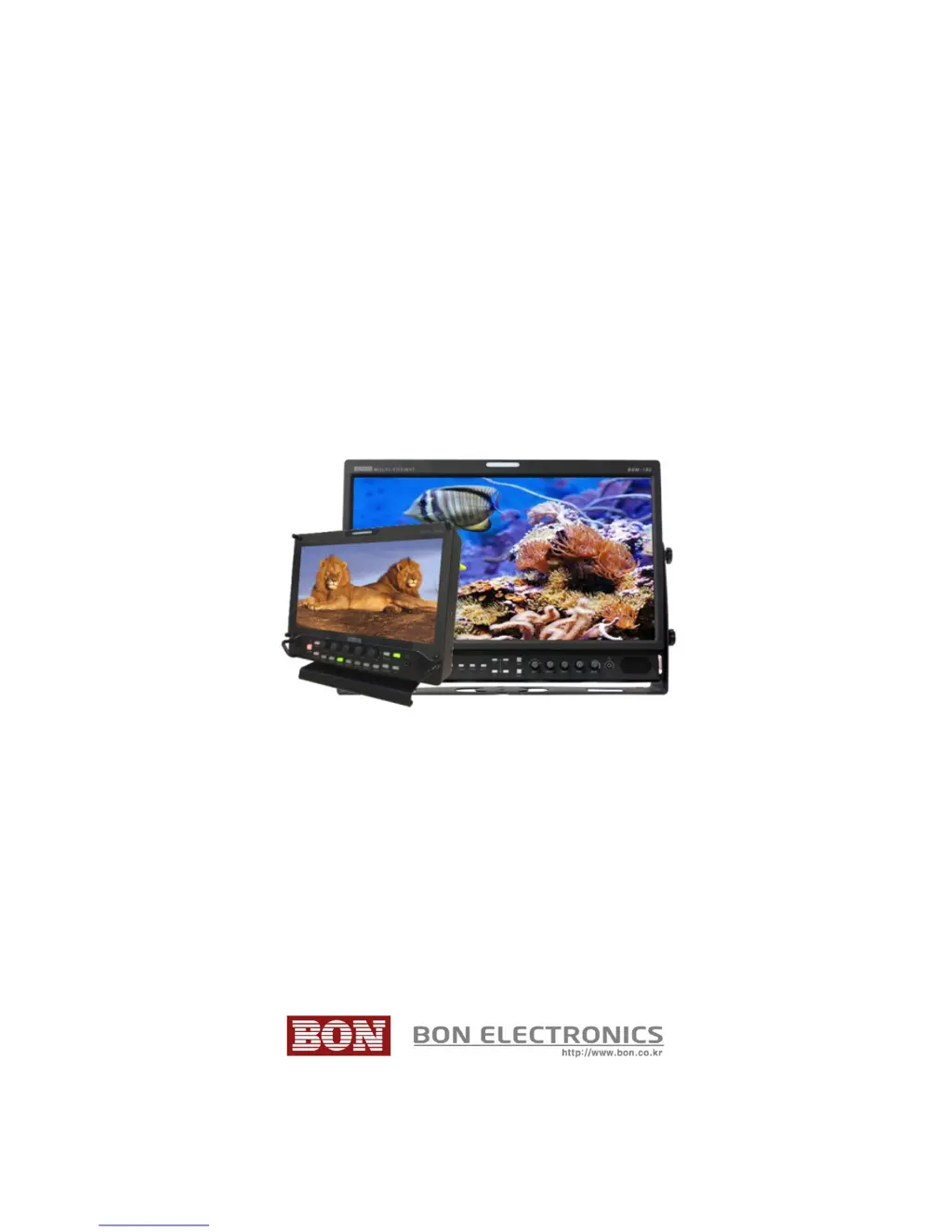
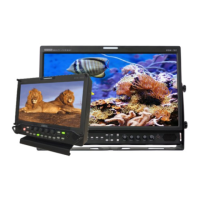
Multi-Format Broadcast Monitor
BSM-093N3G, BSM-173N3G, BSM-183N3G,
BSM-213N3G, BSM-243N3G
Users Guide

Questions and Answers

  • S
    Sean JamesAug 16, 2025
    What to do if "No Signal" appears on the screen of my bon BSM-093N3G Monitor?
    • K
      Kevin HendrixAug 16, 2025
      If you see a "No Signal" message on your bon Monitor, first check the input selection. Then, restore the Monitor to its factory default settings and try again. If that doesn't work, try a different input cable and ensure the cable is properly connected. Also, verify that the input format and frequency are supported. As a final step, test with a different input device. If this resolves the issue, the original input device may be generating a non-standard signal. Please inform us of its model name.
  • Z
    zcontrerasAug 19, 2025
    What to do if the BON logo appeared on startup, but there's no screen output when the input signal is connected to my bon Monitor?
    • R
      Richard RobinsonAug 19, 2025
      If the BON logo appears during startup, but there is no screen output when the input signal is connected, remove the input cable and check if "No Signal" appears on the screen. If you don't see "No Signal", restart the Monitor. Restore the Monitor to its "Factory Default" settings and try again. Check the cable connectivity and try a different cable. Verify the input format and frequency. Try with a different input device. If this resolves the issue, the failed input device may be generating a non-standard signal; please inform us of its model name.
  • A
    Ashley FisherAug 22, 2025
    What to do if my bon BSM-093N3G screen is black on startup, but the buttons are working?
    • A
      april91Aug 22, 2025
      If your bon Monitor screen is black during startup, with no BON logo or "No Signal" display, but the buttons are working, reconnect the power and restart the Monitor. If this issue occurs more than three times, consider calling for service.
  • A
    Alexis DoughertyAug 26, 2025
    What to do if my bon BSM-093N3G Monitor screen is black and all button lights are on during startup?
    • M
      Michael HarrisAug 26, 2025
      If your bon Monitor screen is black and all the button lights are illuminated during startup, try reconnecting the power and restarting the Monitor. If the problem persists after three attempts, it's recommended to call for service.
  • D
    Danny CarpenterAug 28, 2025
    How do I fix a strange color on the startup logo of my bon BSM-093N3G Monitor?
    • R
      Richard OlsonAug 28, 2025
      If you notice a strange color on the BON logo during startup, reconnect the power and restart the Monitor. If the issue persists after several attempts, consider calling for service.
  • A
    April LeeAug 31, 2025
    What to do if the startup logo color is ok but there is a strange color on the active screen of my bon Monitor?
    • T
      Tyrone MoralesAug 31, 2025
      If the startup logo color is normal, but the active screen displays strange colors, restore the Monitor to its factory default settings and try again. Select the Test Pattern (Internal Pattern) in the menu to see if the R, G, B colors are correct. Check the input selection. Try a different cable. If using component as input, ensure each cable is correctly connected.
  • E
    Erik DawsonSep 3, 2025
    Why do colors look different between different bon BSM-093N3G Monitor models?
    • F
      Felicia FergusonSep 3, 2025
      Colors may appear different between different bon Monitor models because different panels have different characteristics. Allow your Monitor a one-hour warmup time to stabilize the colors.
  • J
    Julie SmithSep 6, 2025
    Why do colors look different between same bon BSM-093N3G Monitor models?
    • G
      Gabriel MillerSep 6, 2025
      Even within the same bon Monitor models, colors can appear different. This is because same panels are not exactly same; they have a tolerance range among them by the Panel Manufacturer. Allow your Monitor a one-hour warmup time. * The tolerance range is in Panel Standard Document included in CD
  • M
    michael34Sep 9, 2025
    What to do if there is no audio output from my bon BSM-093N3G?
    • B
      Brittany BensonSep 9, 2025
      If there is no audio output from your bon Monitor, first check if the volume level is set to 0. Then, display the audio level meters to see its output.
  • R
    Richard SuttonSep 12, 2025
    What to do if there is a screen position mismatch on my bon BSM-093N3G?
    • S
      Shelby GraySep 12, 2025
      If you are experiencing a screen position mismatch on your bon Monitor, restore the Monitor to its factory default settings and try again. Reconnect the power and restart the Monitor. Try a different input device. If using a different input device resolves the issue, the original input device may be generating a non-standard signal; please inform us of its model name.

bon BSM-093N3G Specifications

General IconGeneral
Screen Size9 inch
Aspect Ratio16:9
Contrast Ratio500:1
Input SignalHDMI
Operating Temperature0°C
Storage Temperature-20°C to 60°C
Weight0.8 kg
MountingVESA 75mm

Related product manuals