Installation manual BMG for Creality CR-10 V1.0 10
Using custom firmware
If you have installed a custom firmware in your printer you can change the e-step
value directly in the firmware so there will be no need to put the command into the
start script.
In the file configuration.h there is a section that contains the step values for the
printer.
/**
* Default Axis Steps Per Unit (steps/mm)
* Override with M92
* X, Y, Z, E0 [, E1[, E2[, E3[, E4]]]]
*/
#define DEFAULT_AXIS_STEPS_PER_UNIT { 80, 80, 4000, 96 }
In order to set the new value of 415 cange the line to this.
#define DEFAULT_AXIS_STEPS_PER_UNIT { 80, 80, 4000, 415 }
And recompile the firmware and upload it to the printer.
If your printer is a CR-10S then you should be able to upload the new firmware
through USB, if your printer is a CR-10 then you first need to install a bootloader,
below is a link to the procedure.
http://www.instructables.com/id/Flashing-a-Bootloader-to-the-CR-10/
Note: You are making these modification at your own risk.
General usage advice
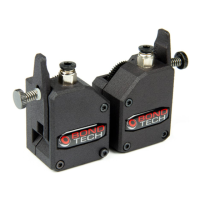
As a general setting for the Thumbscrew adjuster we recommend using the
following.
Hard filaments like PLA, ABS, PETG
Tighten the thumbscrew fully and then back it off 1.5 turns.
Soft filaments:
Tighten the thumbscrew fully and then back it off 3-4 turns.


 To Next Page