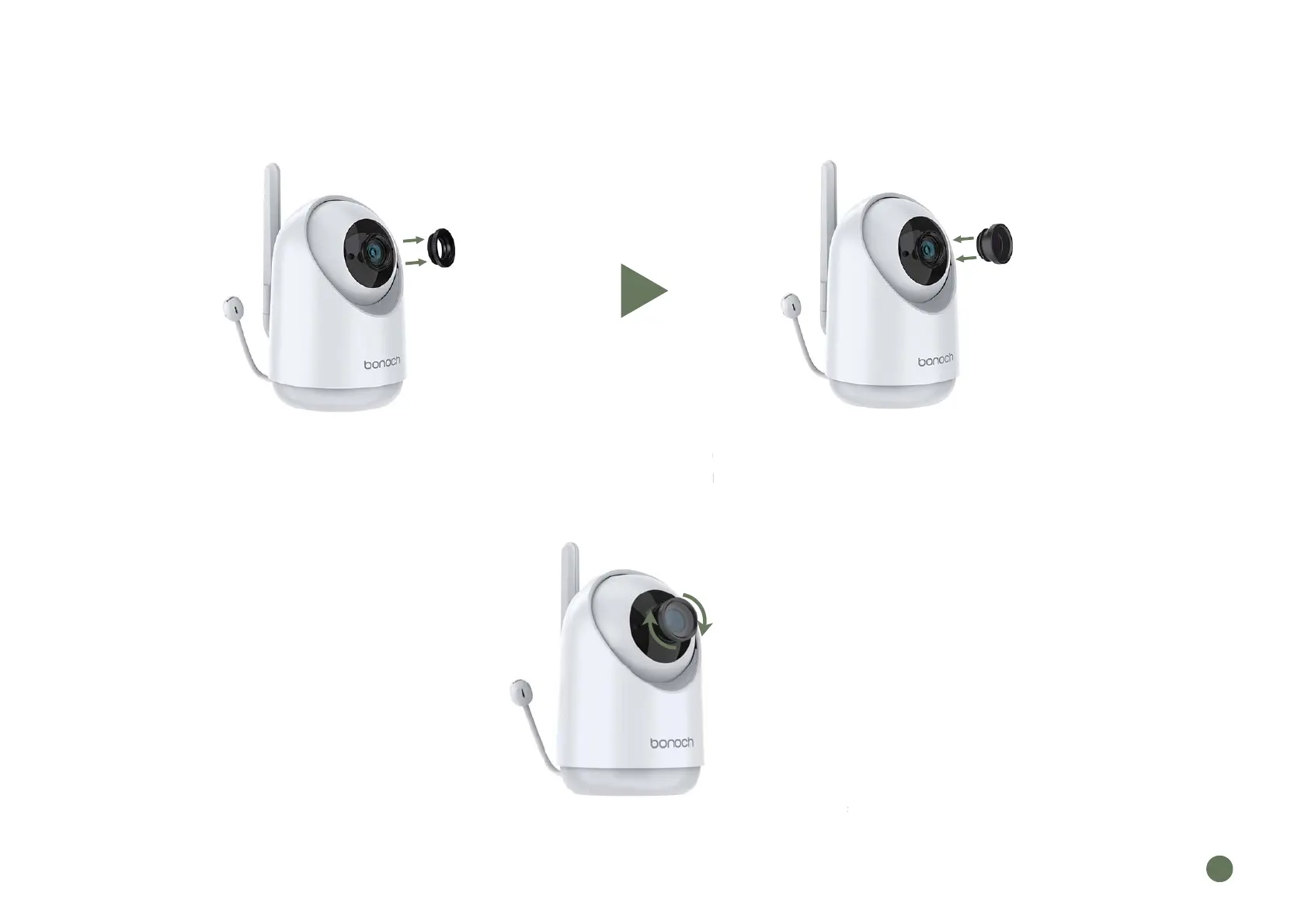
6. Replacing the Camera Len
Rotate to remove the decorative ring of
the original lens (please keep the removed
decorative ring properly, it needs to be
reinstalled later when using the standard lens)
Take out the additional wide-angle lens,
align it and screw it in, pay attention to
make sure it is installed in place
Note: After installation, remove the lens protection cover for normal use
e removed
s to be
standard lens
ali
n it and scr
make sure it is i
tallation, remove the lens
rotection cover
EN
09



 To Next Page