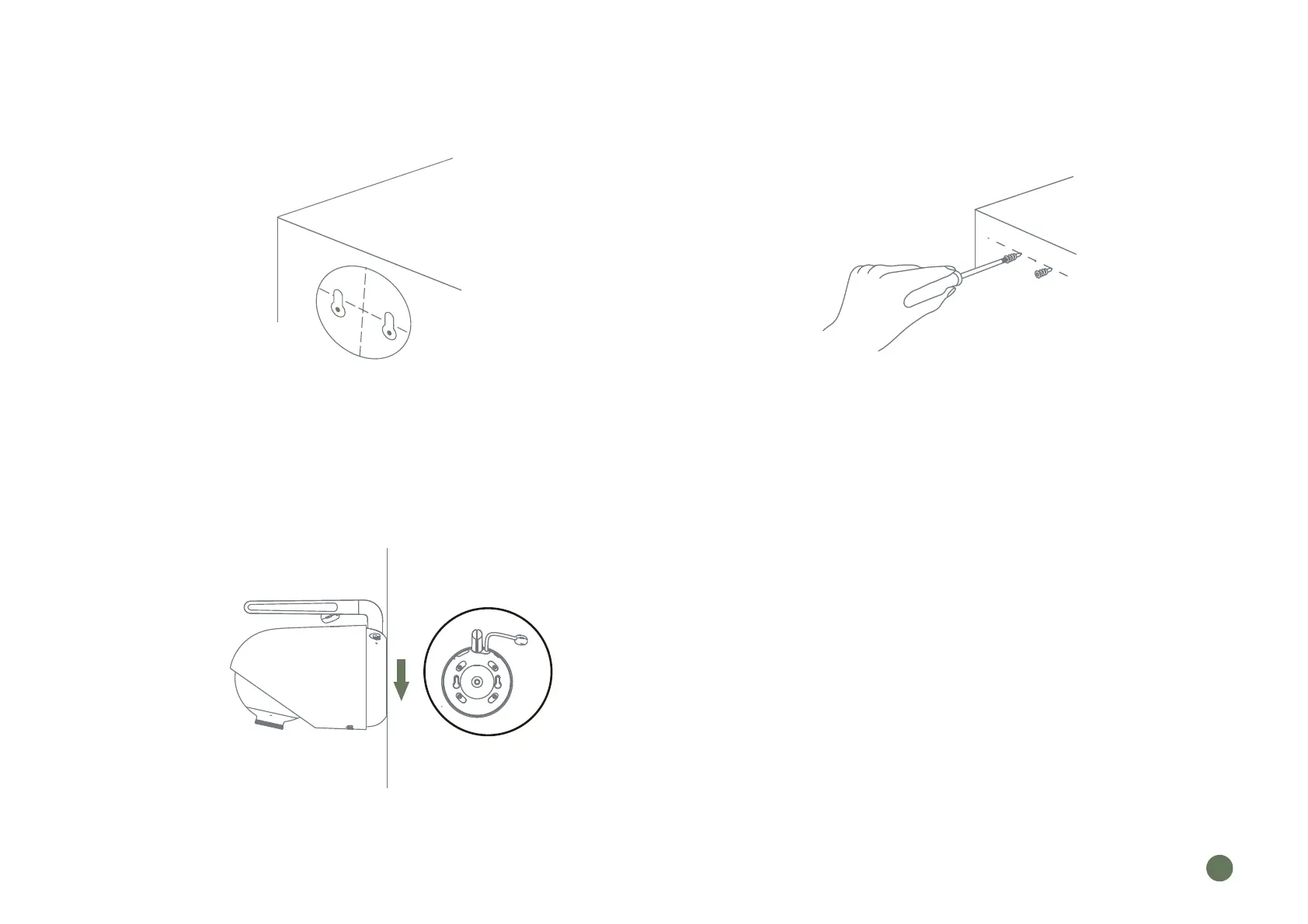
3. Camera Placement ( on the wall )
Put the camera at the pre-installation angle,
then viewing from the display monitor,
check if the angle is OK
Using positioning card included, punch two holes
horizontally apart with the same separation as the
installation holes at the bottom of the camera
Push the matching anchors into the holes.
Screw on with a screwdriver, leaving 1cm of
the screw outside of the hole
Align the camera with the protruding screw,
press and hold it down
Step 1. Step 2.
Step 3.
EN
05



 To Next Page