2. Getting Started
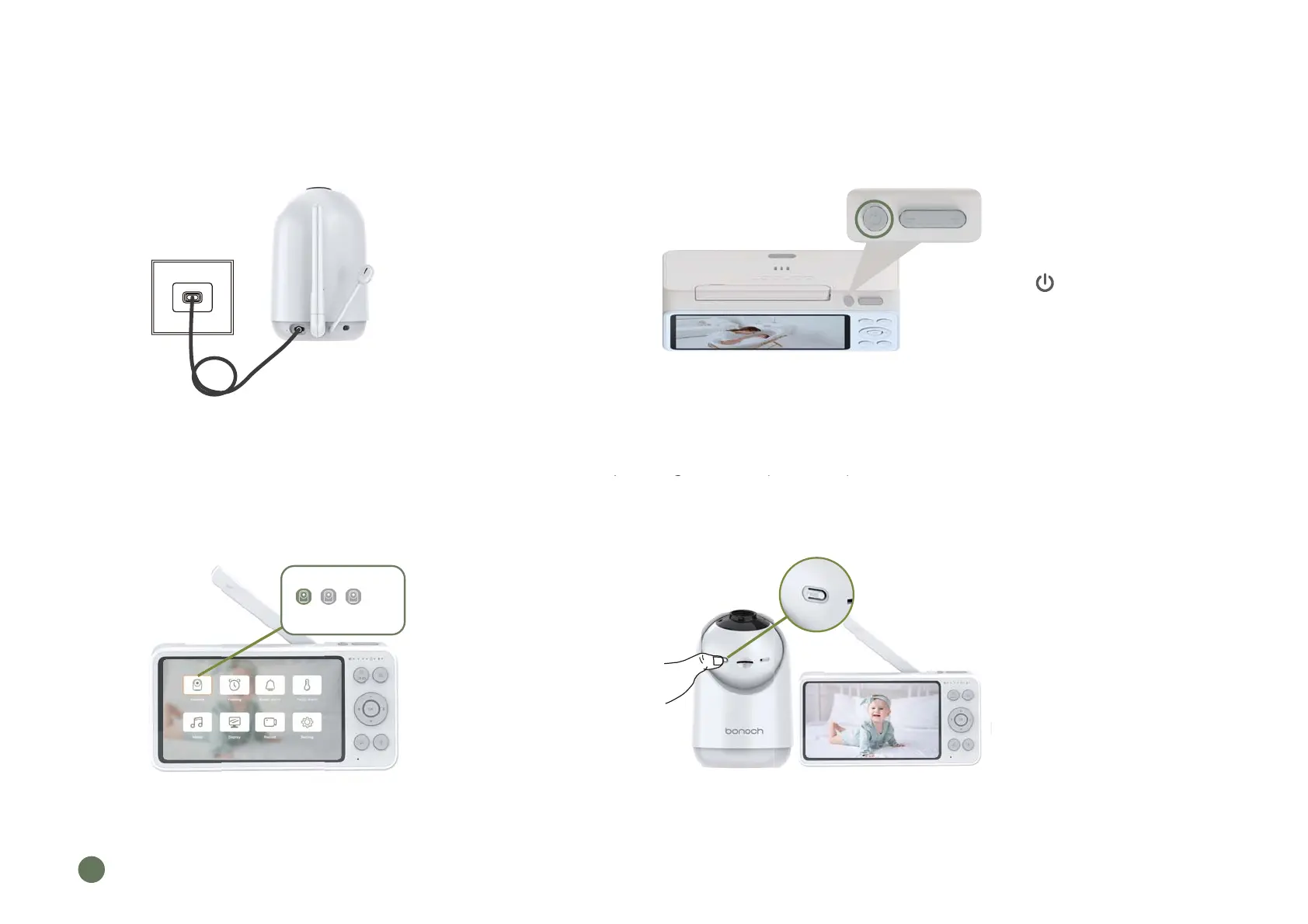
Step 1.
Connect the AC power
adapter with camera.
Plug the AC power adapter
into power socket.
Notes:The two units has already been paired in factory settings, so no repeated operation is needed in most cases.
But if the auto pairing failed or you want to add more cameras, please try step 3 and step 4.
Step 2.
Press for two seconds to
turn on the parent unit.
Step 3.
Set the parent unit to
prepare for connecting.
Step 4.
Long Press PAIR button for five
seconds until you hear the
prompt tone.
4
re cameras, p
ease try step 3 and step 4.
ng
L
EN
04
S
123
Long Press OK button to unbid



 To Next Page