DIN FRONT/REAR-MOUNT
This unit can be properly installed either from “Front” (conventional DIN Front-mount) or “Rear” (DIN
Rear-mount installation, utilizing threaded screw holes at the sides of the unit chassis). For details, refer
to the following illustrated installation methods.
DIN FRONT-MOUNT (Method A)
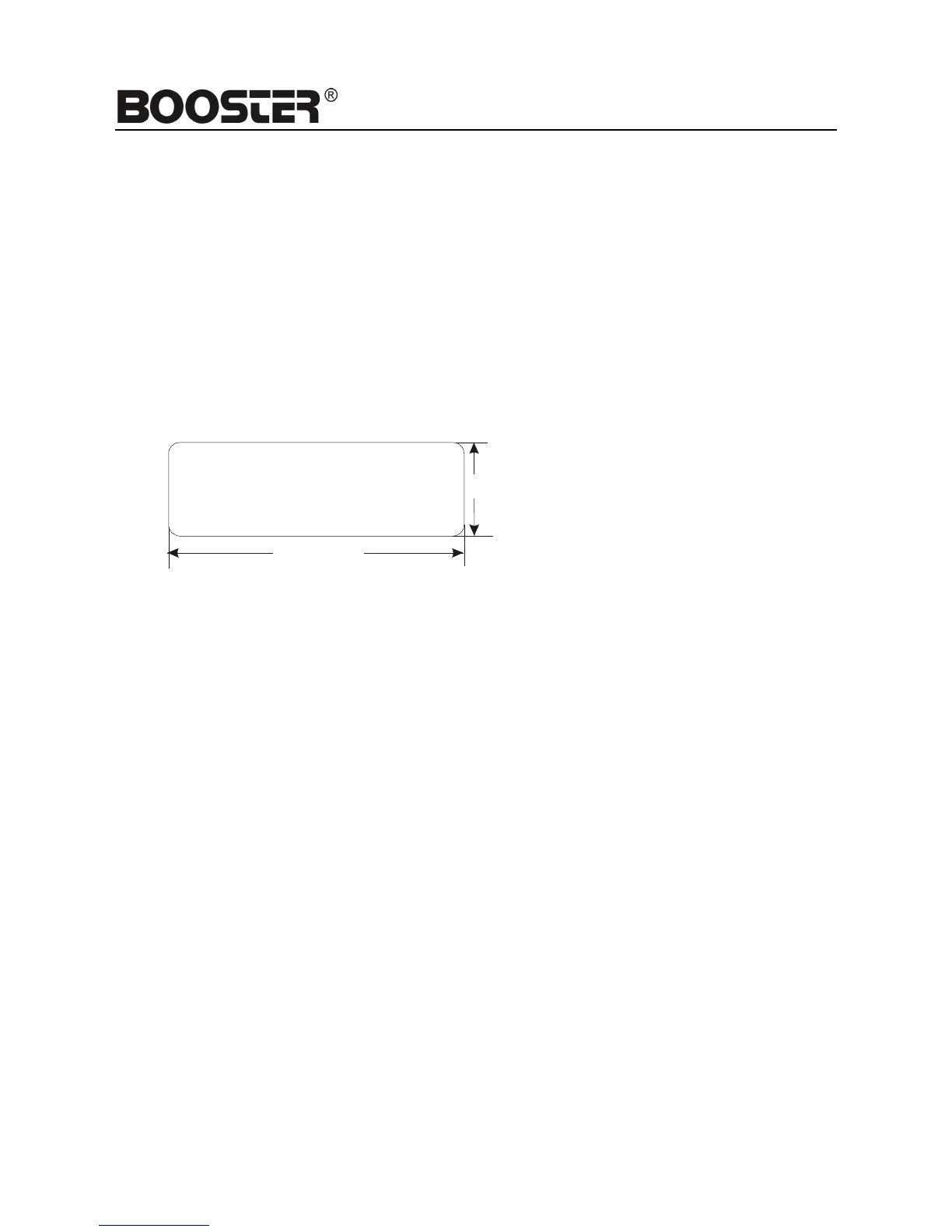
Installation Opening
This unit can be installed in any dashboard having an opening as shown below:
Installing the unit
Be sure you test all connections first, and then follow these steps to install the unit.
1. Make sure the ignition is turned off, and then disconnect the cable from the vehicle battery’s
negative (-) terminal.
2. Disconnect the wire harness and the antenna.
3. Press the release button on the front panel and remove the control panel (see the steps of
“removing the front panel”).
4. Lift the top of the outer trim ring then pull it out to remove it.
5. The two supplied keys release tabs inside the unit’s sleeve so you can remove it. Insert the
keys as far as
they will go (with the notches facing up) into the appropriate slots at the middle left and right
sides of the unit. Then slide the sleeve off the back of the unit.


 To Next Page