2.Connect your headphones to another device firmly and check if
headphones are working normally.
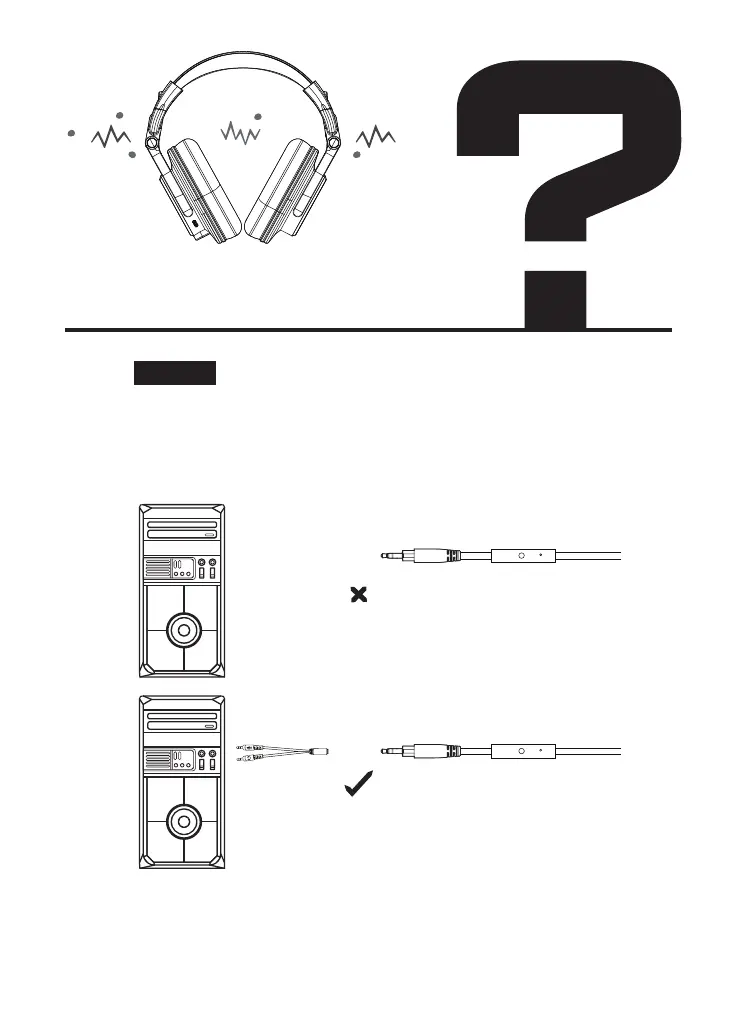
Mic& Speakers cannot work
in my laptop/ computer
Solution:
1.Please confirm whether there are two audio jacks on your
devices, one which has a mic on it and one which has
headphones on it. If so, please use to connect to your devices
via another dual 3.5mm audio cables in the box.



 To Next Page