61
EN
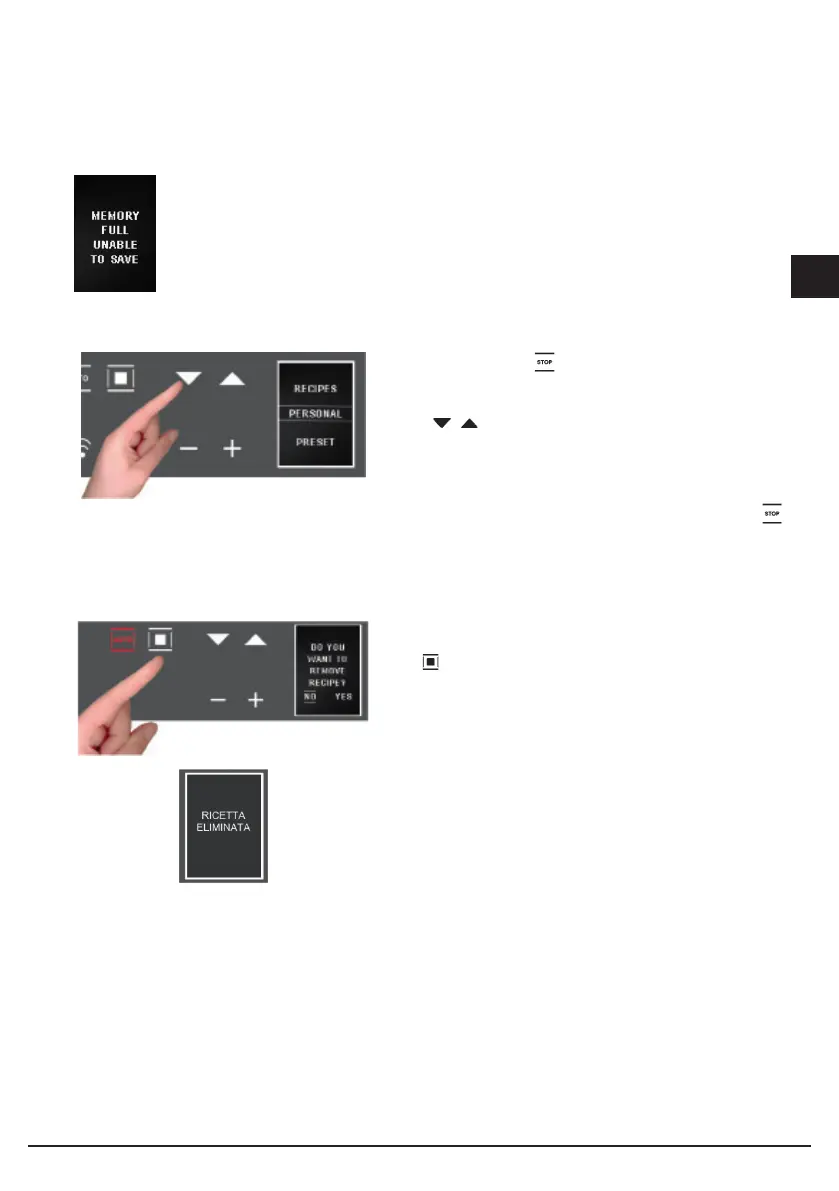
If there is insufficient memory for saving your personal recipes, you will see this
message displayed: “MEMORY FULL UNABLE TO SAVE”.
Before saving your recipe, you must delete others from the menu in this way:
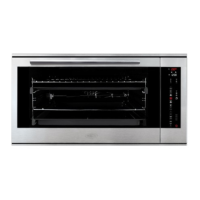
- select the function ;
- select the “PERSONAL RECIPES” section where you
will find all the saved recipes;
- with scroll the menu and select the recipe that
you want to delete.
Note: the menu provides the names by default;
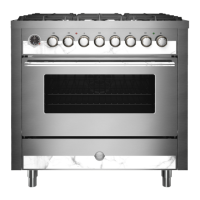
When the recipe to be deleted is displayed, select
holding it down until the next screen appears:
By default, the selection will be set to NO, but, by
pressing the + and - scroll keys, select YES and confirm
with ;
- The display tells you that the recipe has been deleted;


 To Next Page