» Press START to start the timer.
» To pause, press STOP . Press START to resume.
» Timer will beep during last 15 seconds of the countdown and alert
you when countdown reaches zero. Timer will then repeat the
countdown until you have completed all your repetitions.
» To stop the timer, press STOP .
» To reset timer to starting condition, hold CLEAR until beep
(2 seconds).
13. MEMORY MODE
SD1 helps you to track your progress by remembering your activity
record for TODAY, THIS WEEK (from Sunday to Saturday), and
LAST WEEK (from previous Sunday to previous Saturday). You can
use this data to analyze your performance. Each of the records
contains the following data: Total Steps, Calories, Distance, and
Active Time.
TO VIEW YOUR RECORDS
» Press MODE 3 times to get from TIME to MEMORY.
» Total values for TODAY will scroll on the display: Steps, Calories,
Distance, and Active Time.
» Press START to move to THIS WEEK’s record.
» Press START again to move to LAST WEEK’s record.
» Repeat pressing START to see daily totals for each of the last 7 days.
» Press – to move through the values within any record.
» To exit, press MODE (to return to TIME Mode, press MODE twice
from MEMORY Mode)
TO CLEAR YOUR RECORD
»»In MEMORY mode, press START to select the record that you
want to clear.
»»Hold CLEAR for 2 seconds.
13
8. MANUAL HEART RATE LOCK
To prevent the Smart Touch Heart Rate sensor from accidentally
reading your heart rate (e.g. the sensor comes into contact with
clothing or skin), you can use the Heart Rate Lock feature. This will
also help to prolong your SD1’s battery life.
» To turn the HR Lock on, in any mode
(except while changing settings), press
and hold the START button. The HR
lock icon will display.
» To turn HR Lock off , press and hold
START button.
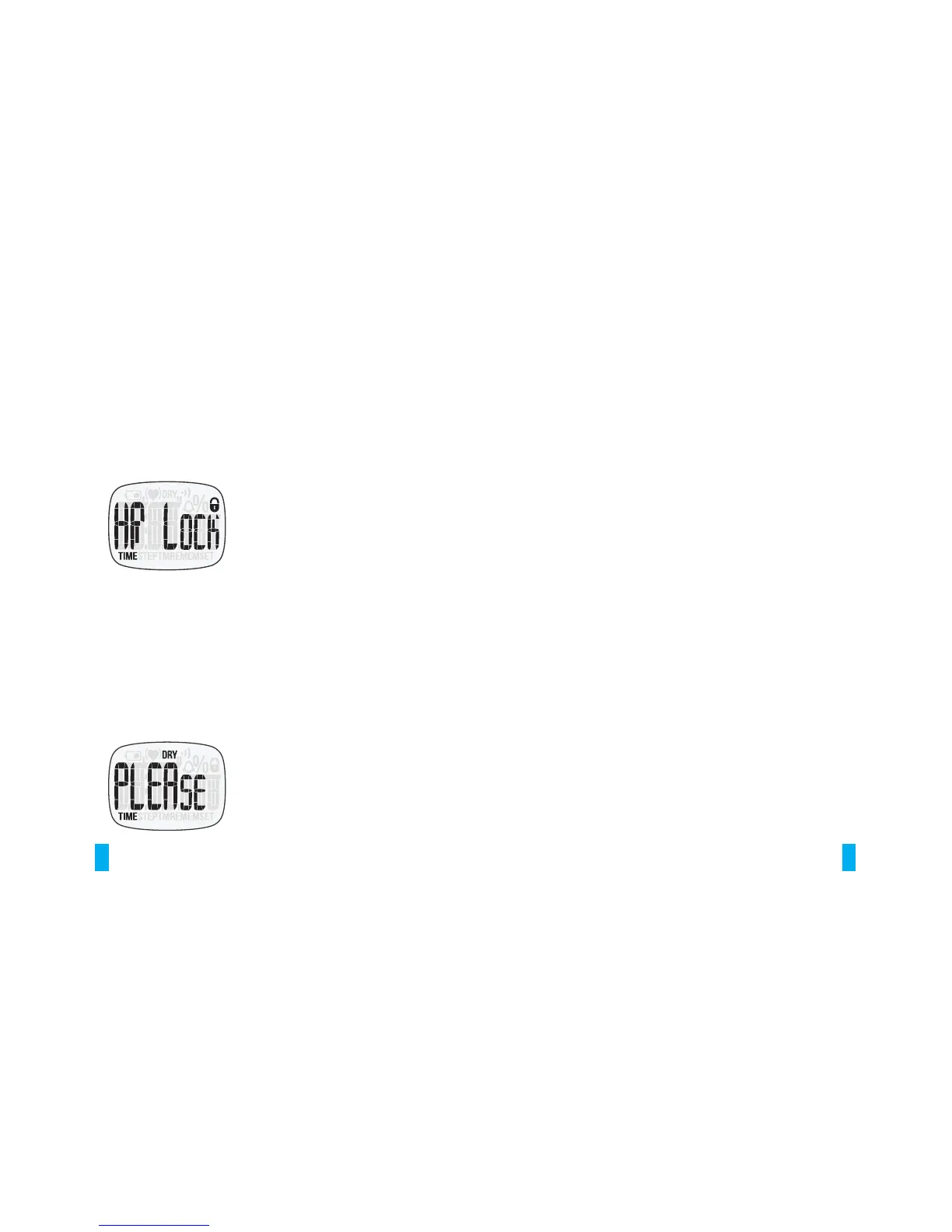
Note: If you try to measure your heart rate when this lock is activated,
the ‘HR Lock’ screen will display to remind you to unlock manually.
9. AUTOMATIC HEART RATE LOCK
Your SD1 is not suitable for heart rate measurement during any
underwater activity (such as swimming or showering). The watch
will automatically shut down the Smart Touch sensor during these
kinds of activities in order to preserve the battery life. That means
you can still wear and use your SD1 as a regular watch while
underwater (see Specifications & Limited Warranty details), but HR
measurement function will not be available until you dry your watch.
08
Once your SD1 is locked due to contact
with water, the DRY icon will flash to
remind you to dry your watch. This
lock will be disabled automatically
once the watch is thoroughly dry. Use


 To Next Page
 Loading...