Interfaces, Ports & Connectors
6–21
1070 073 822-104 (02.06) GB
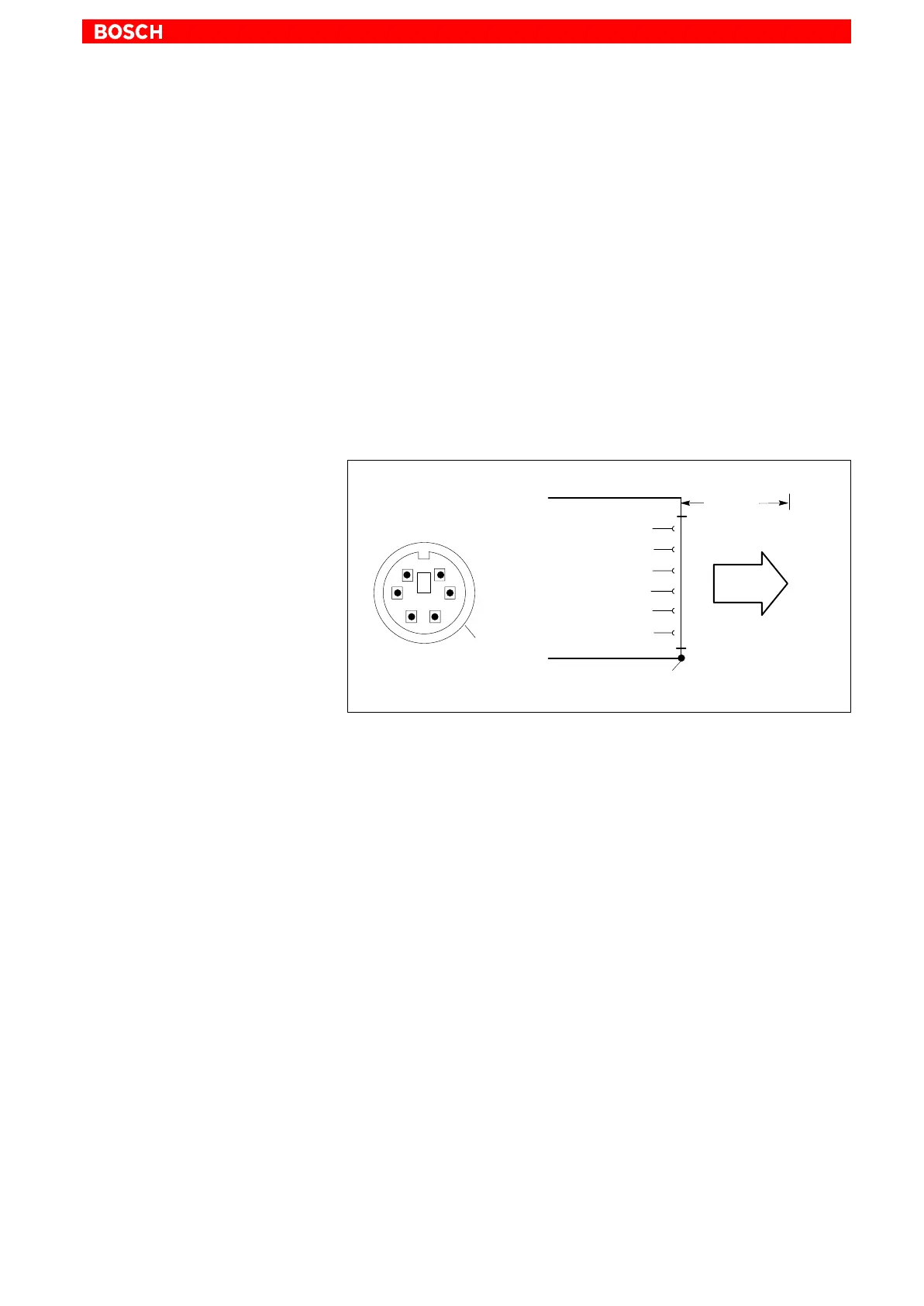
6.8 Mouse port
Mouse PS/2 mouse port
. Use this connection only if no mouse is connected to the “Mouse” port
of the IPC.
Otherwise, faulty mouse operation may occur.
Female PS/2 mini DIN, 6-pin
Cable length: Max. 1.5 m
Cable type: Screened, min. cross-section 0.14 mm
2
Interrupt (IRQ): 12
BIOS preset: IPC: PS/2 Mouse Support: Enabled
1
2
3
Mouse Clock
Mouse Data
4
Mouse
5
max. 1.5 m
Mouse
GND
+5 V
Screen applied to metal shell of
DB9 plug connector
Screen
21
4
3
6
6
5
Mouse
If the system fails to recognize the PS/2 mouse, the interface in the BIOS
may have set to “Disabled”, i.e., “Not Available”. Change the BIOS setting to
“Enabled” (IPC only).
The operating system will not recognize the insertion of an external mouse
after completed startup because the mouse initialization occurs during the
boot phase.
. The connected mouse must be PS/2-compatible.
The BIOS normally reserves IRQ12 for the PS/2 mouse.
If there are address conflicts, e.g., if IRQ 12 has already been occupied
by another PC expansion card, you should change the IRQ of the
expansion card to one that is still free.



 To Next Page