Installation & Operation Manual Bosch ZS Series Zone Sensors R1 | 13
Bosch Thermotechnology Corp. | 02 .2018
Data subject to change
Press Info Button this number of times Information Displayed Rnet Tag Number Read Only Inactive Text Active Text
1* Occupied Cooling Setpoint n/a
2 Occupied Heating Setpoint n/a
3 Unoccupied Cooling Setpoint n/a
4 Unoccupied Heating Setpoint n/a
5 Effective Cooling Setpoint n/a
6 Effective Heating Setpoint n/a
7 Occupied Zone Humidity Setpoint 406
8 Outdoor Air Temperature (OAT) 300
9 Aux Heat Output Command 1102
Off On
10 Effective Discharge Air Temperature (DAT) 304
11 Leaving Water Temperature (LWT) 319
12 Current Alarm Condition/Code 1300
13 Zone Mode Status 501
14 Compressor Stage 1 Status 1100
C1 Off C1 On
15 Compressor Stage 2 Status 1101
C2 Off C2 On
16 Economizer Mode Status 116
Econ Off Econ On
Table 12
* If there's an active alarm(s) condition, pressing the info button once will fi rst display the alarm
page(s) including the corresponding Rnet tag and a short text, before resuming the regular cycle
of functions.
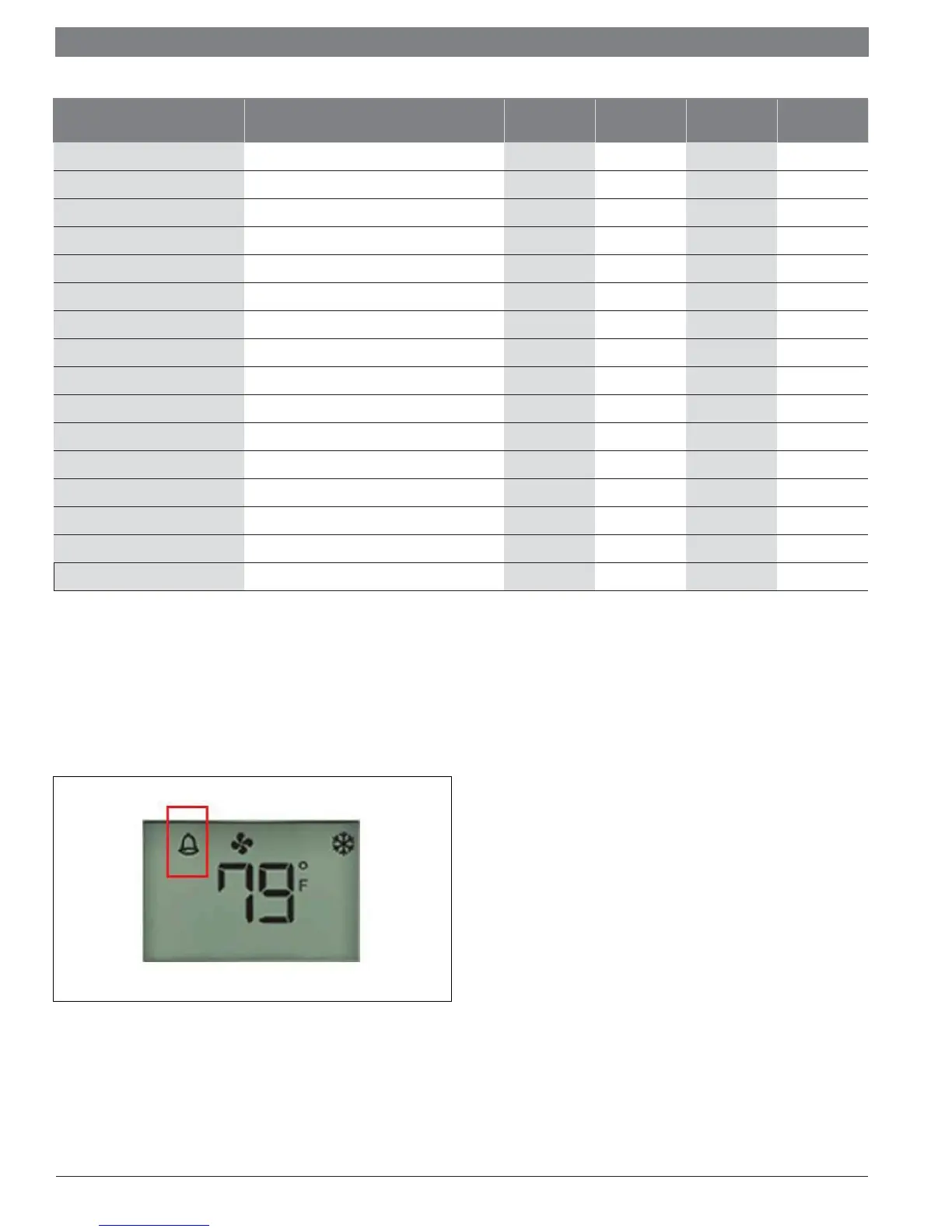
Alarm conditions are indicated by the bell symbol appearing on the Pro sensor
display (see fi gure 8).
Figure 8



 To Next Page