8
|
Bosch ZS Series Zone Sensors R1 Installation & OperationManual
02.2018 | Bosch Thermotechnology Corp.
Data subject to change
Sensor Features
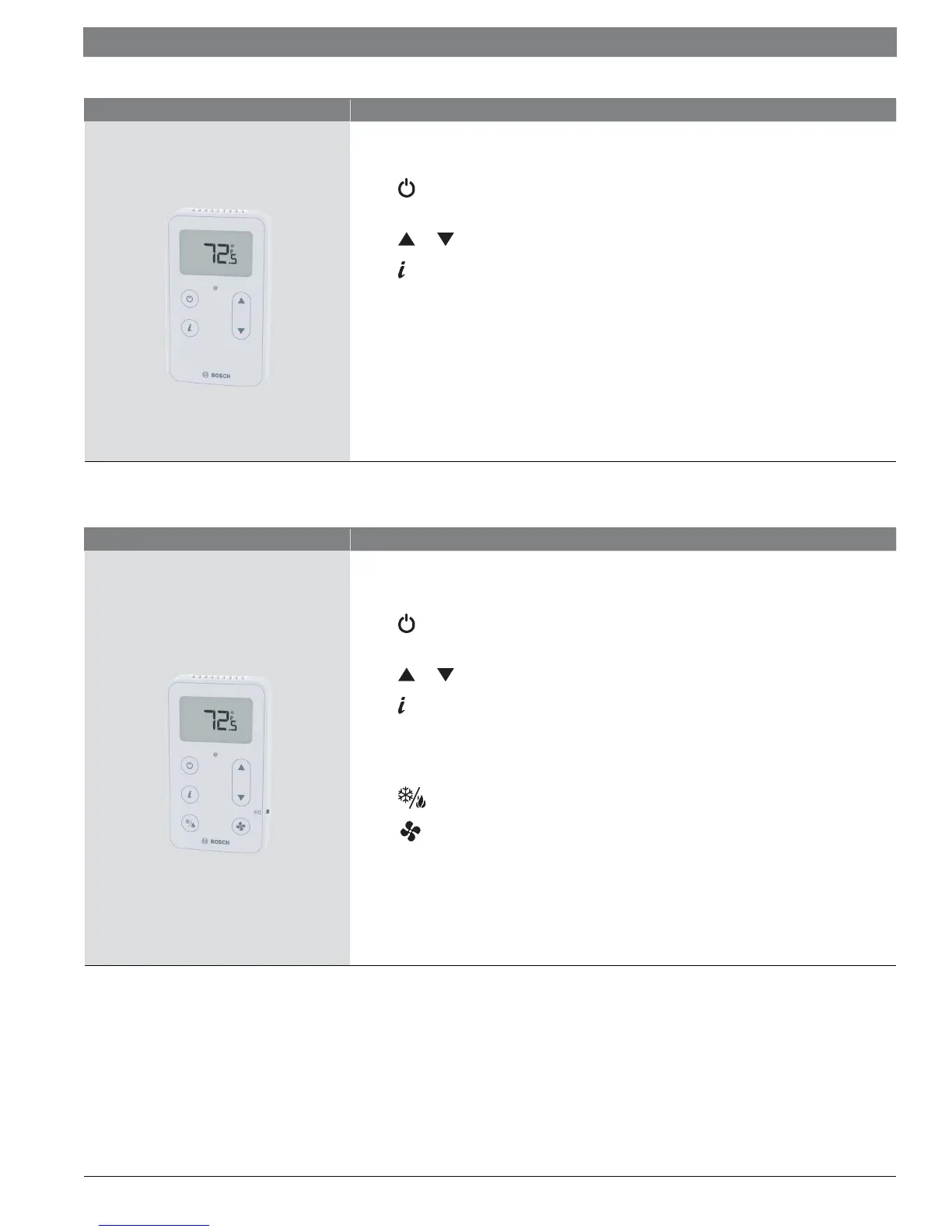
ZS Push
LCD Display
button to override the schedule and put the zone in an occupied state, or force the zone to an
unoccupied state
and buttons to change any editable property, such as the temperature or humidity set-point.
button to cycle through information defined in the control program (see Table 11 for more info)
Green LED to indicate occupied state
Local access port
Available in:
— Temperature only: ZSP-1 (8733951036)
— Temperature with Humidity: ZSP-1H (8733951037)
— Temperature with Humidity and CO2 : ZSP-1HC (8733951038)
Table 7
Sensor Features
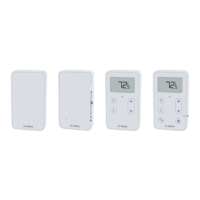
ZS Manager
LCD Display
button to override the schedule and put the zone in an occupied state, or force the zone to an
unoccupied state
and buttons to change any editable property, such as the temperature or humidity set-point.
button to cycle through information defined in the control program (see Table 11 for more info)
Green LED to indicate occupied state
Local access port
button to select different system modes (Heat/Cool/Auto/Off).
button to select between two modes of fan operation (Auto/On).
Available in:
— Temperature only: ZSM-1 (8733951039)
— Temperature with Humidity: ZSM-1H (8733951040)
— Temperature with Humidity and CO2 : ZSM-1HC (8733951041)
Table 8



 To Next Page