–
Moving and storage
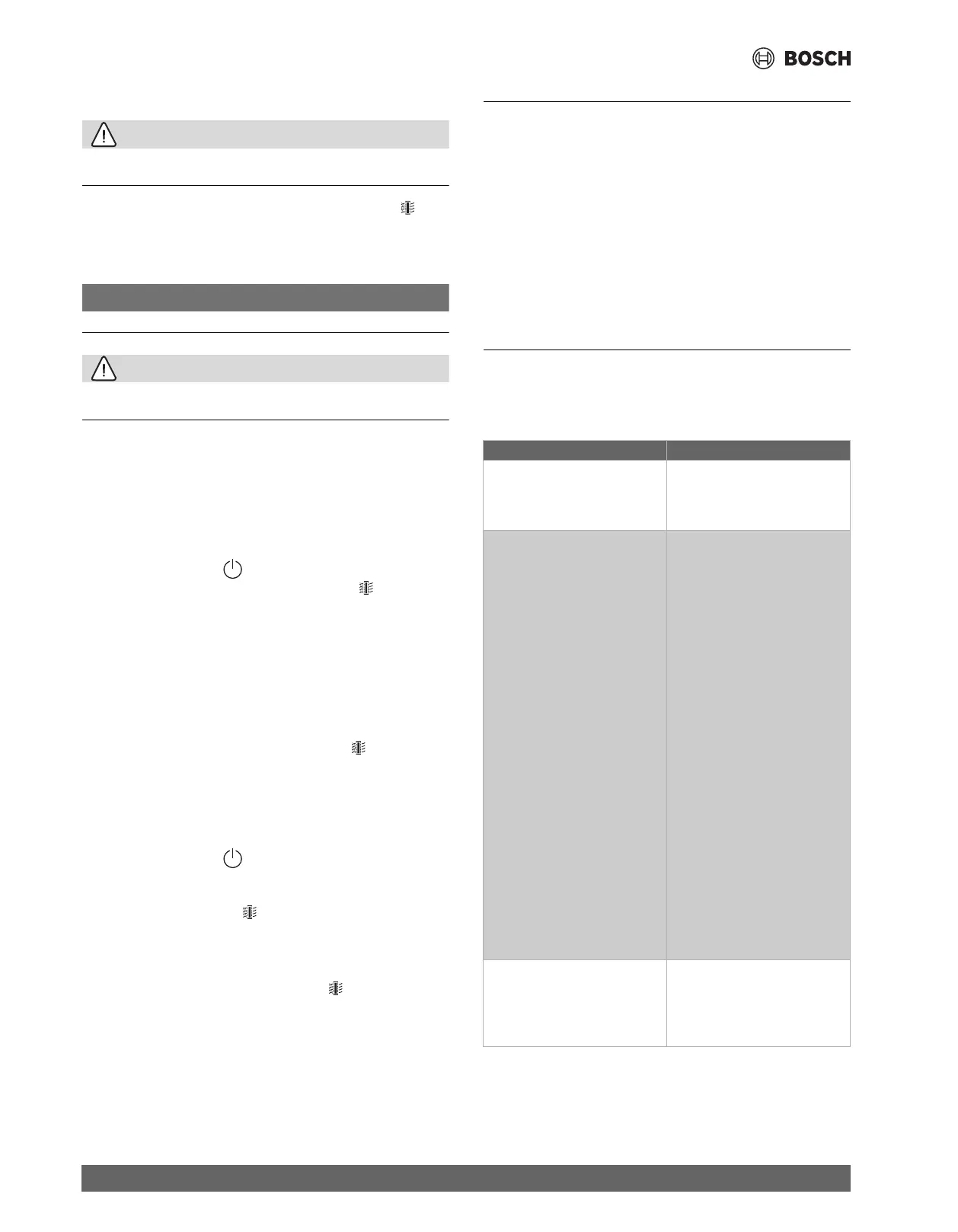
5.4 Replacing the filter
CAUTION
Wear a mask and gloves when cleaning the filter surface and/or replacing
the filter.
The air purifier is equipped with a filter replacement indicator
to
make sure that the air purification filter is in optimal condition when the
air purifier is operating.
Replace the filter as soon as possible.
NOTICE
The filter is not washable.
CAUTION
Always
turn off the air purifier and unplug it
from
the electrical
outlet
before
replacing
the
filter.
▶
Switch off the air purifier and unplug it from the power socket.
▶
Pull the back cover and remove
it from the appliance.
▶
Pull the filter from the appliance.
▶
Remove
the plastic cover of the new filter [→ Figure
6].
▶
Insert the new filter into the appliance.
▶
Reattach the cover.
▶
Insert the plug of the air purifier in the power socket.
▶
Touch the
power button
to
switch on the appliance.
▶
Touch and hold the
filter status check/reset button
for 3
seconds
to
reset the
filter
replacement counter.
▶
Wash
your
hands after
replacing the filter.
Note:
Do
not smell the filter as it has collected pollutants from the air.
5.5 Resetting the filter
When
the filter
lifetime counter reaches 0%, the screen displays
the
message "Filter status 0%" reminding the user to
replace the filter. The
message disappears when
pressing the
filter button
and will be
displayed again the next
time
the appliance is
turned on.
[→Figure
10 Message indicating the filter
needs to
be replaced]
The filter must be replaced before
the filter lifetime warning is
displayed. The
filter
lifetime
counter
needs
to
be
reset
manually
after
its
replacement:
▶
Touch the
power button
to
turn off the appliance and unplug
it
from
the power socket.
▶
Insert
the plug in the power socket.
▶
Long press the filter button
to reset the filter lifetime counter.
The interface changes between the tree messages and then returns
to the original screen.
[→Figure
11 Reseting filter messages]
To
check the filter
status, press the filter button
. The remaining
lifetime of the filter will be displayed and then returns to the previous
screen.
6 Moving and storage
Moving
•
Use two hands to
hold the appliance when moving it.
Storage
▶
Turn
off the air
purifier
and unplug it from the power socket.
▶
Clean the air purifier, the particle sensor and
the surface of the filter
(→ Chapter
5
"Cleaning and maintenance", Page
5).
▶
Let
all
parts
airdry
before
storing.
▶
Wrap the filter in
air-tight plastic covers.
▶
Store the air purifier and the filter in a
cool,
dry location.
▶
Wash
your
hands
after handling
the filter.
7 Troubleshooting
This
chapter
summarizes
the
most common
issues
that may occur
with
the appliance. If the solution
is
not found
in
the table below,
please
contact an
authorized service technician.
Problem Possible solution
The airflow that
comes out of the
air outlet is significantly
weaker
than before.
The surface of the filter
is dirty.
Clean the
surface of the filter
(→ Chapter
5
"Cleaning and
maintenance").
The air quality does not improve,
even though the appliance has
been operating
for a long time.
•
Check if the plastic cover is
removed from
the filter.
•
The filter has
not been
placed in
the appliance.
Make
sure
that
the
filter is properly
installed.
•
The
particle sensor
is
wet. The
humidity level in the room
is
high and causes condensation.
Make sure that the particle
sensor
is clean and dry
(→ Chapter
5
"Cleaning and
maintenance").
•
Room size is
large or
the
outdoor
air quality is
poor.
For
optimum purification
performance,
close the doors
and windows when operating
the
air purifier.
•
There are indoor
pollutants.
For example, smoking,
cooking,
incense, perfume or
alcohol.
•
Filter
has reached the end of
life. Replace the filter with a
new one.
The color of the air
quality light
always stays the same.
The particle sensor
is
dirty.
Clean
the particle sensor (→ Chapter
5
"Cleaning and maintenance"). If
the
air quality is good, the light
should be blue at all times.
Air 6000 6721880026 (2024/01)
6


 To Next Page