
 Need help?
Do you have a question about the Bosch DIP-3042-2HD and is the answer not in the manual?
General safety guidelines to ensure user and system safety during operation and maintenance.
Essential electrical safety measures to prevent harm and damage to the system.
Measures to prevent Electrostatic Discharge (ESD) damage to electronic components.
Guidelines for safe operation of the system, including chassis cover requirements.
Details the hardware components and connectivity options of the system chassis.
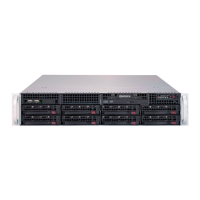
Description of main chassis components like the backplane and internal layout.
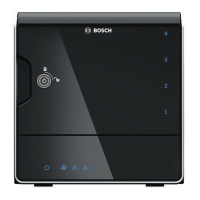
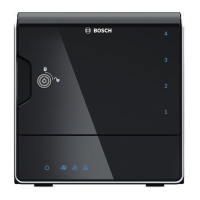
Visual identification of front panel components and LED indicators.
Explanation of LED indicators on the front panel and their states.
Explanation of LAN port LED indicators on the rear panel and their meanings.
Step-by-step guide for safely removing hard drive trays from the chassis.
Procedure for installing a new hard drive into a drive carrier.
Overview of the system setup process and the role of the Configuration Wizard.
Default IP settings and initial configuration steps for the system.
Steps to launch the system application and initiate the configuration wizard.
Detailed guide on using the wizard to configure network, time, and devices.
Procedure to restore the unit to its original factory default settings.
Instructions on how to locate further documentation for Bosch Security System products.
Legal terms and conditions for the Microsoft Windows Storage Server operating system.
 General
| Resolution | 1920 x 1080 |
|---|---|
| Camera Type | IP Camera |
| Channels | 4 |
| Compression | H.264, MJPEG |
| Network Interface | 10/100 Mbps Ethernet |
| Operating Temperature | -10°C ~ +55°C |
| Power Supply | 12 VDC |




 To Next Page