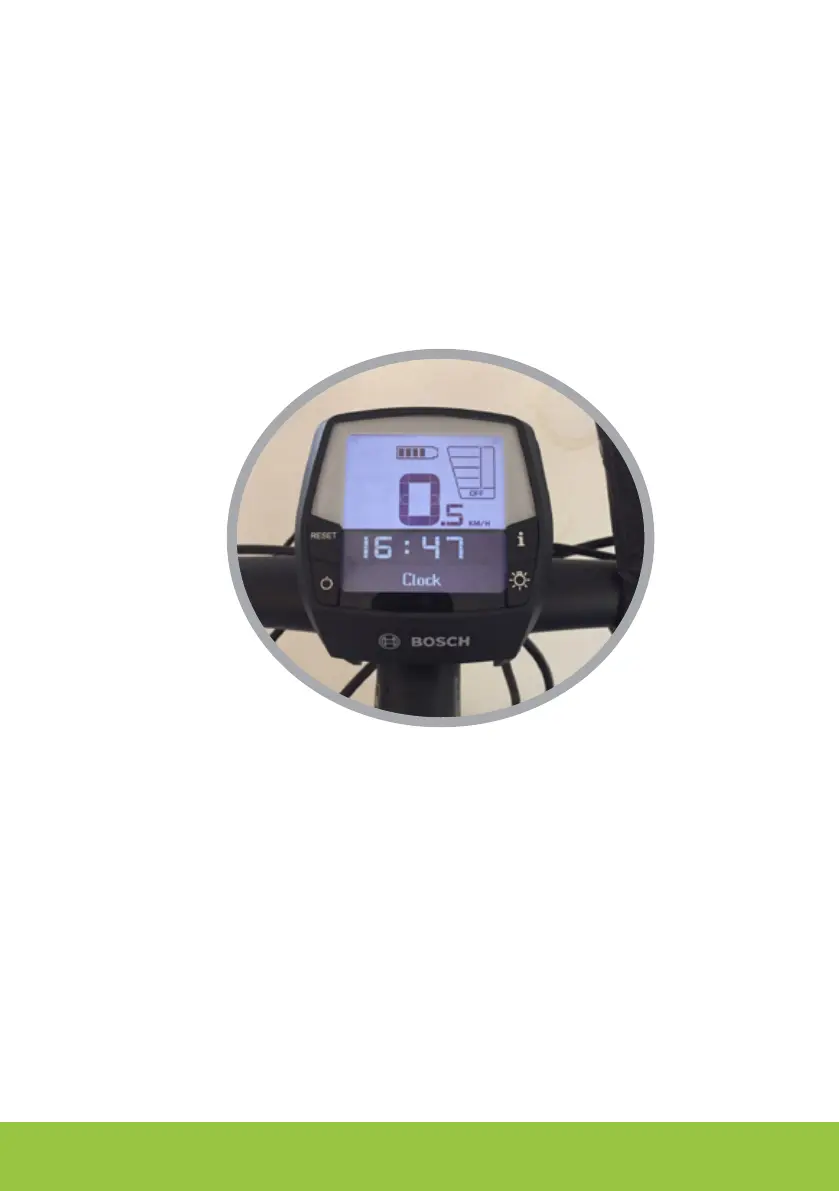
MENU O.5 - For changes to the factory settings
The SPEED UNLOCKER chip, factory mode, is set to be switched on / o using the WALK button
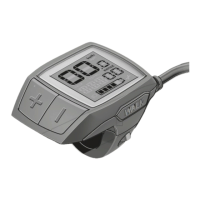
and calibrated for 27.5 “wheels (2170 mm in circumference) and to be used with Purion/Nyon
Display.
To change the default parameters follow the next procedure scrupulously:
1. Turn on the display and place the aid level in OFF mode
2. Press the [-] button on the handlebar 4/5 times until the number 0.5 appears on the display
3. 3. Move the [+ -] keys on the handlebar and enter the menu to be modied choosing between
1,2,3,4,5,6 (large number on display).
parameter [0.5] > For INTUVIAvisualization of total km done; for PURION/NYON the partial
•
and total km will be visible asusual on the display;
parameter [1.5] > Display Type (only Bosch) 1.1 Purion/Nyon (default) 2.2 Intuvia; 3.3 Nyon
•
parameter [2.5] > Choice of wheel circumference size:•
wheel circumference (default value > 21.7 equivalent to 2170 mm or 27.5” standard •
wheel) the value must be as close as possible to the real circumference in order to have a
correct reading of the speed. The use of automatic calibration is recommended (parameter
4.5);
parameter [3.5] > Choice of activation/deactivation unlock button: you can change the
•
default setting (default value> 4.4 WALK key) by choosing: 1.1 RESET key, 2.2 LIGHT key, 3.3
sequence+++ or 4.4 WALK.1.1 RESET button , 2.2 LUCI (LIGHTS) button , 3.3 sequence +++
or 4.4. WALK.
CHANG ES TO THE
YOUTUBE VIDEO:
https://youtu.be/qr_QfI5uDdc






 To Next Page