Familiarising yourself with your appliance en
11
5 Familiarising yourself with your appliance
5.1 Your appliance
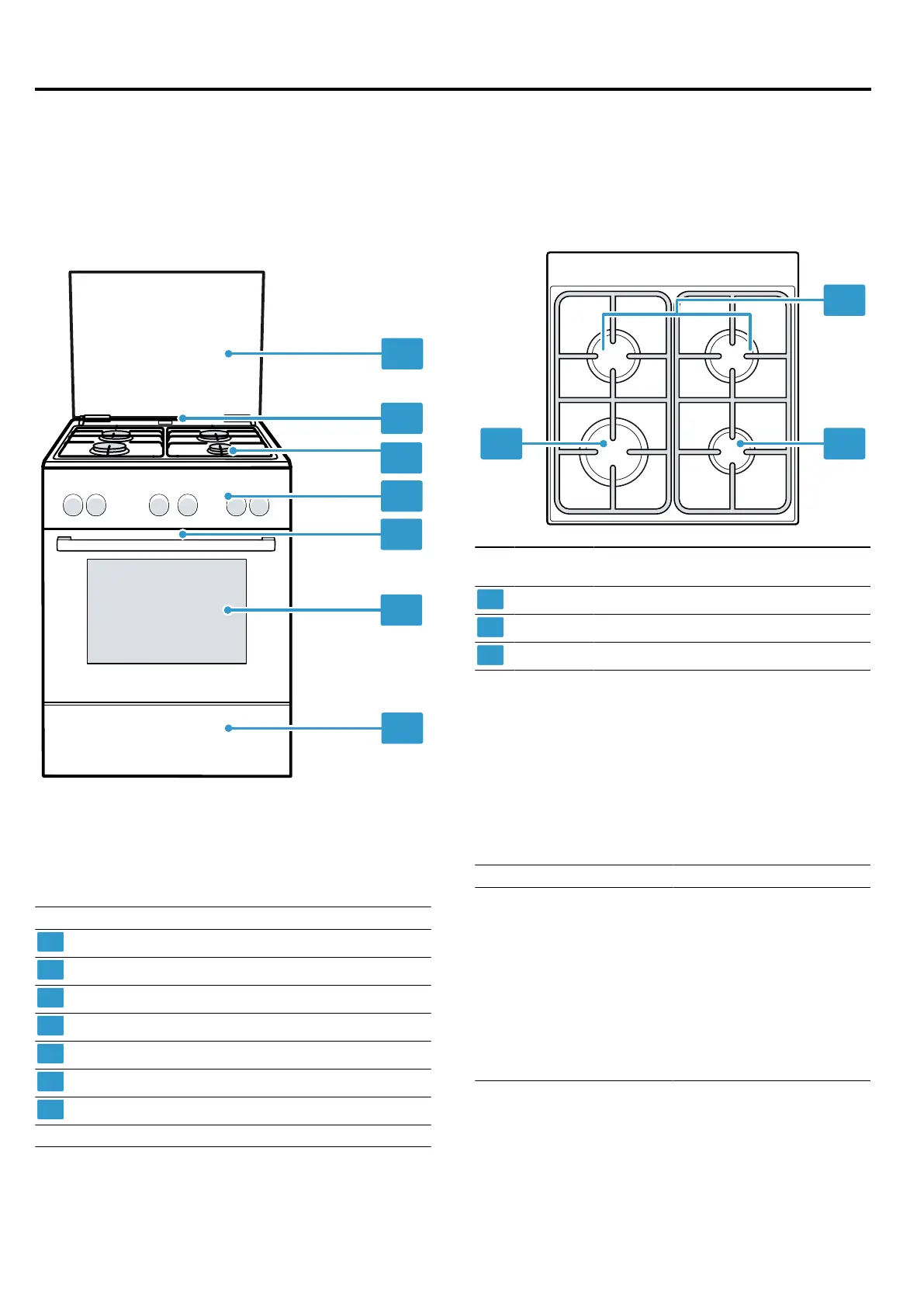
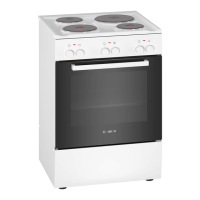
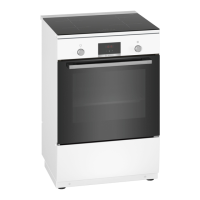
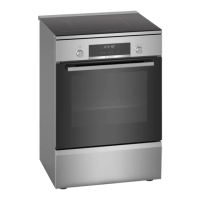
You can find an overview of the parts of your appliance
here.
Note:On certain models, specific details such as col-
our and shape may differ from those pictured.
Explanation
Top cover
1
Steam outlet
1
Hob
Control panels
Cooling fan
1
Appliance door
Plinth drawer
1
1
Depending on the appliance specifications
5.2 Hob
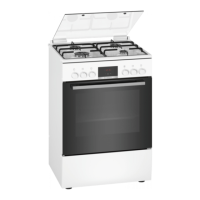
You can view an overview of the hob here.
Note:On certain models, specific details such as col-
our and shape may differ from those pictured.
Power
kW
Burner/hotplate
1,7kW Standard-output burner
1kW Economy burner
3kW High-output burner
5.3 Control panels
You can use the control panel to configure all functions
of your appliance and to obtain information about the
operating status.
Controls
You can use the controls to configure all functions of
your appliance and to obtain information about the op-
erating status.
Control Explanation
Buttons and display The buttons are touch-
sensitive surfaces. To se-
lect a function, simply
press lightly on the relev-
ant field.
The display shows sym-
bols for active functions
and the time-setting op-
tions.
→"Buttons and display",
Page12


 To Next Page