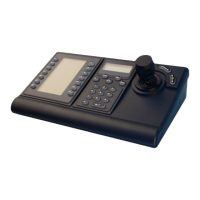
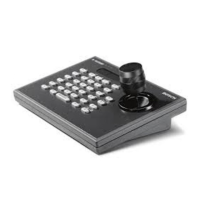
IntuiKey Keyboard Table of Contents | en iii
Bosch Security Systems, Inc. User Manual F.01U.127.291 | 1.93 | 2009.03
Table of Contents
1 Introduction to the IntuiKey Keyboard Series 1
1.1 Operating the IntuiKey Keyboard 1
1.2 The Status Display 2
1.3 The Keypad 3
1.4 The Softkeys and the Softkey Display 3
1.5 The Joystick 4
1.6 Navigating the System with the IntuiKey Keyboard 4
1.6.1 General Guidelines for Navigating the IntuiKey Menus 4
1.6.2 The Product Selection Menu 4
1.6.3 Selecting a Device for Control 5
1.6.4 Easy Switching between Devices 5
1.6.5 Using the Keypad for Numeric Entry (Camera Control) 5
1.6.6 Using the Quick Selection Softscreen Feature 5
1.7 Alarm/Alert/Action Indication 6
2 Controlling Allegiant Series Video Switchers 7
2.1 The Allegiant Main Control Menu 8
2.2 Programming and Controlling Allegiant Functions 8
2.3 Allegiant User Function Menus 15
2.4 Allegiant Error Messages 17
3 Controlling Divar Series Digital Video Recorders 19
3.1 Accessing the Divar Main Control Menu 20
3.2 Programming/Controlling DVR Functions 21
3.2.1 The DVR Main Control Menu 21
3.2.2 DVR On-screen Menu Controls 24
3.2.3 DVR Control Menu 25
3.3 DVR Error Messages 26
4 Controlling System4 Video Multiplexers 27
4.1 Accessing the MUX Main Control Menu 27
4.2 Programming/Controlling MUX Functions 28
4.2.1 Password Entry 28
4.2.2 MUX Main Control Menu Command Descriptions 28
4.3 MUX Error Messages 32
A IntuiKey Menu Reference 33
B Camera Control Command Reference 37
C Keyboard Camera Commands 41


 To Next Page