IntuiKey Keyboard | en 39
Bosch Security System, Inc. User Manual F.01U.127.291 | 1.93 | 2009.03
– Show Shot
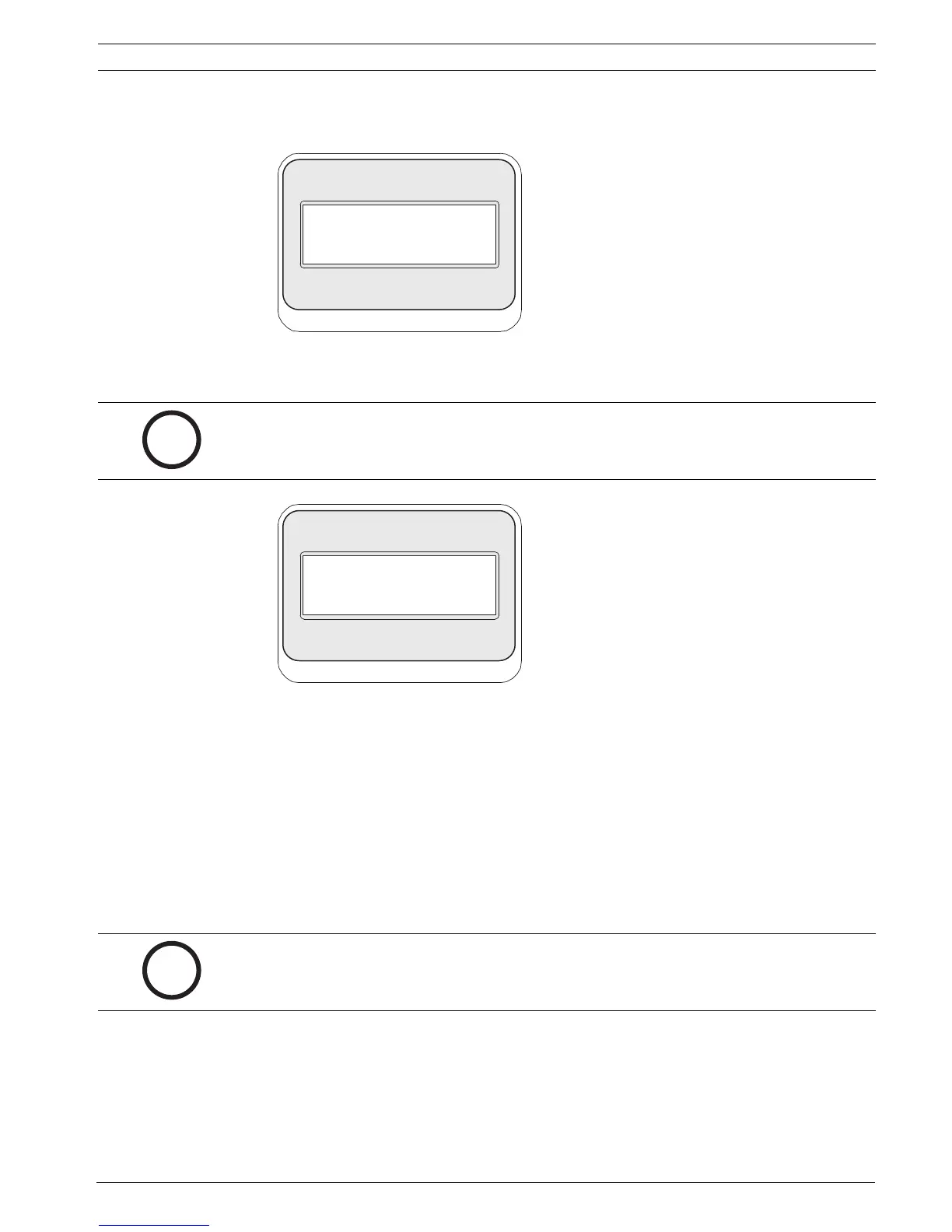
Press Keypad Shot, and the status display changes for input as shown in Figure B.5.
Figure B.5 Allegiant Show Shot Status Display
Entering a two digit shot number followed by ENTER selects a previously programmed camera
position for the currently controlled camera.
Figure B.6 Allegiant Remove Scene Status Display
– Preset Scene Control
This command is specific to G3 AutoDome cameras; pressing this key displays a camera
on-screen display.
– Remove Scene from Tour
Press Clear Shot, and the status display changes to the display shown in Figure B-6.
– Not Used
– Aux Off
Press this softkey to enter a number associated with an auxiliary command. The status
display changes to an entry box. See the individual device control section for details of
the Camera Functions menu.
NOTICE! This function is also accomplished by pressing the SHOT button (located next to the
joystick) and holding it down for more than 1 second.
NOTICE! If ENTER is held down, the Aux command auto-repeats until the key is released.


 To Next Page