en-us Familiarizing yourself with your appliance
10
Familiarizing yourself with your appliance
5 Familiarizing yourself with your ap-
pliance
Familiarizing yourself with your appliance
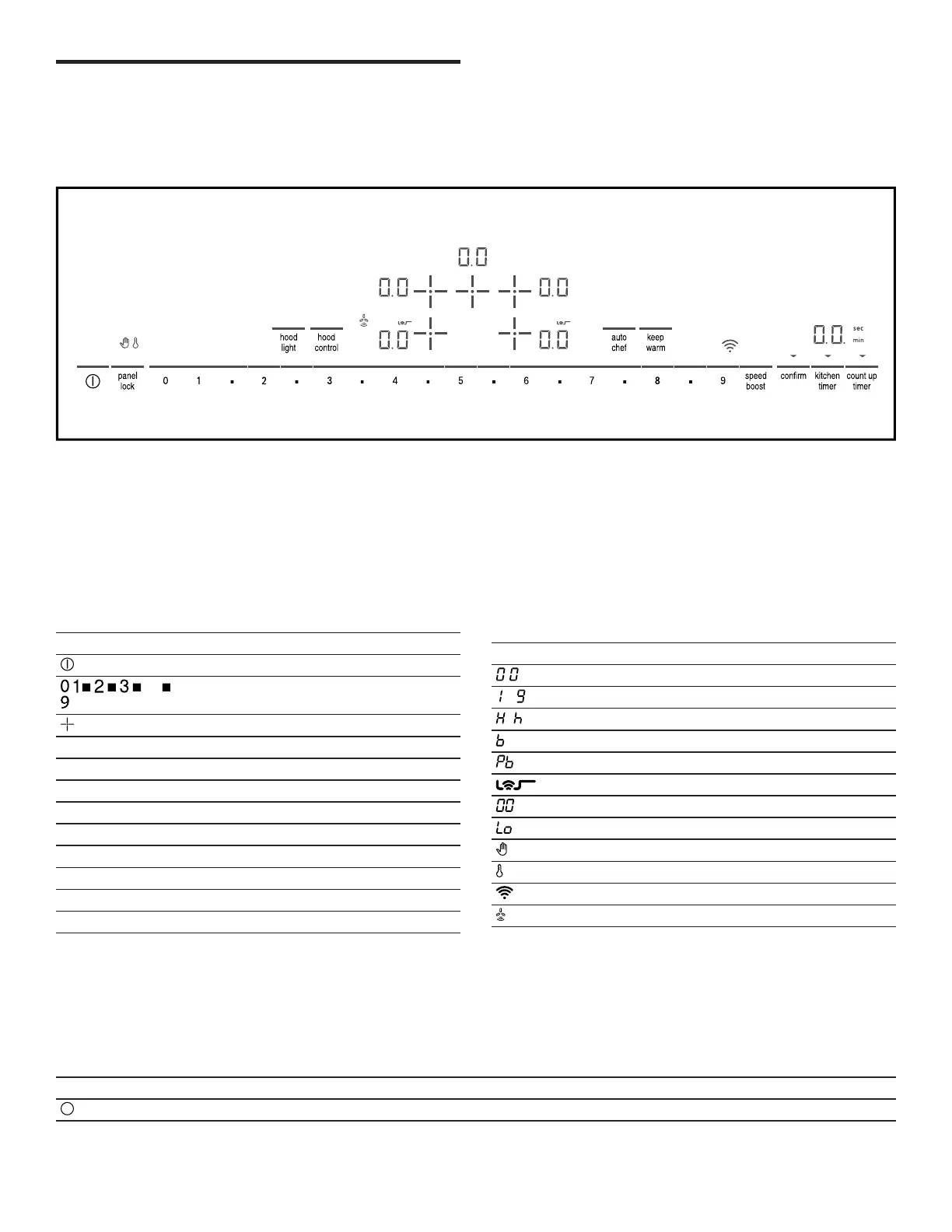
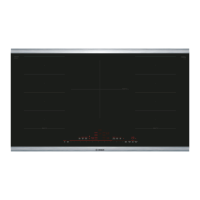
5.1 Control panel
You can use the control panel to configure all functions of
your appliance and to obtain information about the operat-
ing status.
The control panel image is representative. Your appliance
may vary slightly.
Touch keys
Touch keys are touch sensitive areas. Touch a symbol to
activate the corresponding function.
¡ The indicators above the touch keys that currently can
be selected light up.
¡ The touch keys for functions that currently cannot be
selected do not light up.
¡ The indicators for selected functions or cooking zones
light up brighter.
Touch key Function
Main switch
... Settings area
Select cooking zone
panel lock Wipe protection / Panel lock
speed boost SpeedBoost® and ShortBoost function
auto chef AutoChef® function
kitchen timer Kitchen timer
count up timer Count-up timer
keep warm Keep warm function
confirm HomeConnect™ confirmation key
hood control Hood control function
hood light Hood light control
Notes
¡ Keep the controls clean and dry. Moisture can impair
the function of the controls.
¡ Do not place cookware close to the displays and sen-
sors. The electronics may overheat.
Displays
The displays show active settings and functions.
When you select a cooking zone, the settings for this
cooking zone light up brighter.
Display Name
. Cooktop ready
- Power levels
/ Residual heat indicator
. SpeedBoost® function active
. Short Boost function active
AutoChef® active
Timer value
Keep warm function active
Wipe protection active
Panel lock active
Wi-Fi
Automatic hood control active
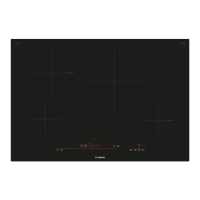
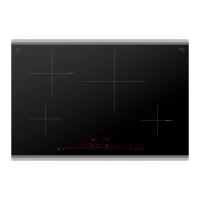
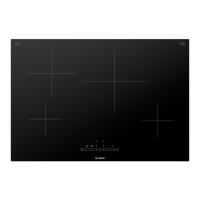
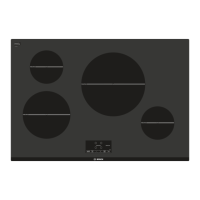
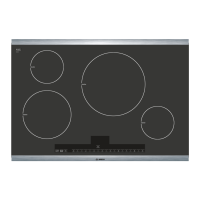
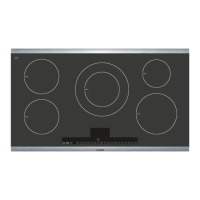
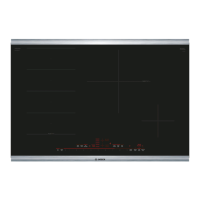
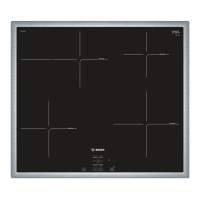
5.2 Cooking zones
Here you can find an overview of the cooking zones avail-
able on your cooktop. Place the cookware on the cooking
zone that best matches its size.
When a cooking zone is active, the corresponding displays
light up.
Only use cookware that is suitable for induction cooking.
→
"Induction cooking", Page8
Symbol Cooking zone Function
Single cooking zone Only one cooking zone size is available.



 To Next Page