en-us HomeConnect™
36
a The display shows .
4. Press repeatedly un-
til the display shows the re-
quired setting.
5. Press repeatedly until the
display shows the right value.
You can change one or more
settings.
6. To save the settings, press
for 3 seconds.
7. Close the appliance door.
HomeConnect™
15 HomeConnect™
HomeConnect™
This appliance is network-capa-
ble. Connecting your appliance to
a mobile device lets you control its
functions via the HomeConnect™
app.
The HomeConnect™ services
are not available in every country.
The availability of the HomeCon-
nect™ function depends on the
availability of HomeConnect™
services in your country. You can
find information on this at:
www.home-connect.com.
To be able to use HomeCon-
nect™, you must first set up the
connection to the WLAN home
network (Wi-Fi
1
) and to the
HomeConnect™ app.
¡ →
"Connecting appliance to the
WLAN home network (Wi-Fi)",
Page36
The HomeConnect™ app guides
you through the entire registration
process. Follow the instructions in
the HomeConnect™ app to im-
plement the settings.
Tips
¡ Consult the HomeConnect™
documents supplied.
¡ Follow the instructions in the
HomeConnect™ app as well.
Note:Also note the safety infor-
mation in this instruction manual
and ensure that it is also observed
when operating the appliance us-
ing the HomeConnect™ app.
15.1 HomeConnect™
quick start
Connect your appliance to a mo-
bile device quickly and easily.
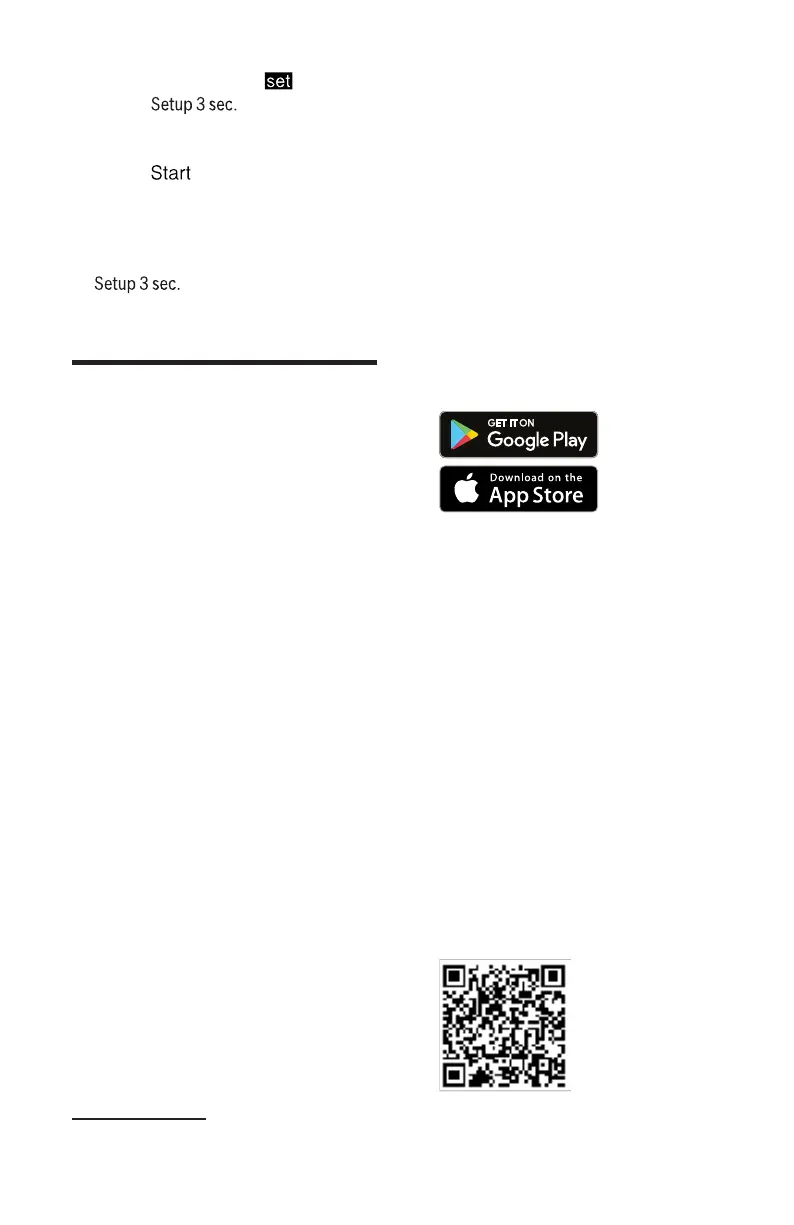
Installing the app
1. Install the HomeConnect™
app on your mobile device.
2. Start the HomeConnect™ app
and set up access for
HomeConnect™.
The HomeConnect™ app
guides you through the entire
registration process.
Connecting appliance to the
WLAN home network (Wi-Fi)
Requirements
¡ HomeConnect™ app is in-
stalled on your mobile device.
¡ Wi-Fi is activated on the router.
¡ The appliance receives signals
from the WLAN home network
(Wi-Fi) at its installation loca-
tion.
1. Scan the QR code using the
HomeConnect™ app.
1
Wi-Fi is a registered trade mark of the Wi-Fi Alliance.


 To Next Page