5 6
a
Select options and change settings/Display panel
Press the Ù/Optionsbuttons to select the following standard settings and programme options.
The settings in the options can be adjusted/changed by pressing the /Changebuttons. In the
case of multi-level settings keep touching the /Change buttons to run through the settings
automatically.
The display panel provides information on: options and settings, programme sequence and
additional information (aseparate Installation/Maintenance instructions, What to do if ..., Page 11).
Each setting is active without acknowledgement. Standard settings are underlined on the
display panel and are retained even after the appliance is switched off and on again.
Standard settings
Programme options
ʑ
i-DOS2:
content
Softener –
detergent
Select dispenser contents. aPage 13
ʑ
i-DOS1: basis
10 ml – 200 ml
Set basic dosage, aPage 12, according
to recommendation of the detergent/softener
manufacturer.
ʑ
i-DOS2: basis
10 ml – 200 ml
ʑ
Signal
3
OFF – quiet –
medium – loud –
very loud
Select volume of the information signals.
ʑ
button signal
OFF – quiet –
medium – loud –
very loud
Select volume of the button signals.
ʑ
language
Select language for display text.
VarioPerfect
i
SpeedPerfect For a shorter wash time with a comparable
washing performance to the standard
programme. Maximum load size.
aOverview of programmes, Page 7
ʑ
Standard
j
EcoPerfect For saving energy with a comparable washing
performance to the standard programme.
stain selection
[
Automatic treatment of stubborn stains. a
Page 10
ʑ
end time 1 – 24h
(h=Hour)
When the programme is selected, the respective
time to programme end is shown. Adjustable
in1-hour steps up to max. 24 h. Settings cannot
be made when the programme has started.
ʑ
Rinse plus
2
max. +3 Rinse
cycles
Additional rinse. Longer programme duration.
Recommended application: for sensitive skin
or/and in areas with very soft water.
ʑ
Easy-iron
S
OFF – ON Special spin sequence with subsequent fluffing.
Gentle final spin at reduced spin speed. Residual
moisture of the washing slightly increased.
ʑ
Rinse hold c
OFF – ON The washing remains in the water after the last
rinse cycle. aPage 5
ʑ
Water Plus
OFF – ON Increased water level. Gentler treatment of the
washing.
ʑ
Prewash
OFF – ON For heavily soiled washing. Follow dosage
instructions. aPage 9
ʑ
or closed and after the programme
a
a
a
a
a
a
a
a
a
BC dispenser for manual dosage
a
i-DOS1 dispenser for intelligent dosage
:
i-DOS2 dispenser for intelligent dosage:
or liquid detergent
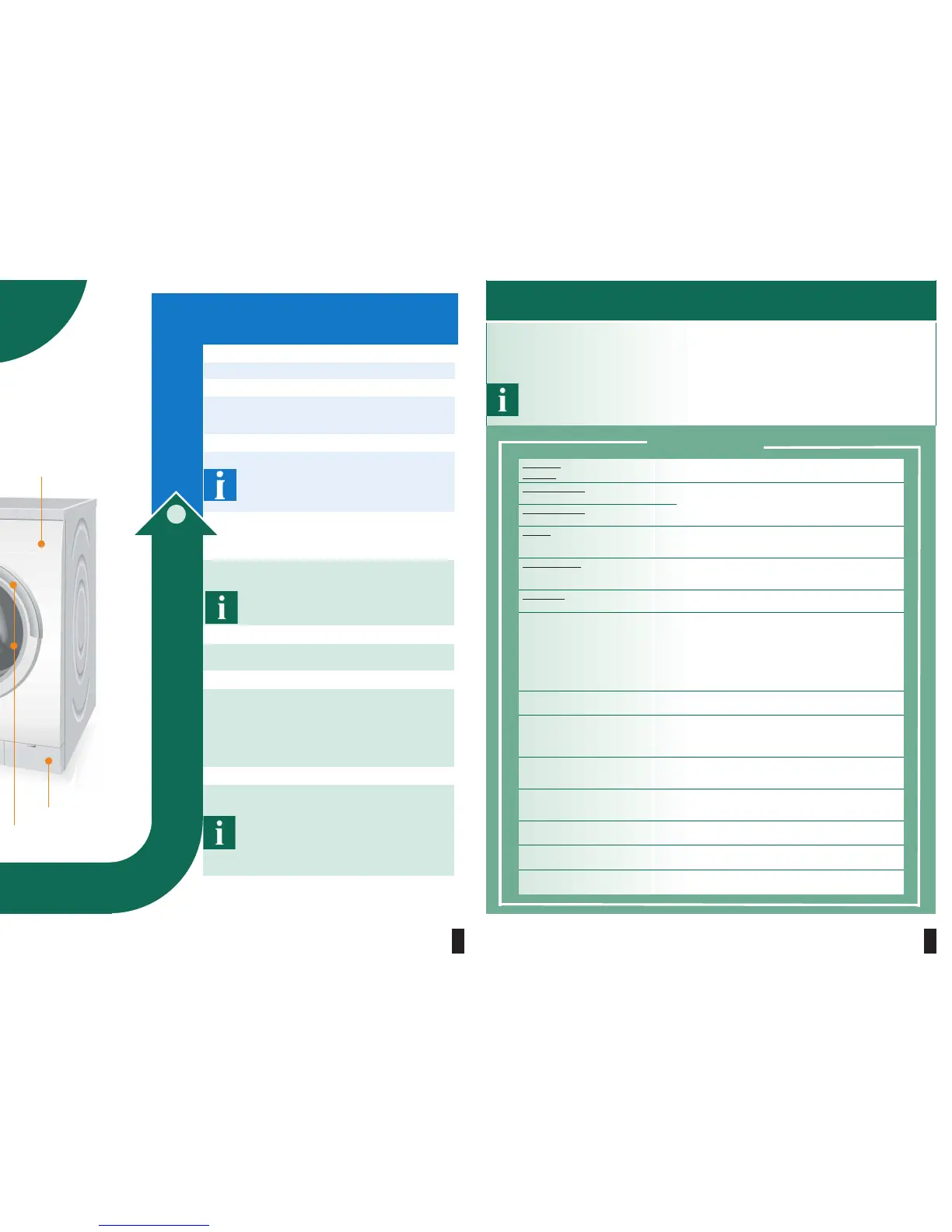
Washing
Fascia
Serviceflap
Washing machine door
with handle
10.
Switch off
Set programme selector to Off.
9.
Turn off tap
Not required for Aqua-Stop models.
aseparate Installation/Maintenance instructions,
Page 6
8.
Remove the washing
Open washing machine door and remove washing.
– Remove any foreign objects –
risk of rusting.
– Leave detergent drawer and door open
so that residual water can evaporate.
End of programme ...
... when finished, Remove washing is indicated on the
display panel.
When the display panel light is off, select any
button. aEnergy saving mode, Page 1
Rinse hold
If Rinse hold active:
– select >Empty and/or $Start/Reload.
Terminating the programme
For programmes at high temperature:
– Cool down washing: select 2/Rinse/Spin.
– Select $Start/Reload.
For programmes at low temperature:
– Select 2/ Rinse/Spin * or >Empty.
– Select $Start/Reload.
* Spin only aPage 10
Reloading washing ... aPage 9
... if $ Start/Reload selected and then Reload
possible is indicated on the display panel.
– Do not leave washing machine door open for
a prolonged period – water could run out of
the washing.
– Load display is not active during relosding.
Select $Start/Reload.
a
a
Ù
a
a
a
During washing ...
Washing
a
a
After each wash
a
BC>
L
ʋ
ʋ
ʋ
ʋ
a
a
ÙOptions
ʋ
ʋ
ʋ
ʋ
ʋ
ʋ
ʋ
ʋ
ʋ
ʋ
ʋ
ʋ
ʋ
ʋ
$
a






 To Next Page