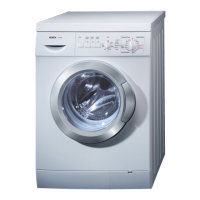
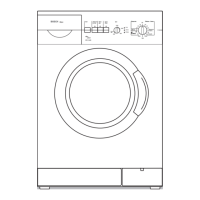
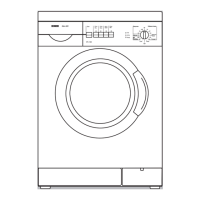
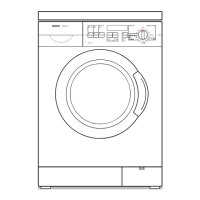
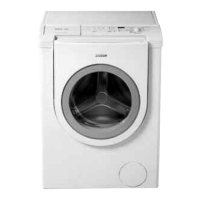
Control panel
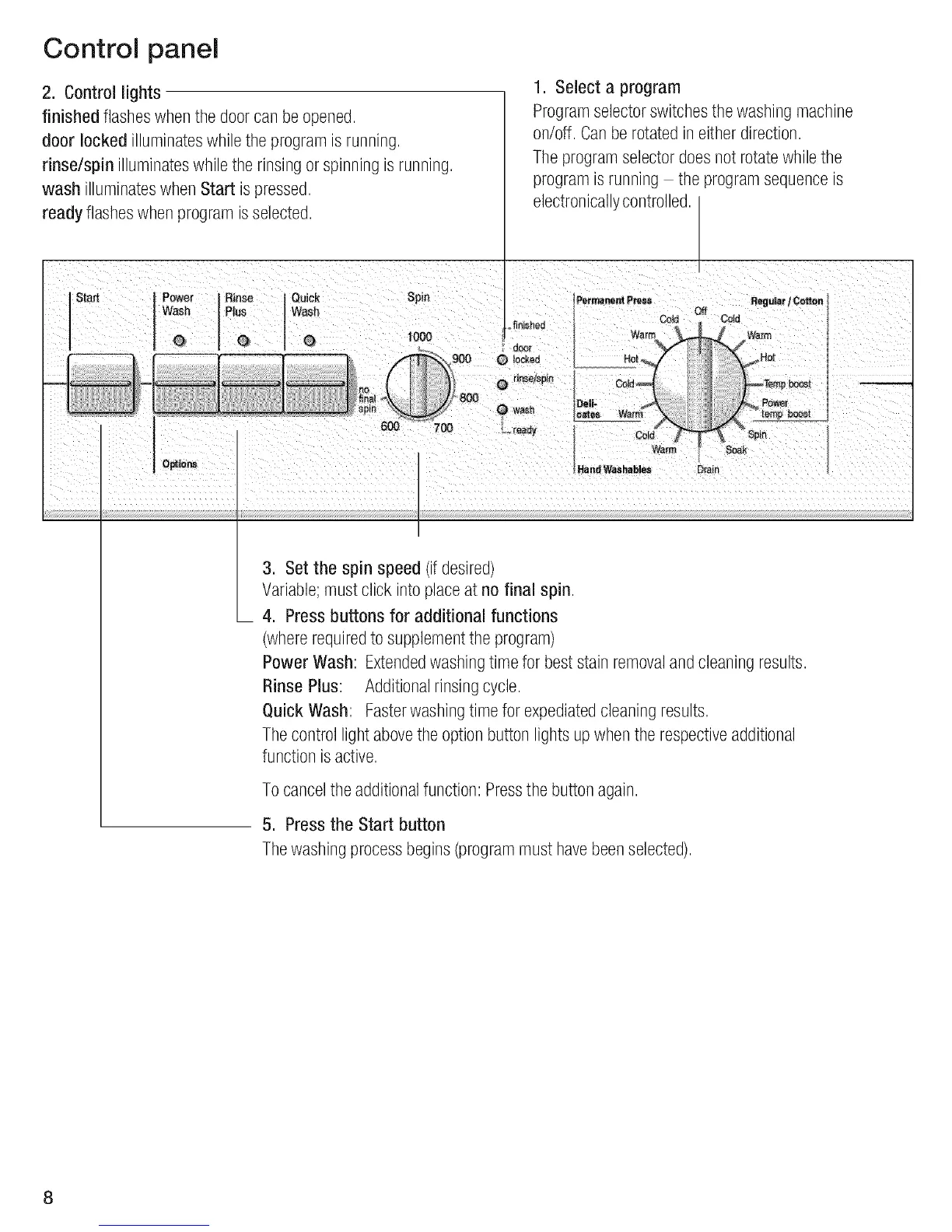
2. Control lights
finished flasheswhenthe doorcan beopened,
door locked illuminateswhile the program is running,
rinse/spin illuminateswhilethe rinsingor spinningis running,
wash illuminateswhen Start is pressed,
1, Select a program
Programselectorswitchesthe washing machine
on/off, Canbe rotated ineither direction,
The programselectordoesnot rotatewhilethe
program is running the programsequenceis
ready flasheswhen programisselected,
StaJt Rinse
Plus
G
electronicallycontrolled,
ewaUick Spin
sh
(_ 1000
,_finished
Qo_r
PermanentP_e_s Regu_r / Coiton
C_d t Cdd
Soak
Hand W_ hables DraP"
3, Set the spin speed (ifdesired)
Variable;must click into placeat no final spin,
4, Press buttons for additional functions
(whererequiredto supplementthe program)
Power Wash: Extendedwashingtime for best stain removalandcleaning results,
Rinse Plus: Additionalrinsingcycle,
Quick Wash: Fasterwashingtime for expediatedcleaningresults,
The control light abovethe option button lights up whenthe respectiveadditional
function is active,
To cancelthe additionalfunction: Pressthe buttonagain,
5. Press the Start button
The washingprocessbegins(programmust havebeenselected),
8


 To Next Page