Basic settings en
33
Basic settings
14 Basic settings
Basic settings
You can configure the basic settings for your appliance to meet your needs.
14.1 Overview of the basic settings
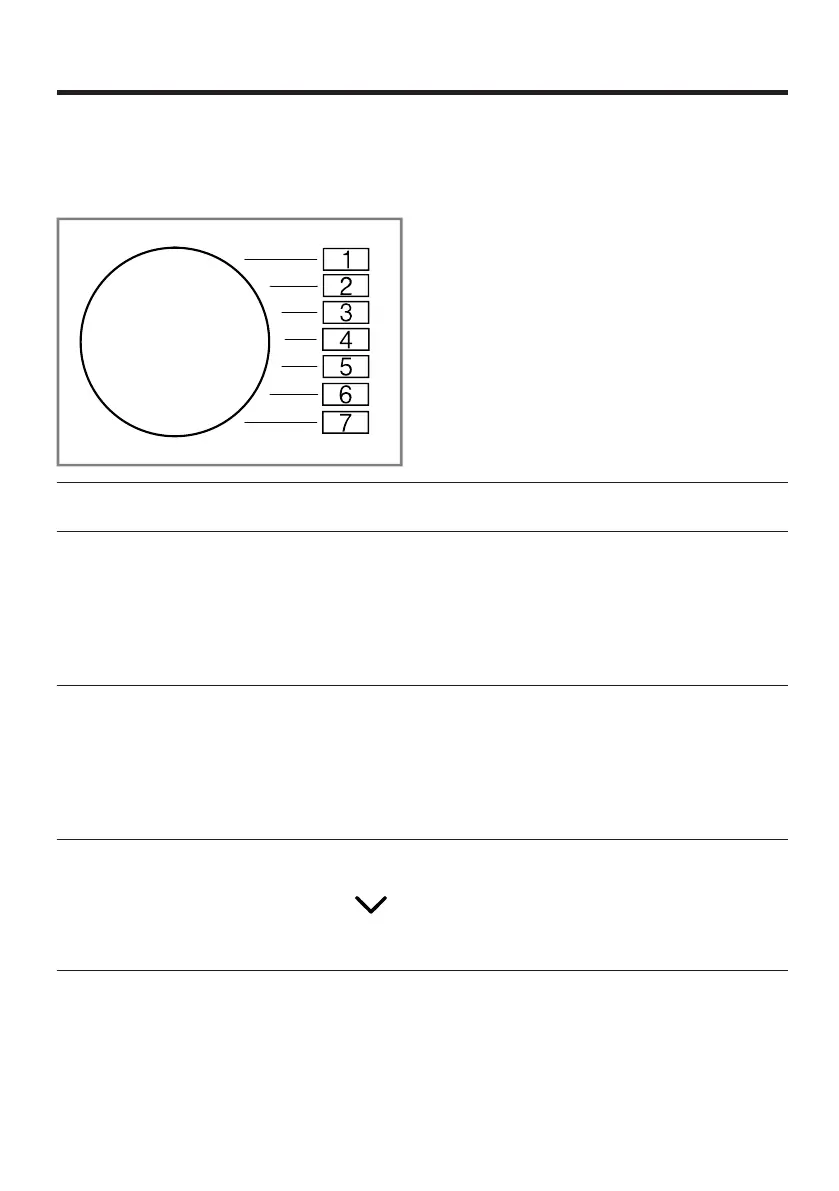
Basic setting Programme
position
Value Description
End signal 3 0 (off)
1 (quiet)
2 (me-
dium)
3 (loud)
4 (very
loud)
Set the volume of the signal at the
end of the programme.
Button signal 4 0 (off)
1 (quiet)
2 (me-
dium)
3 (loud)
4 (very
loud)
The volume of the audible signal
emitted when the buttons are
pressed.
Washing ma-
chine spin
speed
2 Example:
600 (low)
1800
(high)
Set the spin speed of the washing
machine. The set value increases
or decreases the displayed dura-
tion of the automatic programmes.
Installation
protection
5 LO (10A)
HI (13A)
Set the value for the minimum in-
stallation protection of the appli-
ance.
Note:The values for the energy
label were determined with a min-
imum installation protection of



 To Next Page