EasyManua.ls Logo

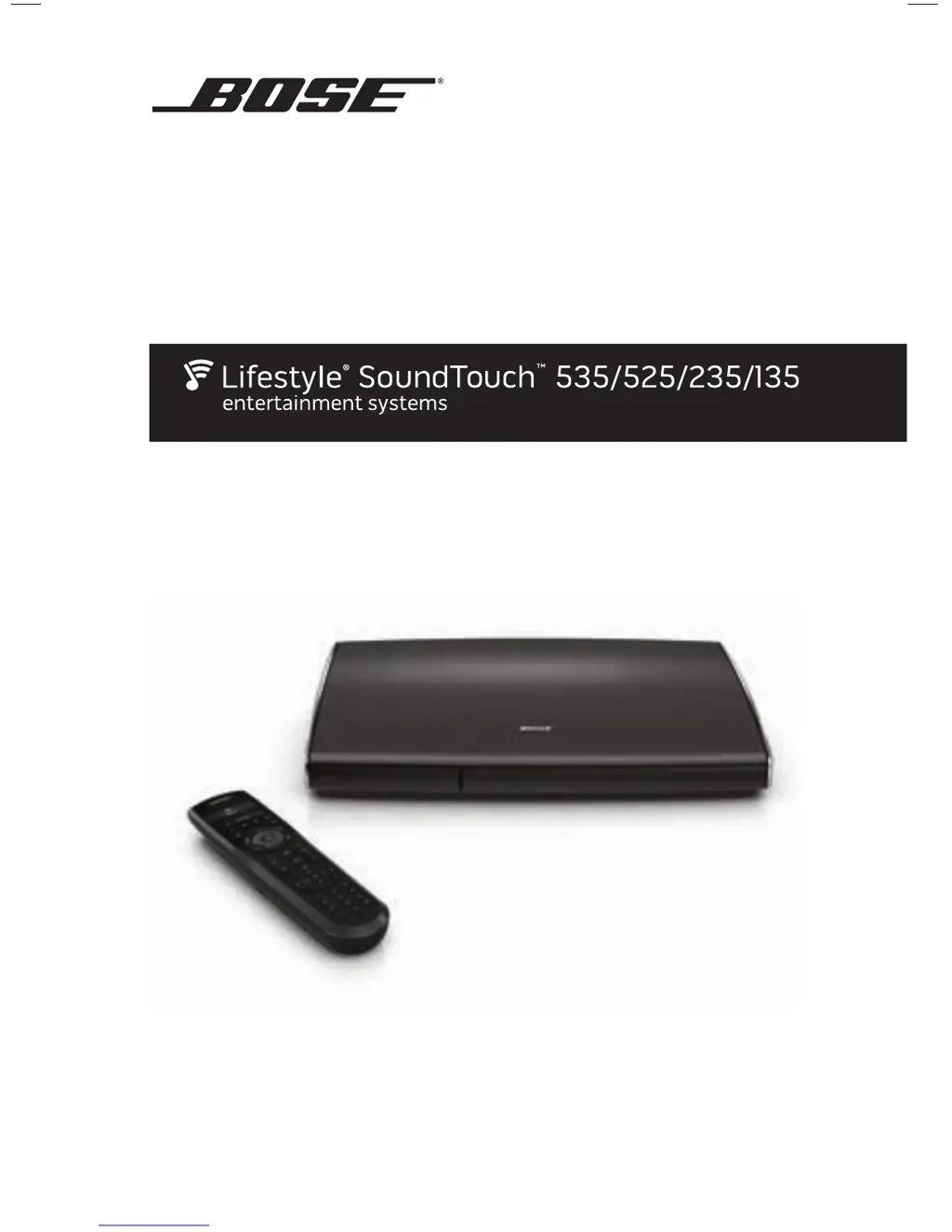
Bose SoundTouch 535 - User Manual

Bose SoundTouch 535
100 pages
Print Icon
To Next Page IconTo Next Page
Loading...
Operating Guide Guía de uso Guide d’utilisation
135 series IV
Lifestyle
®
home entertainment system

Table of Contents

Questions and Answers

  • L
    loritateJul 26, 2025
    What to do if there is no sound from my Bose SoundTouch 535 Media Player?
    • J
      Jennifer KennedyJul 27, 2025
      If you're not getting any sound from your Bose Media Player, try these steps: First, connect all system components to AC power. Next, increase the volume and make sure the system isn't muted. Ensure you've selected the correct source and that the audio input cable is firmly connected to both the Audio Out connector on the control console and the Media Center connector on the Acoustimass module (or the Audio In connector on the soundbar for 135 series IV systems). For radio operation, connect the FM and AM antennas. As a last resort, reset the system.
  • J
    Jacob DudleyJul 31, 2025
    Why my Bose Media Player doesn't do anything?
    • J
      John WhiteJul 31, 2025
      If your Bose Media Player isn't working, ensure all components are connected to AC power. Then, select a connected device from the SOURCE menu. If the problem persists, try resetting the system.
  • M
    Michael SparksAug 6, 2025
    How to fix a Bose SoundTouch 535 remote that is not responding?
    • S
      Sean SandovalAug 6, 2025
      If your Bose remote isn't responding, first power on the control console. Then, check that the remote batteries are correctly installed and not in need of replacement. Next, reset the system. Press any remote key and check if the system status indicator on the control console blinks. If it doesn't, you may need to pair the remote with the console.
  • D
    Dr. Mary CampbellAug 11, 2025
    What to do if Bose SoundTouch 535 remote doesn't control a device added during initial setup?
    • D
      Dakota KlineAug 11, 2025
      If your Bose remote isn't controlling a device added during initial setup, try setting up the device again by pressing the Setup button on the control console, selecting the device options, and following the on-screen instructions. Your system may also need a software update.
  • M
    Michelle DavisAug 15, 2025
    How to fix Bose Media Player sound quality if it has changed?
    • C
      christina32Aug 16, 2025
      If the sound quality of your Bose Media Player has changed, press the Setup button on the control console and select the “Reconnect Acoustimass” menu item. Then, follow the on-screen instructions.
  • J
    jessica51Aug 21, 2025
    How to improve poor video connection from a source on Bose SoundTouch 535 Media Player?
    • H
      Haley WuAug 21, 2025
      To improve a poor video connection from a source on your Bose Media Player, press the Setup button on the control console and select “device setup options”. Then, follow the on-screen instructions to change the video connection.

Summary

Remote Control

Using the Remote

Explains how to operate the system using the advanced RF remote control.

Function Buttons

Details the various function buttons on the remote and their uses.

Display Information

Explains the information displayed on the remote, including source and status.

Remote Glow Button

Describes the function of the remote's glow button for illuminating controls.

Adjusting Illumination Level

Guides on how to adjust the brightness and contrast of the remote display.

Power On;Off Controls

Powering on the System

Details how to power on the Bose system and access menus like SOURCE or UNIFY.

Powering on Your TV

Explains how to power on your TV using the Bose remote.

Shutting down the System

Describes the procedure for shutting down the system and its power controls.

Changing System Options

Using the System OPTIONS Menu

Guides users on how to navigate and change system options via the OPTIONS menu.

Changing Your System Setup

UNIFY System Overview

Provides an overview of the UNIFY intelligent integration system for setup and configuration.

Care and Maintenance

Troubleshooting

Provides guidance on common problems and their solutions for the system.

Resetting the System

Explains the procedure to reset the system to its default settings.

Pairing the Remote

Details how to pair the remote control with the system console.

System Software Update

Guides on how to update the system's software manually.

Bose SoundTouch 535 Specifications

General IconGeneral
TypeHome Theater System
Channels5.1
Audio Formats SupportedDolby Digital, DTS
ControlRemote Control, SoundTouch App
Multi-Room AudioYes
ConnectivityWi-Fi, Bluetooth, Ethernet
Voice ControlCompatible with Alexa

Related product manuals