EasyManua.ls Logo

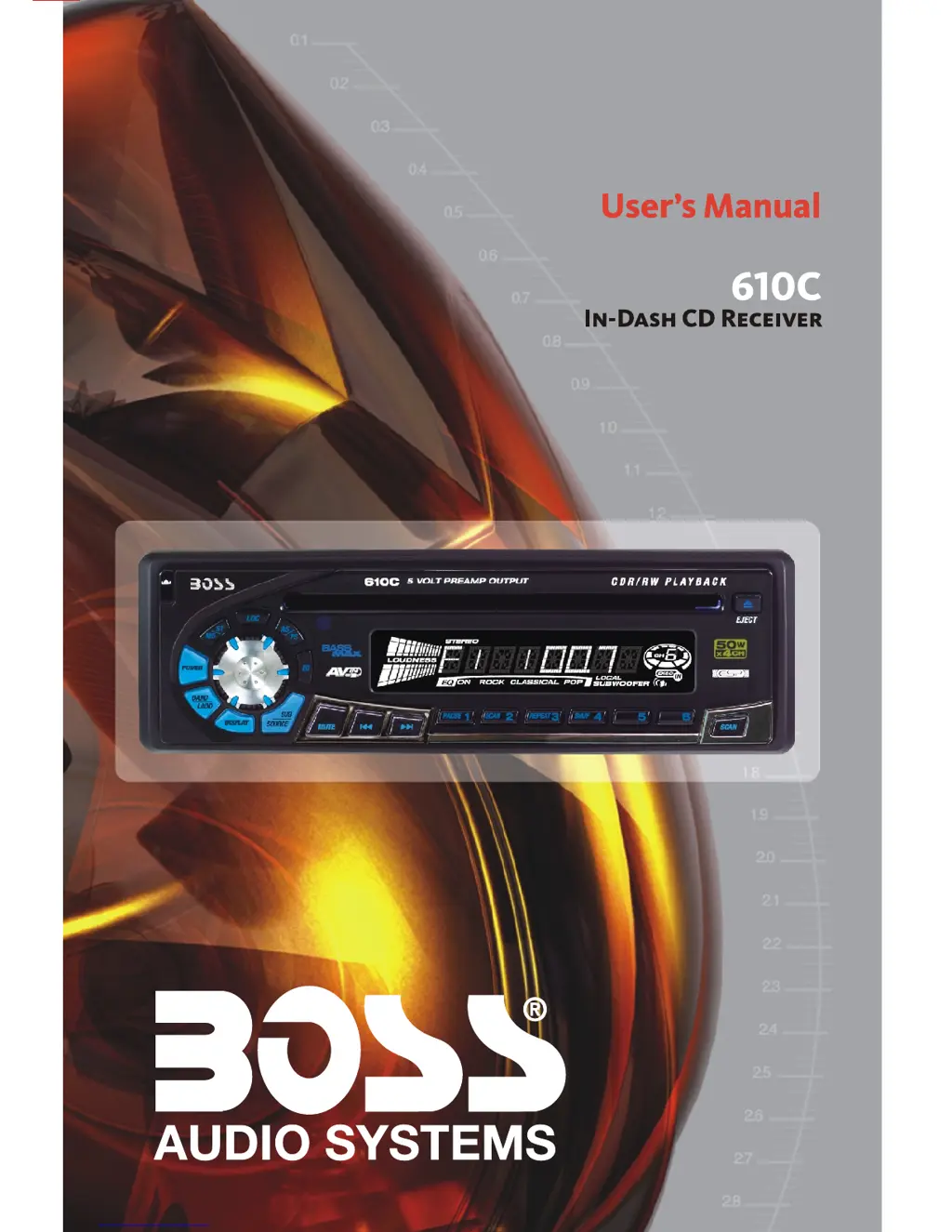
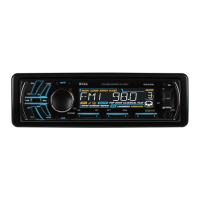
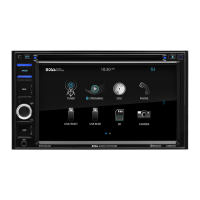
Boss Audio Systems 610C - User Manual

Boss Audio Systems 610C
15 pages
Print Icon
To Next Page IconTo Next Page
Loading...
SIZE:139X216mm

Questions and Answers

  • M
    Michele ColeJul 26, 2025
    Why is there no sound coming from my Boss Audio Systems Car Receiver?
    • L
      Larry WebbJul 26, 2025
      If you're not getting any sound from your Boss Audio Systems Car Receiver, first, make sure the volume isn't set to the minimum. If it is, adjust it to your desired level. Also, check the wiring connections to ensure everything is properly connected.
  • J
    Jordan CordovaAug 1, 2025
    Why does my Boss Audio Systems 610C skip sound?
    • M
      masonmaryAug 1, 2025
      Sound skipping in your Boss Audio Systems Car Receiver could be due to a couple of reasons. Check that the installation angle is less than 30 degrees. Also, the disc might be dirty or defective; try cleaning it or using a new one.
  • Y
    Yvette GonzalezAug 7, 2025
    Why is my Boss Audio Systems 610C Car Receiver radio not working or selecting stations?
    • L
      Lisa SteinAug 7, 2025
      If the radio on your Boss Audio Systems Car Receiver isn't working, make sure the antenna cable is firmly connected. If the signals are too weak, try selecting a station manually.
  • N
    Natalie RichmondAug 13, 2025
    What to do if my Boss Audio Systems Car Receiver has no power?
    • M
      Maria MillerAug 13, 2025
      If your Boss Audio Systems Car Receiver has no power, ensure the car ignition is switched to “ACC” if the power supply is correctly connected to the car accessory terminal. Also, check the fuse and replace it if it's blown.
  • M
    Matthew CarterAug 18, 2025
    Why don't the operation keys work on my Boss Audio Systems 610C?
    • P
      Philip GreeneAug 18, 2025
      If the operation keys on your Boss Audio Systems Car Receiver aren't working, it could be due to noise affecting the built-in microcomputer. Try pressing the RESET button.

Summary

Button Layout and Functions

Primary Unit Controls

Buttons and knob on the main unit for operation.

Secondary Unit Controls

Additional buttons on the main unit for specific functions.

Handling Compact Discs

Moisture Condensation Effects

Advice on moisture affecting unit operation.

Disc Handling Precautions

Guidelines for proper disc handling to ensure playback quality.

Disc Compatibility Notes

Information on incompatible discs and media types.

Installation Guide

General Installation Precautions

Key considerations before and during unit installation.

DIN Front-Mount Installation

Step-by-step instructions for front-mount DIN installation.

DIN Rear-Mount Installation

Instructions for rear-mount DIN installation using chassis screws.

Detachable Control Panel (D.C.P.)

Removing and Attaching D.C.P.

Procedure for detaching and reattaching the control panel.

D.C.P. Handling Precautions

Important cautions for handling and cleaning the control panel.

Wiring Diagram and Connections

20-Pin Audio;Power Harness Details

Pin assignments and wire functions for the main harness.

External Connections

Diagrams for antenna, amplifier, and auxiliary input connections.

Basic Operations

Panel Release and Power

Functions of the panel release and power on/off buttons.

Display and Source Selection

How to adjust display settings and select audio sources.

Reset Button Functionality

When and how to use the reset button for troubleshooting.

Audio Operations

Volume and Audio Adjustments

How to control volume and adjust audio parameters (Bass, Treble, etc.).

Mute and Equalizer Settings

Using the mute function and selecting preset equalizer modes.

Loudness Function

Enabling or disabling the loudness feature for enhanced bass.

Radio Operations

Preset Scan and Auto Store

Using AS/PS for preset scanning and automatic station storage.

Station Presets and Tuning

Manual station presetting and tuning methods.

Tuning Modes and Station Search

Automatic and manual tuning, seek functions, and station scanning.

Local;Distant Reception

Selecting local or distant reception modes for better signal tuning.

CD Operations

Playback Control Functions

Using pause, scan, repeat, and shuffle for CD playback.

Track Navigation

Skipping tracks, fast forwarding, and reversing during CD playback.

CD Eject Function

Procedure for ejecting a CD from the unit.

Remote Control Operations

Remote Control Functions

Overview of remote control buttons and their functions.

Radio and CD Player Modes

Specific operations for remote control in Radio and CD modes.

Specifications

CD Player Specifications

Technical details for the CD playback system.

Radio Section Specifications

Technical details for FM and AM/MW radio reception.

General Unit Specifications

Power supply, impedance, and output power ratings.

Troubleshooting

Common Symptoms and Causes

Table outlining common issues and their potential causes.

Problem Resolution Steps

Solutions and steps to resolve various operational problems.

Error Code Resolution

Guidance for resolving specific error codes (ERROR 1, ERROR 2).

Boss Audio Systems 610C Specifications

General IconGeneral
ManufacturerBoss Audio Systems
Model610C
TypeCar Receiver
DIN SizeSingle DIN
BluetoothYes
USB PortYes
SD Card SlotYes
Aux InputYes
Radio TunerAM/FM
Display TypeLCD
Remote ControlYes
Compatible with Steering Wheel ControlsNo
Preamp OutputsYes
Power Output50 Watts
RMS Power Output20 Watts x 4 Channels

Related product manuals