EasyManua.ls Logo

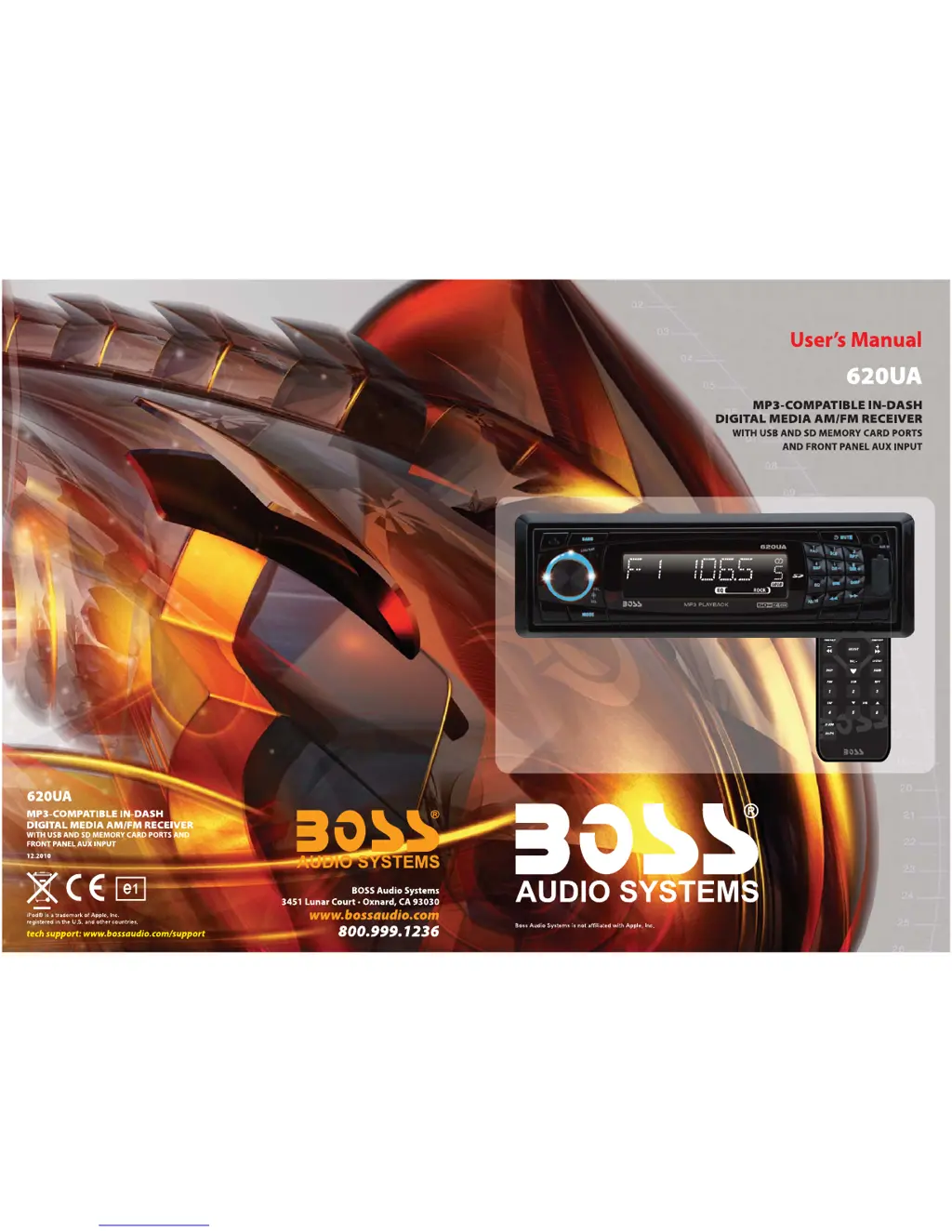
Boss Audio Systems 620UA - User Manual

Boss Audio Systems 620UA
11 pages
Print Icon
To Next Page IconTo Next Page
Loading...

Questions and Answers

  • S
    Sheryl RayJul 26, 2025
    What to do if my Boss Audio Systems 620UA Car Receiver has no sound?
    • D
      Danielle Curtis MDJul 26, 2025
      If there is no sound coming from your Boss Audio Systems Car Receiver, first, make sure the volume isn't set to the minimum; adjust it to a desired level. Also, check the wiring connections to ensure they are properly connected.
  • M
    Michelle MarshallAug 1, 2025
    How to fix a Boss Audio Systems 620UA when the radio doesn't work?
    • A
      Andrea HartAug 2, 2025
      If the radio on your Boss Audio Systems Car Receiver isn't working, ensure the antenna cable is firmly inserted. If the signals are too weak, try selecting a station manually.
  • E
    emilyjonesAug 10, 2025
    Why does my Boss Audio Systems Car Receiver have no power?
    • C
      Carlos DeanAug 10, 2025
      If your Boss Audio Systems Car Receiver has no power, it might be because the car ignition switch isn't on. If the power supply is connected to the car accessory circuits, switch the ignition key to “ACC”. Also, check the fuse. If the fuse is blown, replace it.
  • G
    George HinesAug 18, 2025
    What to do if the operation keys on my Boss Audio Systems Car Receiver do not work?
    • L
      Lisa HodgesAug 18, 2025
      If the operation keys on your Boss Audio Systems Car Receiver aren't working, it could be due to noise affecting the built-in microcomputer. Try pressing the RESET button. Also, ensure the control panel is properly fixed into its place.

Summary

Installation Methods

DIN Front-Mount Installation

Details the procedure for front-mounting the unit into a dashboard using a metal strap and hardware.

DIN Rear-Mount Installation

Explains the rear-mount installation process, typically for Nissan and Toyota vehicles using factory brackets.

Detachable Control Panel Operation

Detaching and Installing the Control Panel

Provides instructions on how to safely detach and re-install the control panel, ensuring proper function.

Control Panel Handling Precautions

Lists essential safety guidelines to prevent damage or malfunction when handling the detachable control panel.

Wiring Connection

System Operation

Location of Keys and Controls

Identifies and explains the function of each button and knob on the main unit's control panel.

Basic Unit Functions

Covers switching the unit on/off, releasing the faceplate, and adjusting sound settings.

System Settings and Display

Details how to adjust system settings like beep sound, area frequency, and set the clock.

Audio Adjustments and Modes

Explains equalization modes, loudness, and mode selection (Radio, USB, AUX).

Advanced Operation Features

Mute, Loudness, and Remote Sensor

Describes how to mute sound, activate loudness, and use the remote control sensor.

Auxiliary Input and Reset Function

Explains connecting external devices via AUX and how to perform a system reset.

Memory and Radio Operations

Details power-down memory, radio band/station selection, and auto-storing.

USB and Media Playback

Covers USB connection, track selection, directory navigation, and playback controls.

Playback Controls and Media

Playback Management

Explains pausing, previewing tracks, repeating tracks, and random playback for USB/SD media.

Track Selection and Display Info

Details track selection methods and how to view ID3 tag information during playback.

Memory Card Operation and Cautions

Describes memory card interface usage and important cautions regarding data safety.

Remote Control Overview

Technical Specifications

Troubleshooting Guide

Boss Audio Systems 620UA Specifications

General IconGeneral
BrandBoss Audio Systems
Model620UA
CategoryCar Receiver
DIN SizeSingle DIN
RMS Power20 Watts
Channels4
BluetoothYes
USB PortYes
Aux InputYes
AM/FM RadioYes
Remote ControlYes
Detachable FaceNo
RMS Power Output20 watts x 4
PlaybackMP3

Related product manuals