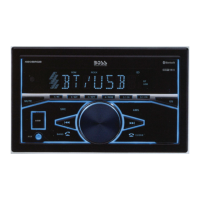
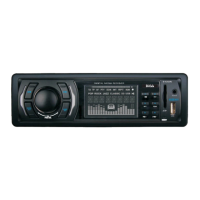
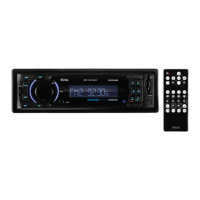
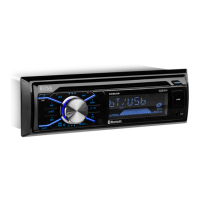
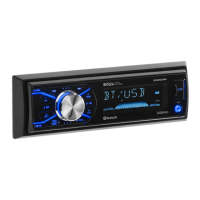
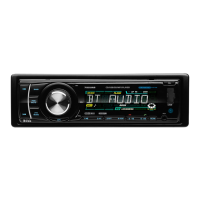
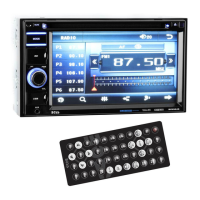
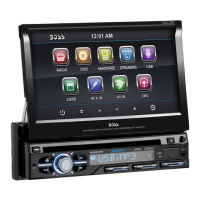
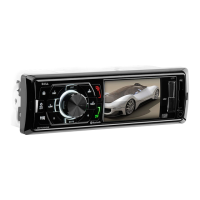
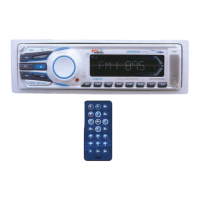
Manual Tuning
In the radio mode:
Press and hold the or button to enter the manual tuning mode.
In manual tuning mode, briefly press the or button to search the next or previous frequency step by step.
Seek Tuning
In radio mode, press the or button, the automatic search will start, it will search upward or downward for the
strong signal radio station within the cuttent band. The auto searching will stop until find a station.
Automatic Store Preset station (AMS)
Press and hold the BAND/AMS button to store 18 FM stations and 12 AM stations automatically.
USB Operation
If you would like to playback files contained in a USB stick, please insert the stick into the USB port. The MP3/WMA
files will be played automatically.
Note:
The USB port of this car radio is also designed for charging for iPhone / android mobile phone. The charging current
consumption is 1 ampere.
Select Next Track or Previous Track
In the USB mode, briefly press the or button to play the the next or previou track.
Faste Forward/Reverse
Press and hold the or button to fast forward or reverse a track.
Play / Pause
Press the button to interrupt the playback of a music (pause function).
Press this button again to continue the playback.
Introduction Scan
Press the INT button to play the first 10 seconds of all track.
Press again to stop theintroduction scan, and play the current track.
Repeating the track
Press the RPT button to toggle between RPT ALL (Play all track), RPT FLR (Continuously repeats all tracks in
current folder) and RPT ONE (Continuously repeats current track).
Playing all tracks in random
Press the RDM button. A random playback of all tracks will start.
Press the button again to set the normal playback.
Track/Folder Navigation
Press the -10/+10 buttons to jump 10 tracks backward or forward. It is required that over 10 tracks be available
on the storage medium.
Press and hold the -10/+10 button to select the previous or the next folder. (If there are folders on the storage
medium.)
Select the track or file for playback in MP3 format
1. Press and hold the BND/AMS button to enter track search mode. First “TRK0000“ will appear on the display.
2. Rotate the volume knob and select the “first number”. Then press the press the button to move the “first
number” to left and enter the next number.
3. When the desired track number appears, confirm your selection by pressing SEL button. If no any operation in
5 seconds,it will play the current track.
Auxiliarly Operation



 To Next Page