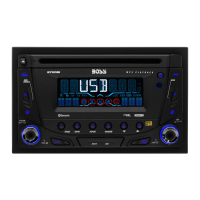
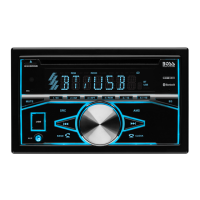
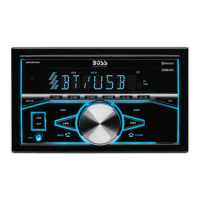
7. AUDIO OPERATIONS
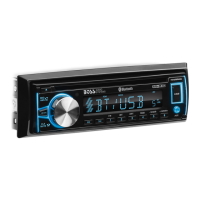
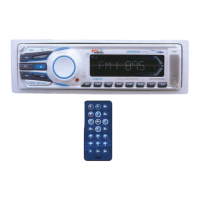
2) ENCODER VOLUME KNOB
Turn this knob to adjust desired volume level.
13) AUDIO /MENU BUTTON
Press this button to select desired audio function.
ORDER OF FUNCTION: VOL->BASS (BAS)->TREBLE (TRE)->BALANCE (BAL)-> FADER (FAD)
While the selected function is displayed, turn Volume Knob to adjust the level within 5
seconds, otherwise the unit will return to volume adjustment mode.
6) MUTE BUTTON (MUTE)
8) BAND/LOUDNESS BUTTON (BAND/LOUD)
Press this button to mute the sound. Press it again to resume listening.
Press the Band/Loudness Button long to switch the loudness on or off. When Loudness is on,
display will show 'Loud On' for a few seconds.
E - 7



 To Next Page