EasyManua.ls Logo

Boss ATV20 - User Manual

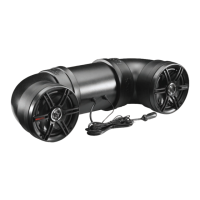
Boss ATV20
7 pages
Print Icon
To Next Page IconTo Next Page
Loading...
ALL-TERRAIN SOUND SYSTEM
ATV20
USER’S MANUAL
ATV20-UM.indd 1 12/12/2017 12:21:13 PM
ATV20
ATV20

Questions and Answers

  • M
    Michael PrattJul 28, 2025
    What to do if my Boss ATV20 Speaker System has no sound?
    • A
      April OneillJul 28, 2025
      If you are not getting any sound from your Boss Speaker System, there are a couple of things to check: * First, make sure the volume on your device isn't too low or muted. Try turning the volume up. * Also, verify that your device isn't paused or muted. Check the playing status on your device.
  • J
    Joy ConnerAug 3, 2025
    Why won't my Boss ATV20 Speaker System turn on?
    • R
      Rachel Reyes DDSAug 3, 2025
      If your Boss Speaker System isn't turning on, there are a couple potential causes: * The fuse might be blown. If this is the case, replace it with a 10A AGC Fuse type only. * The Ch on Main acc switch may not be engaged. Ensure the switch is in the 'on' position.
  • A
    Alexis AndersonAug 12, 2025
    How to fix an unresponsive Boss ATV20 Speaker System?
    • P
      Paul BurnsAug 12, 2025
      If your Boss Speaker System has become unresponsive, it might be due to a power glitch or interference. Try disconnecting the power for 10 seconds to reset the unit.
  • R
    Robin CarneyAug 18, 2025
    Why is the audio quality poor on my Boss ATV20 Speaker System?
    • A
      Anthony CallahanAug 18, 2025
      If the audio quality on your Boss Speaker System is poor, the headphone level on the device might be too low. Try raising the headphone level on the main device.

Summary

Package Contents

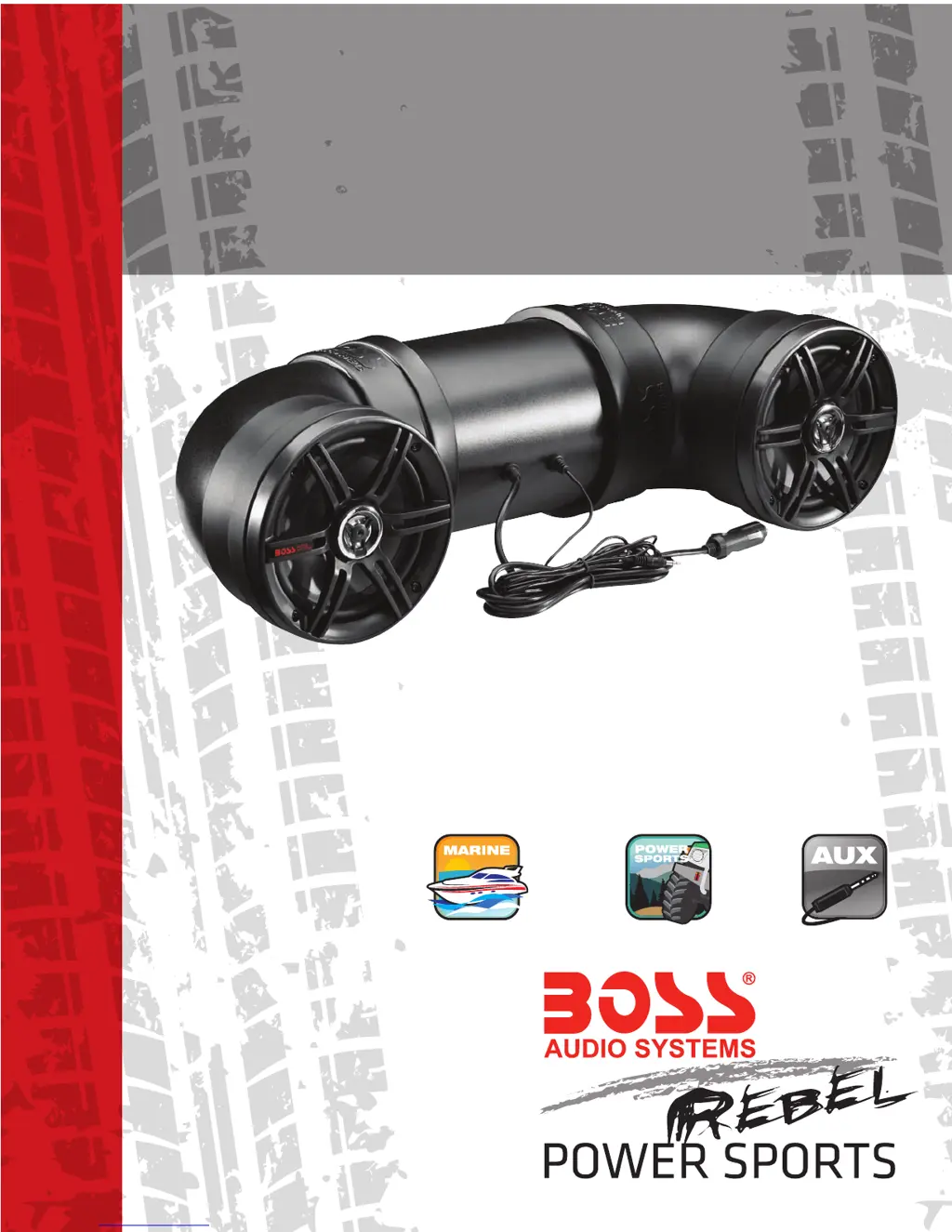
ATV20 Speaker System

The main speaker system component included in the package.

Mounting and Zip Straps

Accessories provided for securing the sound system.

Power Extension Adaptor

Identifies the included power extension adapter.

User Manual Inclusion

Confirms the inclusion of the user manual.

Warranty Card

Mentions the inclusion of a warranty card for product registration.

User Information and Compliance

FCC Compliance Statement

States compliance with FCC rules and operational conditions.

Hazardous Operation Warning

Warns that device adjustments or alterations may lead to hazardous operation.

Before You Start

Important Safety Precautions

Critical safety guidelines for operating mobile equipment safely.

Installation Precautions

Essential precautions and advice before installing the sound system.

Professional Installation Advice

Advises seeking professional help for installation to avoid risks.

Critical Usage Donts

Lists critical actions to avoid for product care and safety.

Getting to Know Your ATV20

ATV20 Sound System Unit

Identifies the main product unit.

3.5 mm AUX-INPUT Port

Points out the 3.5mm auxiliary input for audio devices.

Cigarette Power Cable Adaptor

Identifies the power adapter for cigarette lighter ports.

LED Power Indicator

Indicates the presence of an LED for power status.

Battery Drain Warning

Warns about potential battery drain if the engine is not running.

Operation Guide

AUX-IN Audio Operation

Explains how to play audio using the 3.5mm AUX-IN connection.

Volume Control Instructions

Details how to adjust the audio volume using the connected device.

Optimal Performance Tips

Advises setting device volume to 75% for optimal audio performance.

Installation Guide

Mounting with Adjustable Straps

Describes using provided straps for mounting on rails or roll bars.

Strap Security Check Before Ride

Emphasizes checking strap security before each use.

Tool-Free Installation

States that no specialized tools are needed for installation.

Troubleshooting Common Issues

Unit Fails to Turn On

Addresses the problem of the unit failing to power on.

No Sound Output

Guides users on troubleshooting when no audio output is detected.

Poor Audio Quality

Helps resolve issues related to low or distorted audio quality.

Unit Becomes Unresponsive

Provides steps for resetting the unit when it becomes unresponsive.

Wiring Diagram

Optional Direct Battery Wiring

Illustrates the wiring diagram for direct battery connection.

Boss ATV20 Specifications

General IconGeneral
BrandBoss
ModelATV20
CategorySpeaker System
LanguageEnglish

Related product manuals