EasyManua.ls Logo

Boss S1 Pro - User Manual

Boss S1 Pro
359 pages
Print Icon
To Next Page IconTo Next Page
Loading...
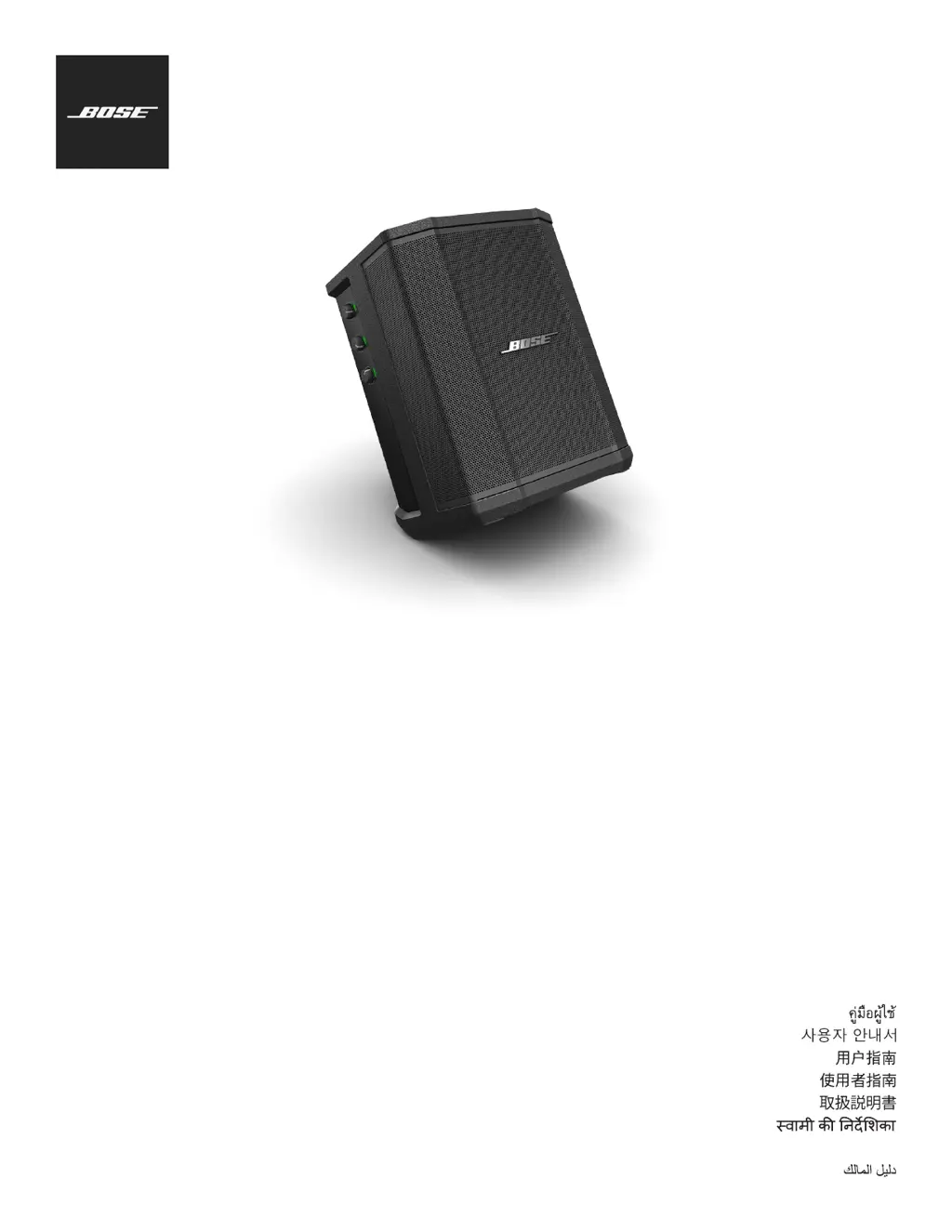
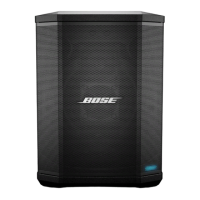
S1 Pro
Multi-position PA System
Owner's Guide
Brugervejledning
Bedienungsanleitung
Gebruikershandleiding
Guía del ususario
yttöohje
Notice d’utilisation
Manuale di istruzioni
Kezelési útmutató
Brukerhåndbok
Podręcznik użytkownika
Guia do Utilizador
Bruksanvisning
Руководство владельца

Table of Contents

Questions and Answers

  • D
    Donna AndrewsAug 15, 2025
    Why won't my Bluetooth device connect to my Boss Speaker System?
    • M
      Matthew ClarkAug 15, 2025
      If your device asks for a passcode, verify you've entered it correctly. Ensure Bluetooth is enabled on your device and that it's within range of the speaker. Try turning off other nearby Bluetooth devices or disabling their Bluetooth functionality. Clear the speaker's memory by pressing and holding the Bluetooth button for ten seconds, then re-pair your device. You can also try turning the power off and on, then re-pairing.
  • K
    katherine92Aug 18, 2025
    What to do if my Boss S1 Pro has no sound?
    • H
      hunterjanetAug 18, 2025
      First, ensure your instrument is properly plugged into the signal input. Then, check that the volume controls are turned up on both your audio source and the S1 Pro. Also, verify that the Signal/Clip indicator is lit. To further isolate the problem, try plugging your instrument into a different amplifier to confirm the source is working correctly.
  • F
    fcoleAug 22, 2025
    What to do if my Boss S1 Pro Speaker System has no power?
    • T
      theresaboothAug 22, 2025
      Ensure the AC outlet has power by testing it with a lamp or outlet tester. The battery may be in protection mode or discharged; connect the speaker to AC power.
  • B
    booneruthAug 26, 2025
    What to do if my Boss S1 Pro instrument sounds distorted?
    • J
      Jonathan MckenzieAug 26, 2025
      Reduce the volume on your audio source. If the source volume cannot be adjusted, consider using 'input pads' available from instrument retailers. You might also try using a different audio source or instrument to see if the distortion persists.
  • R
    Richard RogersAug 28, 2025
    How to fix microphone feedback on Boss S1 Pro Speaker System?
    • S
      Scott RomeroAug 29, 2025
      Reduce the volume. Reposition the microphone so it doesn't point directly at the loudspeaker. Try using a different microphone or adjust the positions of the loudspeaker and vocalist on stage. Increase the distance between the loudspeaker and the microphone. If you're using a vocal effects processor, ensure it's not causing the feedback.
  • S
    stephaniegarzaAug 31, 2025
    What to do if my Boss S1 Pro Speaker System does not charge?
    • A
      Amy WeeksAug 31, 2025
      Set the power switch to On or Quick Charge, and avoid using the speaker while it's charging. Experiment by charging with the power switch set to On instead of Quick Charge. If the issue persists, move the speaker to a cooler environment. Allow the speaker to sit in Standby for several hours before attempting to charge again. As a last resort, unplug the speaker, remove the battery, wait for it to cool down, and then reinsert it.
  • M
    Michael ScottSep 4, 2025
    Why is the power LED red on my Boss S1 Pro Speaker System?
    • Y
      yandersonSep 4, 2025
      If the power LED is flashing red, your battery has less than 10% life remaining. If the LED is solid red, please call Product and Technical Support at (877) 335-2673.
  • T
    Tamara PalmerSep 7, 2025
    Why is my Boss S1 Pro Speaker System humming when daisy-chaining?
    • M
      Martin JohnsonSep 8, 2025
      Ensure you are using a 1/4" TRS cable and not a 1/4" TS (guitar) cable.
  • T
    tina53Sep 12, 2025
    What causes hum from Boss S1 Pro Speaker System when nothing is plugged in?
    • D
      Deborah RodriguezSep 12, 2025
      Use an AC outlet tester to check the outlet the S1 Pro is plugged into for reversed or open (hot, neutral, and/or ground) contacts. If you're using an extension cord, try plugging the S1 Pro directly into the outlet.

Summary

Important Safety Instructions

General Safety Instructions

Essential safety guidelines for operating and maintaining the Bose S1 Pro system.

Warnings and Cautions

Crucial warnings, cautions, and regulatory compliance information for safe product use.

Overview

Product Overview

Introduces the Bose S1 Pro as an ultra-portable PA system for various applications.

Features and Benefits

Highlights key features like portability, versatility, adaptability, and performance-to-size ratio.

Connections and Controls

Control Panel Overview

Explains the S1 Pro's control panel, including input jacks, controls, and indicators.

Connecting Power and Sources

Connecting Power

Step-by-step guide on how to connect the S1 Pro to an electrical outlet.

Battery and Speaker Stand Usage

Care & Maintenance

Cleaning and Troubleshooting

Troubleshooting Common Issues

Offers solutions for common problems like no power, no sound, and feedback.

Boss S1 Pro Specifications

General IconGeneral
BrandBoss
ModelS1 Pro
CategorySpeaker System
LanguageEnglish

Related product manuals