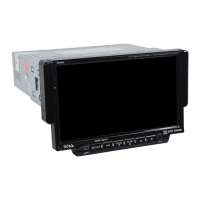
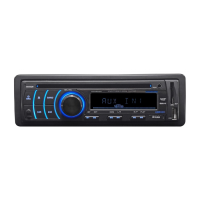
BV7300 User’s Manual - page 8
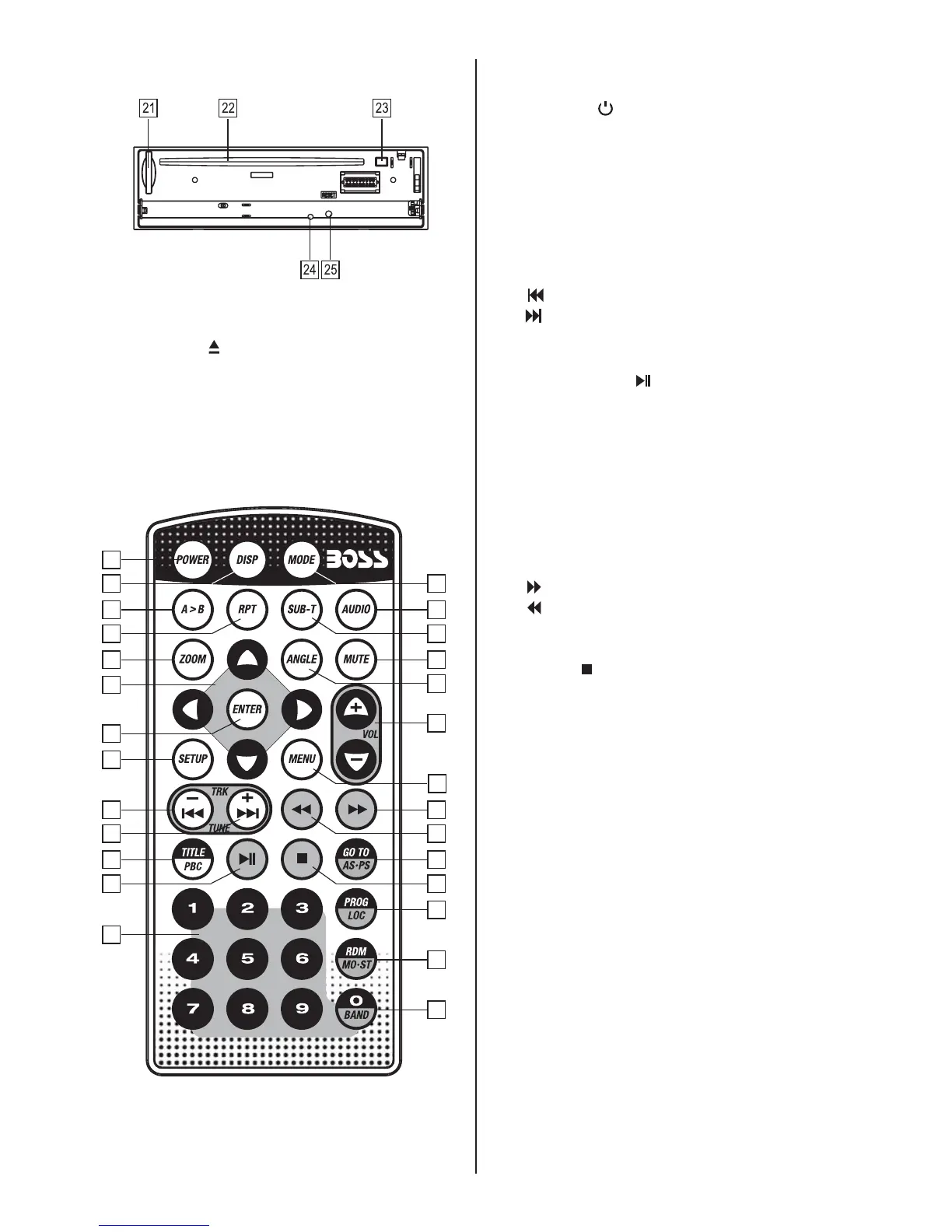
Back of front panel
21 SD/MMC card slot
22 Disc slot
23 EJECT ( )
24 LED Warning light
25 RESET button
Remote Control
1
2
3
4
5
6
7
8
9
10
11
12
13
27
26
25
24
23
22
21
20
19
18
17
16
15
14
Remote Control Button Legend
1 POWER ( )
2 DISP (Display)
3 A > B (repeat section from A to B)
4 RPT (Repeat Mode select)
5 ZOOM
6 Cursor (arrow) keys:
UP/DOWN/RIGHT/LEFT
7 ENTER
8 SETUP
9 (TUNE/TRACK Down, Last Track)
10 (TUNE/TRACK Up, Next Track)
11 TITLE (DVD Title Menu),
PBC (Playback Control Mode)
12 PLAY/PAUSE ( )
13 Numeric buttons 1-9
14 MODE (Input Mode select)
15 AUDIO (Audio Setup select)
16 SUBT (Subtitle language select)
17 MUTE (turns audio off)
18 ANGLE (Camera angle selection for some
DVDs)
19 VOL +/-
20 MENU
21 (Fast Forward)
22 (Fast Reverse)
23 GO TO, AS•PS (Automatic Search /
Program Search)
24 STOP ( )
25 PROG (Programmed Play mode)
LOC (Local/Distance select)
26 RDM (Random Playback mode)
MO•ST (Stereo/Mono select)
27 BAND, (Numeric button) 0
Using the Remote Control
Preparing The Remote Control
* Before using the remote control for the fi rst
time, please remove the clear strip from the
bottom of the remote control.
* This remote control is designed to be used
within 6 feet of the remote sensor on the
head unit, and within a range from 30° left
to 30° right of the sensor.
* If direct sunlight is falling on the remote
sensor, it may interfere with the ability of
the remote to communicate with the head
unit.
* This remote control is a precision device.


 To Next Page