5.
BLUE TOOTH HANDFREE SYSTEM
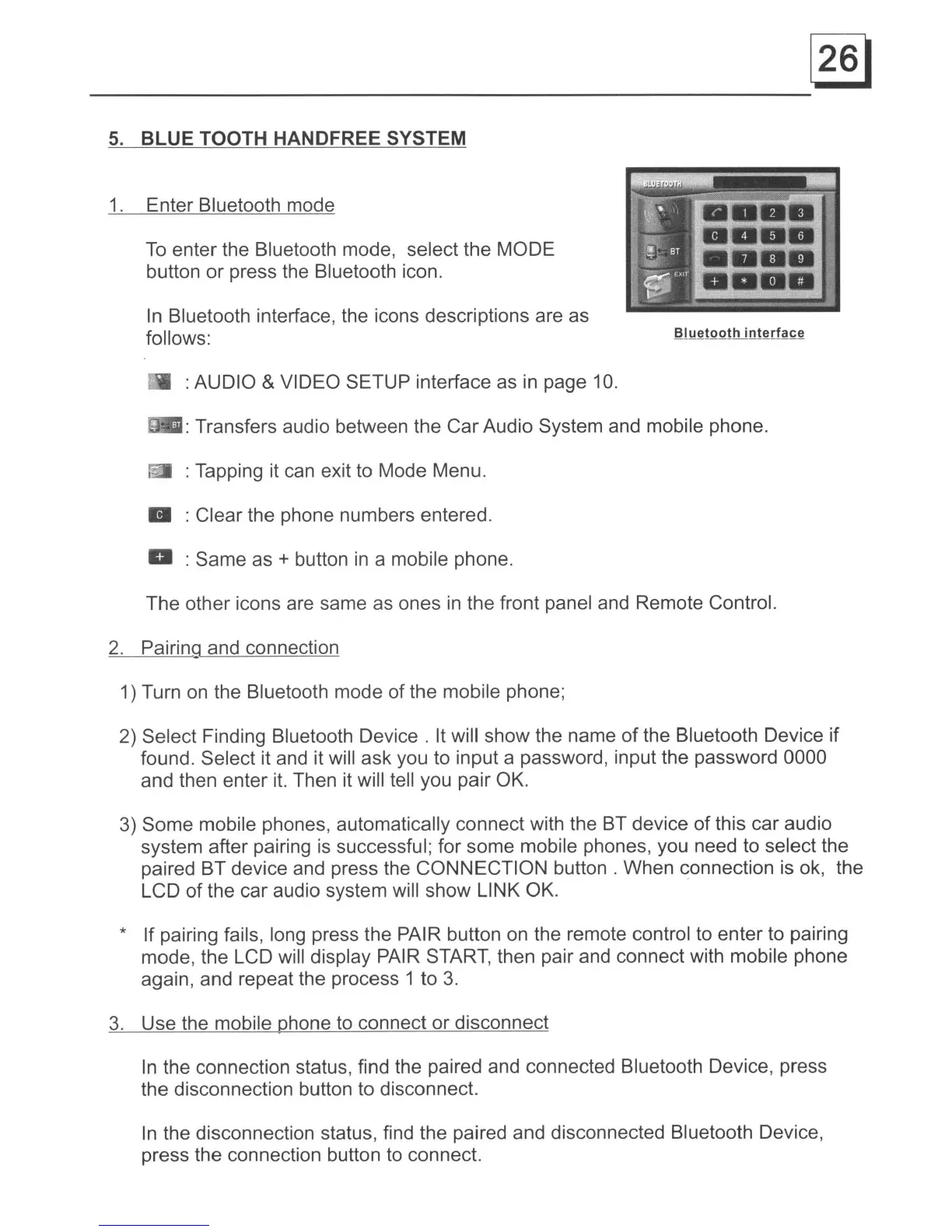
1. Enter Bluetooth mode
To
enter the Bluetooth mode, select the MODE
button or press the Bluetooth icon.
In
Bluetooth interface, the icons descriptions are as
follows:
: AUDIO
& VIDEO SETUP interface as
in
page 10.
: : Transfers audio between the Car Audio System and mobile phone.
: Tapping it can exit to Mode Menu.
: Clear the phone numbers entered.
: Same as
+ button
in
a mobile phone.
The other icons are same as ones
in
the front panel and Remote Control.
2.
Pairing and connection
1) Turn
on
the Bluetooth mode of the mobile phone;
2) Select Finding Bluetooth Device. It will show the name of the Bluetooth Device if
found. Select it and it will ask you to input a password, input the password 0000
and then enter
it.
Then it will tell you pair OK.
3) Some mobile phones, automatically connect with the BT device of this car audio
system after pairing
is
successful; for some mobile phones, you need to select the
paired BT device and press the CONNECTION button. When connection is ok, the
LCD of the car audio system will show LINK OK.
* If pairing fails, long press the
PAl
R button
on
the remote control to enter to pairing
mode, the LCD will display PAIR START, then pair and connect with mobile phone
again, and repeat the process 1 to
3.
3.
Use the mobile phone to connect or disconnect
In
the connection status, find the paired and connected Bluetooth Device, press
the disconnection button to disconnect.
In
the disconnection status, find the paired and disconnected Bluetooth Device,
press the connection button to connect.



 To Next Page