EasyManua.ls Logo

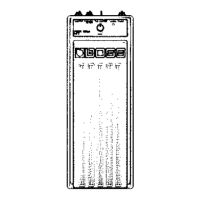
Boss FC-50 - Changing MIDI Channel; MIDI Channel Setting Procedure

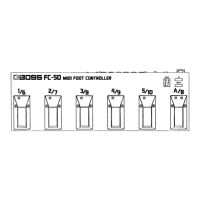
Boss FC-50
16 pages
Print Icon
To Next Page IconTo Next Page
To Previous Page IconTo Previous Page
Loading...
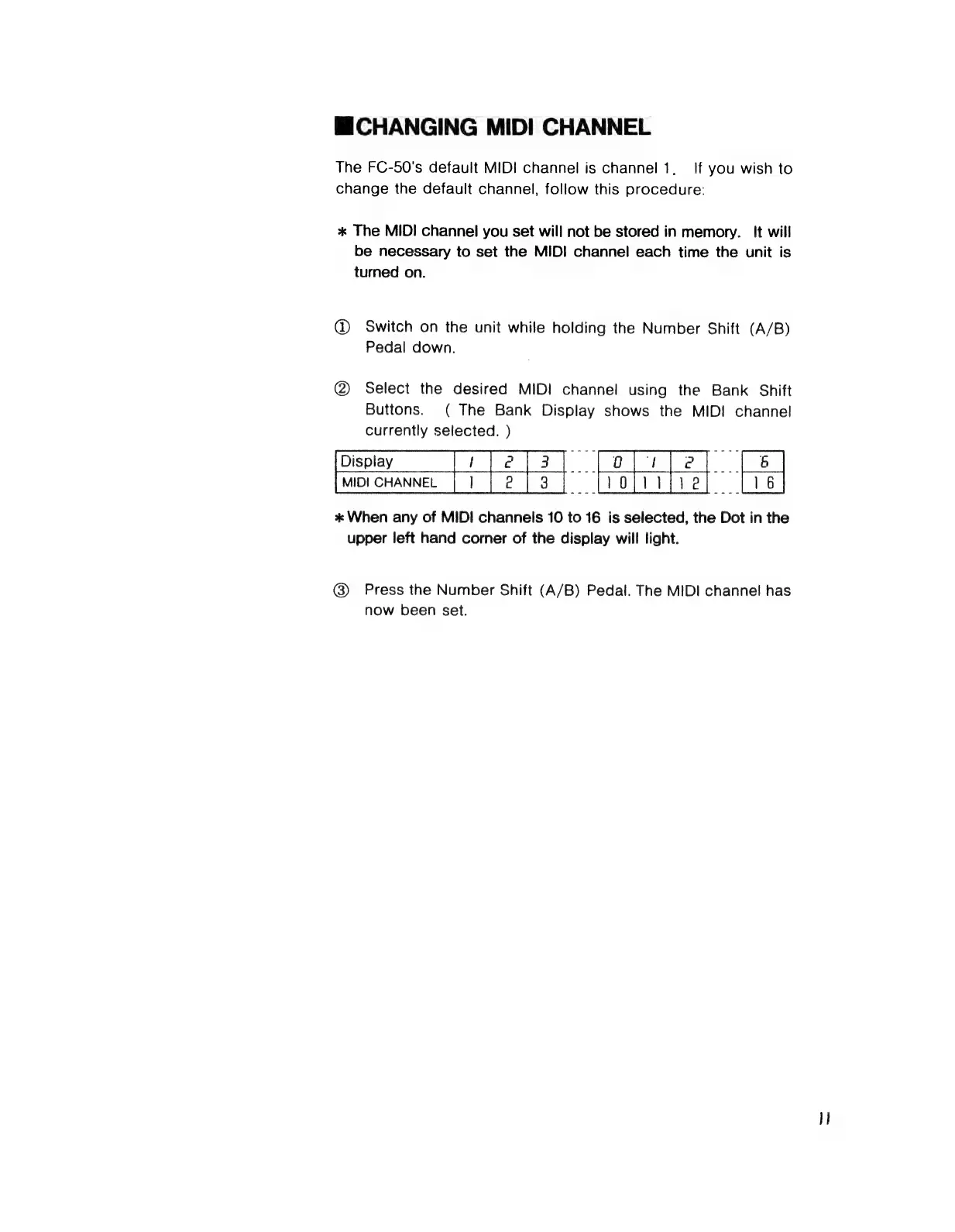
ШСНАМСІМС
MIDI
CHANNEL
The
FC-50's
default
MIDI
channel
is
channel
1,
If
you
wish
to
change
the
default
channel,
follow
this
procedure:
ж
The
MIDI
channel
you
set
will
not
be
stored
in
memory.
It
will
be
necessary
to
set
the
MIDI
channel
each
time
the
unit
is
turned
on.
(D
Switch
on
the
unit
while
holding
the
Number
Shift
(A/B)
Pedal
down.
(2
Select
the
desired
MIDI
channel
using
the
Bank
Shift
Buttons.
(
The
Bank
Display
shows
the
MIDI
channel
currently
selected.
)
Display
Тез
foe]
|5
ж
When
any
of
MIDI
channels
10
to
16
is
selected,
the
Dot
in
the
upper
left
hand
corner
of
the
display
will
light.
(8)
Press
the
Number
Shift
(А/В)
Pedal.
The
MIDI
channel
has
-
now
been
set.

Related product manuals