EasyManua.ls Logo

Boss FC-50 - Program Change Numbers; Changing Banks; Changing Numbers

Boss FC-50
16 pages
Print Icon
To Next Page IconTo Next Page
To Previous Page IconTo Previous Page
Loading...
ШРВОСВАМ
CHANGE
NUMBERS
A
Program
Change
number
is
selected
using
the
"Bank"
button
and
"Number"
pedals.
The
Program
Change
message
is
trans-
mitted
the
moment
the
Bank
Shift
button
or
Number
pedal
is
pressed.
«Changing
Banks»
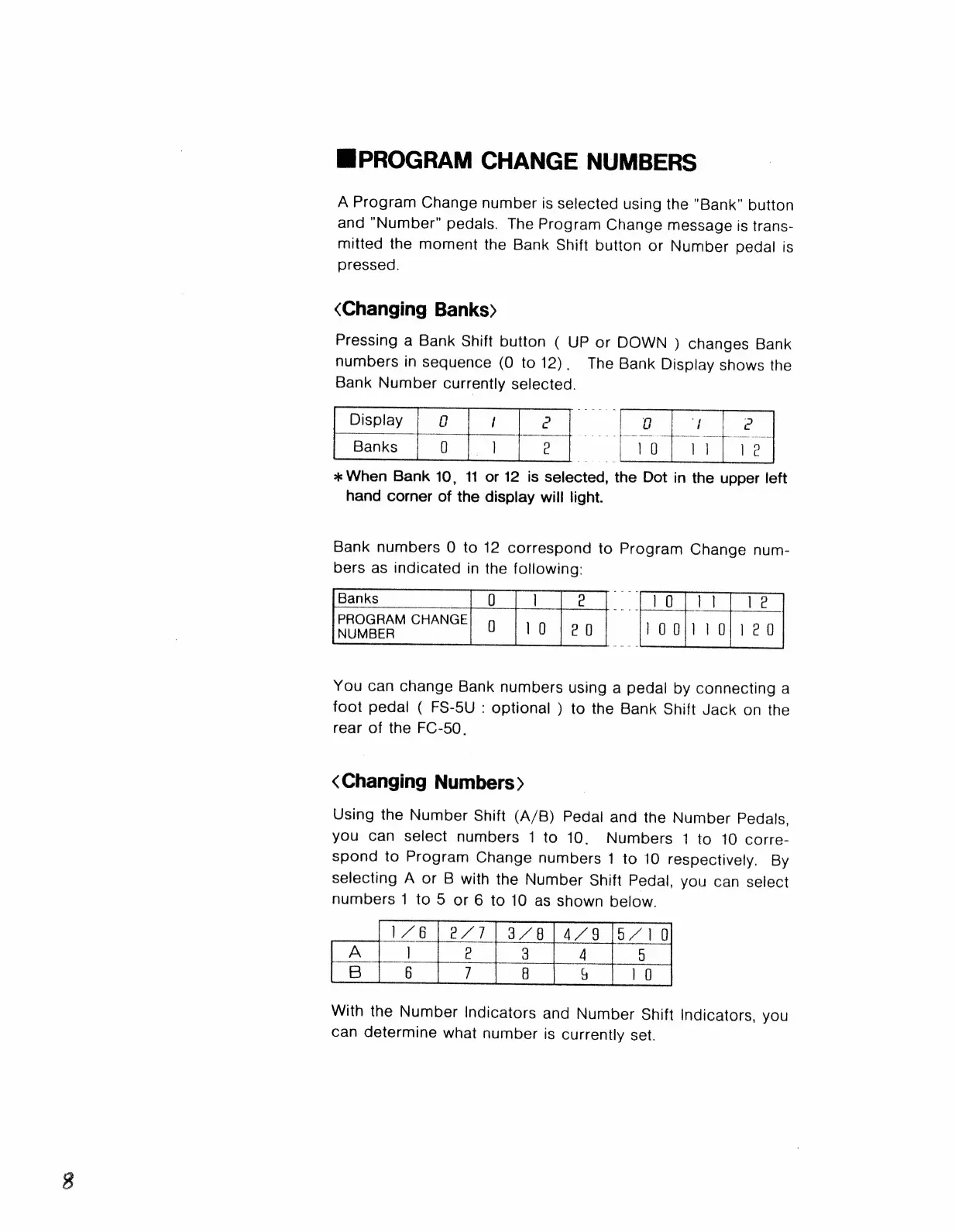
Pressing
a
Bank
Shift
button
(
UP
or
DOWN
)
changes
Bank
numbers
in
sequence
(0
to
12),
Тһе
Bank
Display
shows
the
Bank
Number
currently
selected.
Display
1
e
|
Banks
г
1
g
*
When
Bank
10,
11
or
12
is
selected,
the
Dot
in
the
upper
left
hand
corner
of
the
display
will
light.
Bank
numbers
0
to
12
correspond
to
Program
Change
num-
bers
as
indicated
in
the
following:
Banks
PROGRAM
CHANGE
NUMBER
You
can
change
Bank
numbers
using
a
pedal
by
connecting
a
foot
pedal
(
FS-5U
:
optional
)
to
the
Bank
Shift
Jack
on
the
rear
of
the
ЕС-50.
«Changing
Numbers»
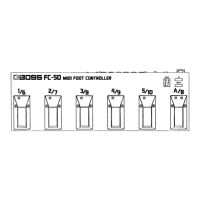
Using
the
Number
Shift
(A/B)
Pedal
and
the
Number
Pedals,
you
can
select
numbers
1
to
10.
Numbers
1
to
10
corre-
spond
to
Program
Change
numbers
1
to
10
respectively.
By
selecting
A
or
B
with
the
Number
Shift
Pedal,
you
can
select
numbers
1
to
5
or
6
to
10
as
shown
below.
ИВ
РИ
014778.-
РАН
|
e
J
4
9
6
7
В
9
10
With
the
Number
Indicators
and
Number
Shift
Indicators,
you
can
determine
what
number
is
currently
set.

Related product manuals