23
3 – Initial Start-up
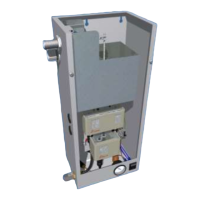
Open the internal isolation valve within the pressurisation unit by following the steps below:
AX, PF, Digifiller & Midi Units
MX Units
Once the isolation valve is open, the pressure sensor will be able to read the system pressure.
Turn on the power supply to the pressurisation unit. Depending on the current system pressure, the
unit will respond in one of the following ways:
If the system pressure is below the low pressure alarm setting, the controller will
display a “LOW PRESSURE” fault and the pumps will not run. To clear this fault, either
increase the system pressure using a filling loop, or enable the system fill option on
the pressurisation unit.
If the system pressure is above the high pressure alarm setting, the controller will
display a “HIGH PRESSURE” fault. To clear this fault, use a suitable drain point to
remove water from the system until the system pressure equals the cold fill pressure.
If the system pressure is above the low pressure alarm setting, but below the cold fill
setting (by an amount equal to the differential setting), the pumps will start. Once the
system pressure has reached the cold fill pressure, the pump will stop.
Once the required system pressure has been reached, the controller will display the current system
pressure. The unit is now in normal operation.



 To Next Page