18
Troubleshooting
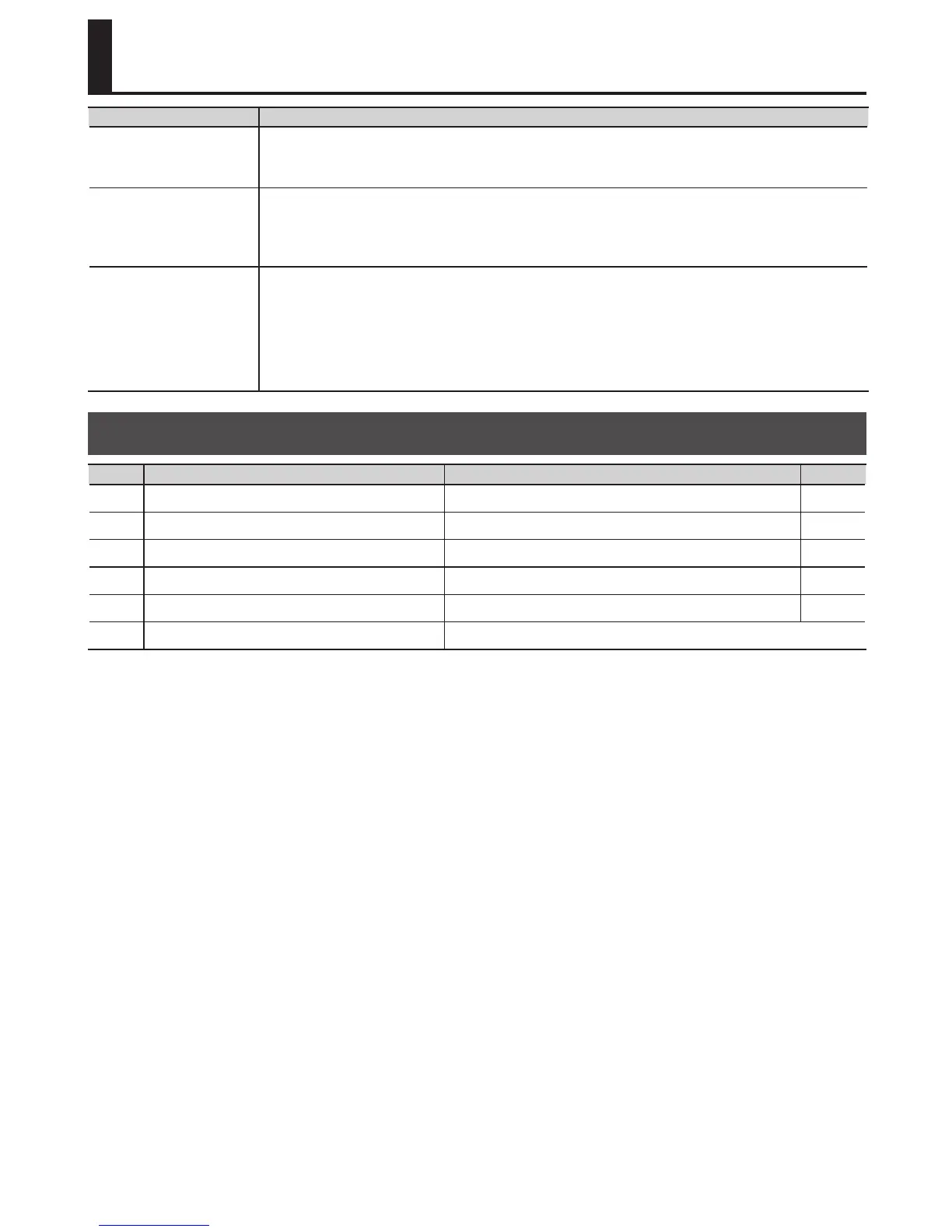
Problem Action
Recording does not end
immediately when you
press the right pedal
If rhythm is on, or if you recorded a phrase that is shorter than the minimum recording time
(approximately 1.5 seconds), the length of the phrase is adjusted automatically; this may mean
that recording does not end immediately when you press the right pedal.
Recording started
immediately even
though Auto recording
mode is selected
If due to distortion or other causes there is a signicant amount of noise, that noise may be
enough to trigger the beginning of recording. Reduce the noise, for example by lowering the
distortion level.
Cannot change the
playback tempo
You cannot change the playback tempo in the following situations.
• If the phrase has not been saved.
• While phrases are being switched (PLAY indicator blinking rapidly).
• When you attempt to set the tempo for a phrase that is looped over an interval shorter
than the minimum recording time (approximately 1.5 seconds).
Error Message List
Display Meaning Action Page
bt
The battery has run low. Replace the battery. p. 3
FL
Memory is full. Delete unneeded phrases. p. 10
UF
This WAV le is unplayable. Check the format of the WAV le. p. 14
EF
Further overdubbing is not possible. Re-save the phrase. p. 10
Er
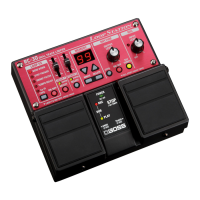
Internal memory must be formatted. Format the RC-30’s internal memory. p. 17
dN
The RC-30 has malfunctioned. Contact your dealer.




 To Next Page