10
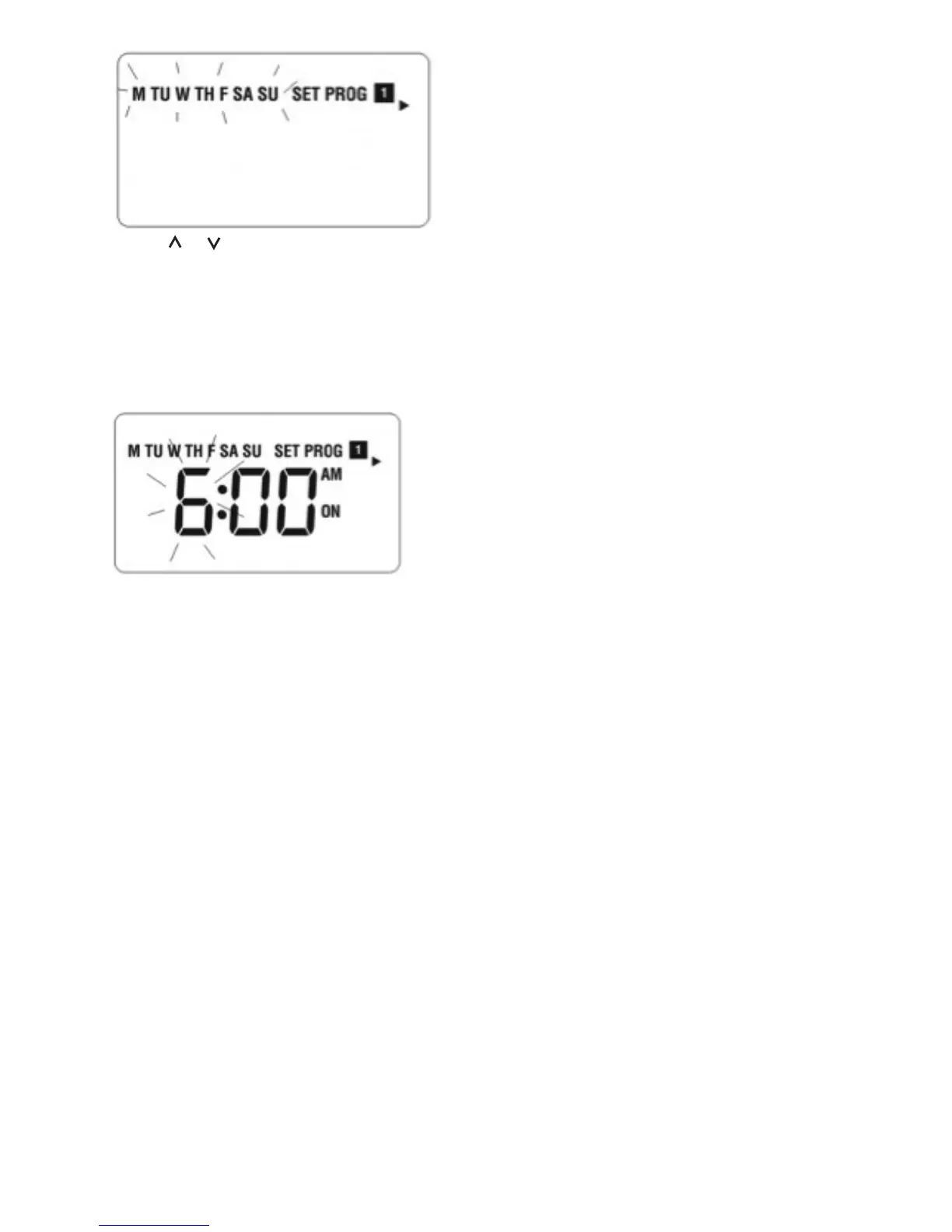
• Press or to select the program set for Weekday/Weekend/CH/HW to be reviewed or
adjusted in the sequence below.
Weekday CH -> Weekday HW -> Weekend CH -> Weekend HW -> Weekday CH
• Press Set at any time to confirm the setting and return to normal mode.
• Press Select at any time to confirm the selection. The hour will be flashing to indicate that it
is the selected item to be adjusted.
• Press Select to select among the items to be reviewed or adjusted in the sequences below:
(Program 1 ON) “hour” ➝ “minute” ➝
(Program 1 OFF) “hour” ➝ “minute” ➝
(Program 2 ON) “hour” ➝ “minute” ➝
(Program 2 OFF) “hour” ➝ “minute” ➝
(Program 3 ON) “hour” ➝ “minute” ➝
(Program 3 OFF) “hour” ➝ “minute” ➝
and then cycle back to (Program 1 ON)
• Press Set at any time to confirm the setting and return to program selection.
Operating Mode Selection:
• In normal operating mode, press Mode to step through the four operating modes: On, Once,
Auto, and Off.
• For each press and release of Mode, the operating mode is cycled in the following sequence:
On ➝ Once ➝ Auto ➝ Off ➝ On
• The mode indicator is changed to indicate the selected mode.


 To Next Page
 Loading...