
 Need help?
Do you have a question about the Boston Acoustics PV700 and is the answer not in the manual?
Instructions on using speaker wire to connect the subwoofer to your receiver.
Explains how the manual applies to both PV700 and PV900, noting similarities.
Describes the function of the main power switch to turn the subwoofer amplifier completely on or off.
Details how to adjust the sound level of the subwoofer using the front panel volume control.
Explains the crossover frequency adjustment for the low-pass filter, its function, and limitations.
Guides on selecting polarity for optimal bass response, affecting sound dynamics.
 General
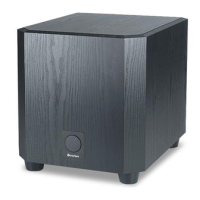
| Type | Powered Subwoofer |
|---|---|
| Driver Size | 10 inches |
| Phase Switch | Yes |
| Enclosure Type | Bass Reflex |
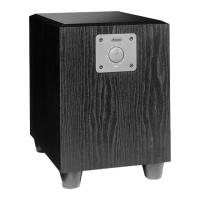
| Finish | Black Ash Vinyl |
| Crossover Frequency | 50Hz - 150Hz |
| Inputs | Line-level |



 To Next Page