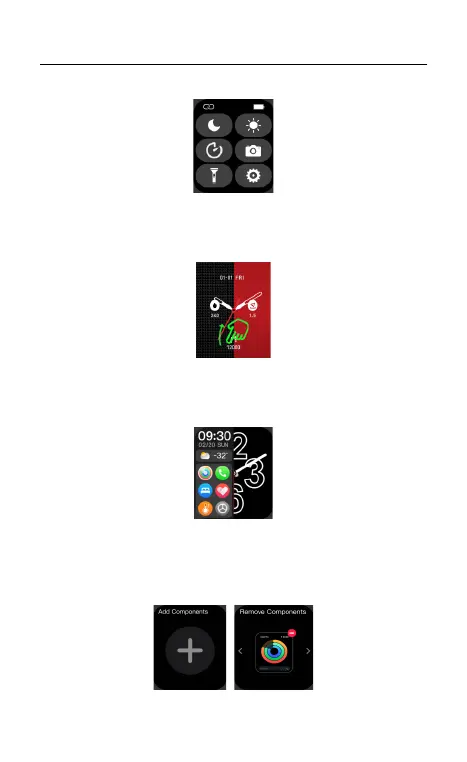
(A). Quick Settings: Slide down from main page, go to shortcut page.
03 Operating Instructions
(B). Main Menu Page: Slide up from the main page, change the menu
styles by double click on side button or change on setting page.
(C). Recent Features: Slide right from the main page to enter into split-
screen, press the side button or slide left to return.
(D). Smart Features page: Slide right from the main page enter into
smart components page, there are 7 components, click “+” to add
Features long press to delete.



 To Next Page