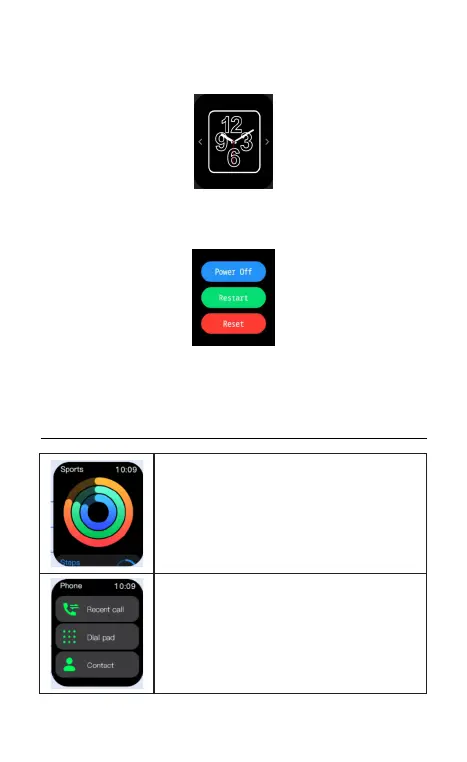
(E). Quick access to change watch faces: Long press the watch face on
main page, slide left or right to choose watch faces.
(F). Power on/off: press and hold the side button for 3 seconds on the
dial interface.
(G). Normal operation, press the side button to return back to previous page; On
main page, press the side button to turn on/off the screen.
04 Function introduction
Exercise: Record daily steps, distance, and
calories. More details can be viewed in app.
Phone Calling: Please refer to 02.3 to connect
and use phone calling feature. You can check
contacts and calls record.


 To Next Page