Find watch, 12/24h time system, sedentary reminder, low battery reminder,
incoming call reminder, online dial/custom dial, unit setting, turning the wrist to
wake the screen, drinking water reminder, heart rate warning reminder,
physiological cycle reminder , Goal achievement reminder.
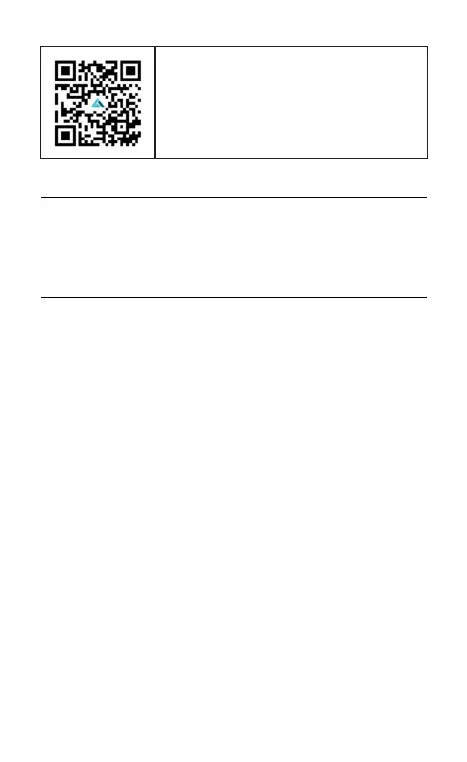
APP download: Scan the QR code to download
the APP.
05 Other functions
Please use the correct charging adapters which are 5V 0.5A above.
Note: If smart watch can not be powered on after being left unused for long
time, please clean up the charging metal pins to make sure connecting well.
Attach the charging cable to the watch charging port, ensuring the metal pins
fully connected.
06 Charging


 To Next Page