EasyManua.ls Logo

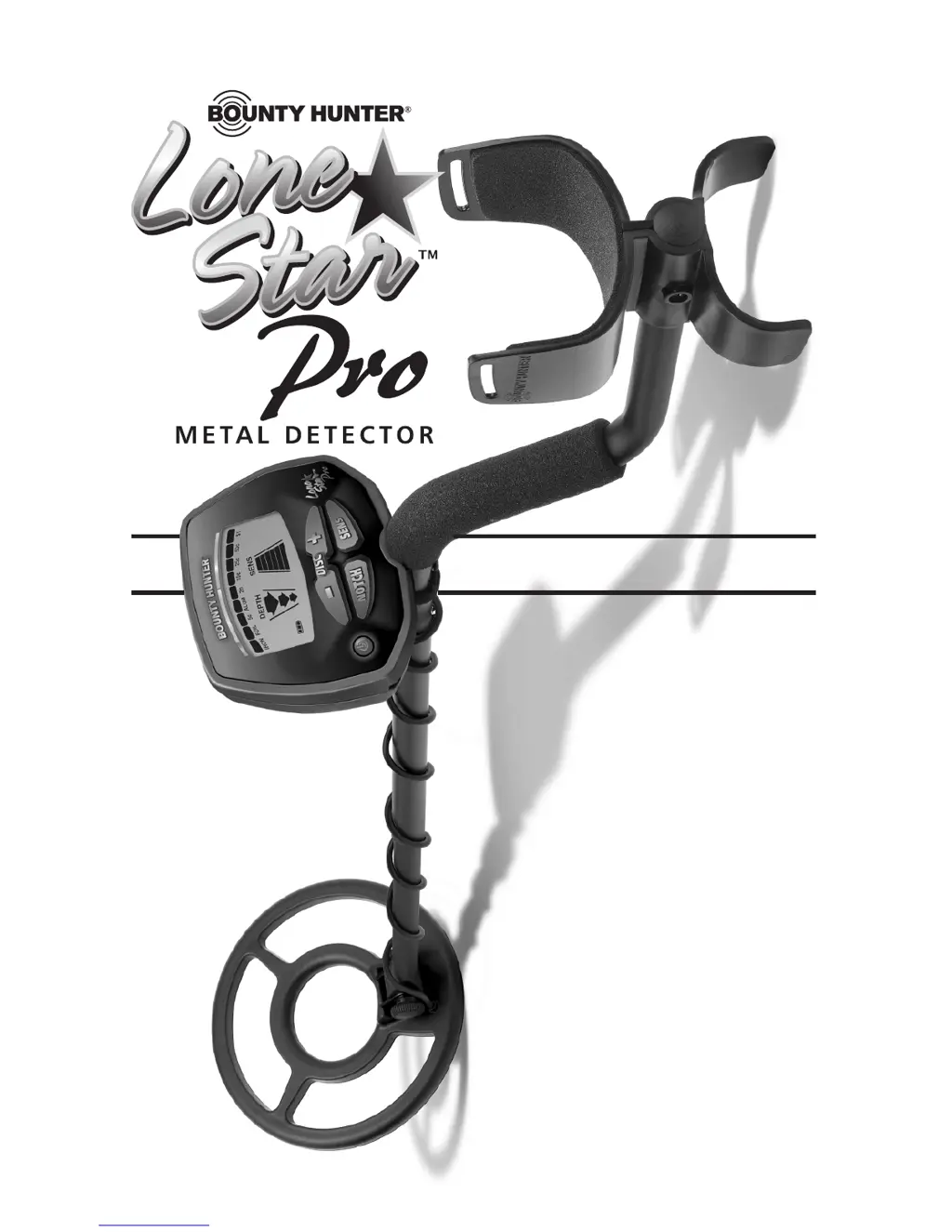
Bounty Hunter Lone star Pro - User Manual

Bounty Hunter Lone star Pro
20 pages
Print Icon
To Next Page IconTo Next Page
Loading...
OWNER’S MANUAL
Use 9-volt
ALKALINE batteries.
Do not use
“Heavy Duty” batteries.
Do not use
ordinary “Zinc Carbon” batteries.

Questions and Answers

  • M
    Mr. William ReedJul 27, 2025
    What to do if my Bounty Hunter Lone star Pro Metal Detector chatters or has low sensitivity?
    • J
      Joy WebbJul 27, 2025
      If your Bounty Hunter Metal Detector chatters, beeps erratically, or has low sensitivity, there are several potential causes. It could be due to using the detector indoors; in this case, use it outdoors only. It may be caused by using the detector near power lines, so move away from power lines. Another reason may be using two detectors in close proximity, so keep them at least 6 meters (20’) apart. Environmental electromagnetic interference may also be the cause, so reduce sensitivity until erratic signals cease.
  • M
    Michael WilliamsAug 3, 2025
    What to do if my Bounty Hunter Lone star Pro Metal Detector display doesn't lock on or emits multiple tones?
    • M
      martinrobertAug 4, 2025
      If the display of your Bounty Hunter Metal Detector does not lock on to one Target-ID or the detector emits multiple tones, it might be due to multiple targets being present, so sweep the coil at different angles. It could also be caused by highly mineralized soil, so move to a different area. Alternatively, the sensitivity might be set too high, so reduce it.
  • D
    Darin SuarezAug 10, 2025
    Why is there no power or sound on my Bounty Hunter Lone star Pro?
    • C
      conradrandyAug 10, 2025
      If your Bounty Hunter Metal Detector has no power and produces no sounds, it could be due to a dead battery, so replace the batteries. Another possibility is that the cable is not connected securely, so check the connections.
  • H
    hrussellAug 17, 2025
    Why is the speaker volume low on my Bounty Hunter Metal Detector?
    • T
      Tina SchneiderAug 17, 2025
      If the speaker volume is low on your Bounty Hunter Metal Detector, it may be due to a discharged battery, so replace the battery. Another cause could be the wrong type of battery, so use only alkaline batteries.

Summary

Assembling the Detector

Batteries

Quick-Start Demonstration

Feature Demonstrations

Steps to demonstrate discrimination, notch, and depth features.

The Basics of Metal Detecting

Using the Detector

Sweep Method

Correct technique for sweeping the searchcoil over the ground.

How to Work the Controls

Power On;Off

Instructions on how to turn the metal detector on and off.

Notch Control

How to accept or reject categories using the NOTCH button.

Sens Control

How to cycle through sensitivity levels using the SENS button.

Disc Control

How to change discrimination settings using DISC and +/- buttons.

The Display

Target Conductivity Arc

Classification of metal objects by electrical conductivity.

Depth Indicator

How the display indicates the depth of detected objects.

Overload Warning

Explanation of overload conditions and how to resolve them.

Target Identification

Target-ID Explained

How the detector identifies detected objects via display segments.

Depth and Target Display

Controls

Pinpointing

Characteristics & Limitations

Troubleshooting Guide

Bounty Hunter Lone star Pro Specifications

General IconGeneral
TypeVLF (Very Low Frequency)
Frequency6.6 kHz
Weight2.5 lbs
Discrimination ModeYes
Sensitivity AdjustmentYes
Search ModesAll Metal, Discrimination
Pinpoint ModeYes
DisplayLCD
Depth IndicatorYes
Volume AdjustmentYes
Search Coil Size8"
Ground BalancePreset
Audio OutputSpeaker
TechnologyVLF
Target IDYes
Battery2 x 9-Volt
Search Coil8-inch waterproof
Power Supply2 x 9V batteries
Warranty5 years

Related product manuals