EasyManua.ls Logo

Bounty Hunter Quick Silver - User Manual

Bounty Hunter Quick Silver
20 pages
Print Icon
To Next Page IconTo Next Page
Loading...
OWNER’S MANUAL
The
Quick
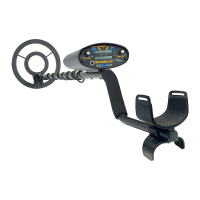
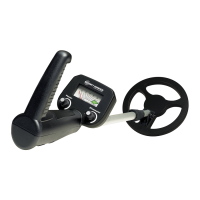
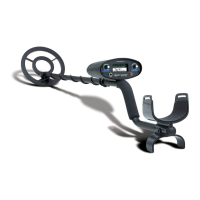
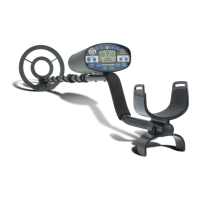
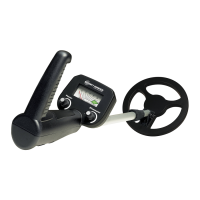
Silver is an
easy to use detector. The most difficult
aspects of metal detecting have been
automated.
However if you are new to the hobby, we strongly
recommend that you:
1) Adjust the Sensitivity to a low setting in the
event of false signals. The detector powers on a
3/4 sensitivity; increase to full sensitivity after you have
become familiar with the detector
.
2) Do not use indoors. This detector is for outdoor use only. Many
household appliances emit electromagnetic energy
, which can
interfere with the detector. If conducting an indoor demonstration,
turn the sensitivity down and keep the search coil away from
appliances such as computers, televisions and microwave ovens.
If your detector beeps erratically, turn off appliances and lights.
Also keep the search coil away from objects containing metal, such
as floors and walls.
3) Read this manual. Most importantly, review the Quick-Start Demo
(p.6) and Basic Operation (p. 8-12).
4)
Use 9-volt ALKALINE batteries only.
Do not use Heavy Duty or ordinary Zinc-carbon Batteries.

Other manuals for Bounty Hunter Quick Silver

Question and Answer IconNeed help?

Do you have a question about the Bounty Hunter Quick Silver and is the answer not in the manual?

Summary

Battery Installation and Management

Battery Usage Guidelines

Stresses using only ALKALINE batteries, not mixing old and new, and removing for storage.

Checking Battery Status

Lists symptoms indicating low battery power, such as unit not turning on or erratic beeping.

Installing Batteries

Provides step-by-step instructions for inserting two 9-volt ALKALINE batteries correctly.

Quick-Start Demonstration Steps

Basic Operation and Display

Powering Up the Detector

Guides on turning on the detector and observing initial display indications.

Depth Select Control

Explains adjusting sensitivity levels for different detection depths using the DEPTH SELECT touchpad.

Low Battery Indicator

Details the function of the LOW BATTERY indicator and battery life considerations.

Display Interpretation and Object Categories

Probable Target Categories

Describes the display categories for identifying metal objects like iron, aluminum, zinc, coins, and gold.

Operating Controls and Discrimination

Rejected Target Functionality

Details how the 'X' indicators on the display signify target discrimination and elimination.

Depth Select Operation

Explains the function of the DEPTH SELECT touchpad to adjust sensitivity settings.

Target Reject Operation

Describes how to use the TARGET REJECT touchpad to eliminate unwanted targets and switch modes.

Environmental Condition Adjustments

Sensitivity Adjustment Strategies

In-Field Metal Detecting Techniques

Troubleshooting Detector Issues

Erratic Detector Chatter

Lists causes like indoor use, power lines, EMI, and solutions to stop erratic beeping.

Constant Tones and Battery Issues

Addresses constant tones due to discharged or wrong batteries and suggests solutions.

LCD and Target ID Problems

Covers issues with target ID lock or multiple tones from multiple targets or high sensitivity.

No Power or Sound Issues

Identifies dead batteries, loose cords, or not moving the search coil as causes.

Bounty Hunter Quick Silver Specifications

General IconGeneral
TypeVLF (Very Low Frequency)
Frequency6.6 kHz
Sensitivity AdjustmentYes
Discrimination ModeYes
Search CoilWaterproof
Number of Target ID categories3
Depth IndicatorYes
LengthAdjustable
Target IndicatorsAudio and visual
DisplayLCD
Ground BalancePreset
Search Coil Size8 inch
Power Source2 x 9V batteries
Intended UseCoin shooting, relic hunting

Related product manuals